Subscribe to OW blog for an instantly better inbox
Oops! Something went wrong while submitting the form.

Articles and Podcasts on Customer Service, AI and Automation, Product, and more
.webp)
Great research has never been about speed alone. It’s about asking the right questions, understanding the context behind them, and uncovering insights that help teams make better decisions.
Optimal's AI Interviewer is designed to support that process. It’s designed to work alongside researchers and teams, so you can move faster without losing the depth and human nuance that makes research valuable.
Before building AI Interviewer, we spoke with and surveyed researchers, designers, and product teams to how they approach interviews today and where AI could genuinely help.
What we heard was consistent:
AI isn’t useful if it ignores how your team works. So instead of building a generic interviewer, we focused on building an AI Interviewer that fits into your current workflows and keeps researchers and teams in the driver's seat.
Here’s what we learned and how we brought it to life with Optimal’s AI Interviewer.
The best interviews start with a clear understanding of what you’re trying to uncover. With the AI Interviewer, you can add your research goals, audience details, company and product context, and additional context you want the AI to consider. This means the AI doesn’t just ask questions; it understands what you’re trying to learn and helps guide conversations in the right direction.
The same context also powers AI insights, helping ensure summaries, key themes, and citations are relevant, accurate, and aligned with what you're trying to learn.
One of the concerns with AI-led interviews is not having enough control. We’ve designed the AI Interviewer with this in mind.
For each question, you can choose how deeply you would like the AI Interviewer to probe and follow-up. You decide when deeper exploration is valuable, how the conversation flows, and the AI can then carry this out on your behalf.
AI Interviewer helps remove some of the barriers that make qualitative research difficult to scale. Use it to:
This isn’t about replacing researchers. It’s about removing operational work so you can focus on higher-value work, like synthesis, storytelling, and decision-making.
Every session comes with recordings, key summaries, and AI-generated insights with clear detailed evidence. Instead of reviewing hours of footage, you can quickly find what matters and confidently back it up. Review insights across your full study, or dive deeper into individual sessions and specific questions.
On the roadmap: Once your interviews are complete, you can use AI Chat to go further with your data and explore patterns across sessions, ask follow-up questions, and validate assumptions with real evidence.
Let’s address the elephant in the room. AI-led interviews aren’t something everyone is immediately comfortable with, and that’s fair. There are real limitations.
Some research scenarios require human sensitivity and judgment. Nuance, emotion, and edge cases still benefit from a human touch. Vulnerable populations and complex topics should always be handled with care. Optimal values a human-in-the-loop approach and know an AI Interviewer isn’t always suitable. With that in mind, we made sure that:
The AI Interviewer supports your work. It doesn’t replace your expertise.
AI Interviewer is now available in early access, and we’re continuing to learn from the teams using it. If you’re looking to scale your research without scaling your workload, run interviews across time zones, and spend less time on logistics and more time on insights, we’d love for you to try it.
👉 Book a demo to see how it fits into your workflow.
Already with Optimal? Register your interest for early access.

We believe that the role of UX researchers is at an inflection point. Researchers are evolving from being conductors of studies and authors of reports to strategic product partners, and organizational change agents.
At the beginning of 2025 we heard a lot of fear that UX research and traditional research roles were disappearing because of democratization but we think what we're actually seeing is the evolution of those roles into something more powerful and more essential than ever before.
Traditional research operated on a service model: Teams submit requests, researchers conduct studies, insights get delivered, rinse and repeat. The researcher was the bottleneck through which all user understanding flowed. This model worked when product development moved slowly, when research questions were infrequent, and when user insights could be batched into quarterly releases.
Unfortunately this model fails in new, fast-paced product development where decisions happen daily, features ship continuously, and competitive advantage depends on rapid learning. The math just ain’t mathing: one researcher can't support 20 product team members making hundreds of decisions per quarter. Something has to change.
The best and most progressive research teams are transforming their model to one where researchers play a role more focused on empowering and enabling the teams they support to do more of their own research.
In this new model:
This isn't about researchers doing less, it's about achieving more through strategic democratization.
One of the keys to empowerment is creating a self-service model for research, where anyone can run studies with some boundaries and infrastructure to help them do it successfully.
In this model, researchers can:
If that enablement is set up effectively it allows researchers to focus on more strategic research initiatives and on: handling complex studies that require deep expertise connecting insights across products and teams, identifying organizational knowledge gaps and answering strategic questions that guide product direction.
Does this new model require different skills? Yes, and if you focus on building these skills now you’ll be well placed to be the strategic research partner your product and design teams need in 2026.
The researcher of 2026 needs different capabilities:
When it comes to research transformation like this, researchers know it needs to happen, but are also their own worst enemies. Some of the biggest pushback we hear is from researchers who are resistant to these changes because of fear it will reduce their value as well as a desire to maintain control over the quality and rigor around research. We’ve talked about how we think this transformation actually increases the value of researchers, but when it comes to concerns around quality control, let’s talk through some of the biggest concerns we hear below:
"They'll do it wrong": Yes, some team-conducted research will be imperfect. But imperfect research done today beats perfect research done never. Create quality frameworks and review processes rather than preventing action.
"I'll be less valuable": Actually, researchers become more valuable by enabling 50 decisions instead of informing 5. Strategic insight work is more impactful than routine execution.
"We'll lose control": Control is an illusion when most decisions happen without research anyway. Better to provide frameworks for good research than prevent any research from happening.
The future of research is here, and it’s a world where researchers are more strategic and valuable to businesses than ever before. For most businesses the shift toward research democratization is happening whether researchers want it to or not, and the best path forward is for researchers to embrace the change, and get ahead of it by intentionally shifting their role toward a more strategic research partnership, enabling the broader business to do more, better research. We can help with that.
At Optimal, we know the reality of user research: you've just wrapped up a fantastic interview session, your head is buzzing with insights, and then... you're staring at hours of video footage that somehow needs to become actionable recommendations for your team.
User interviews and usability sessions are treasure troves of insight, but the reality is reviewing hours of raw footage can be time-consuming, tedious, and easy to overlook important details. Too often, valuable user stories never make it past the recording stage.
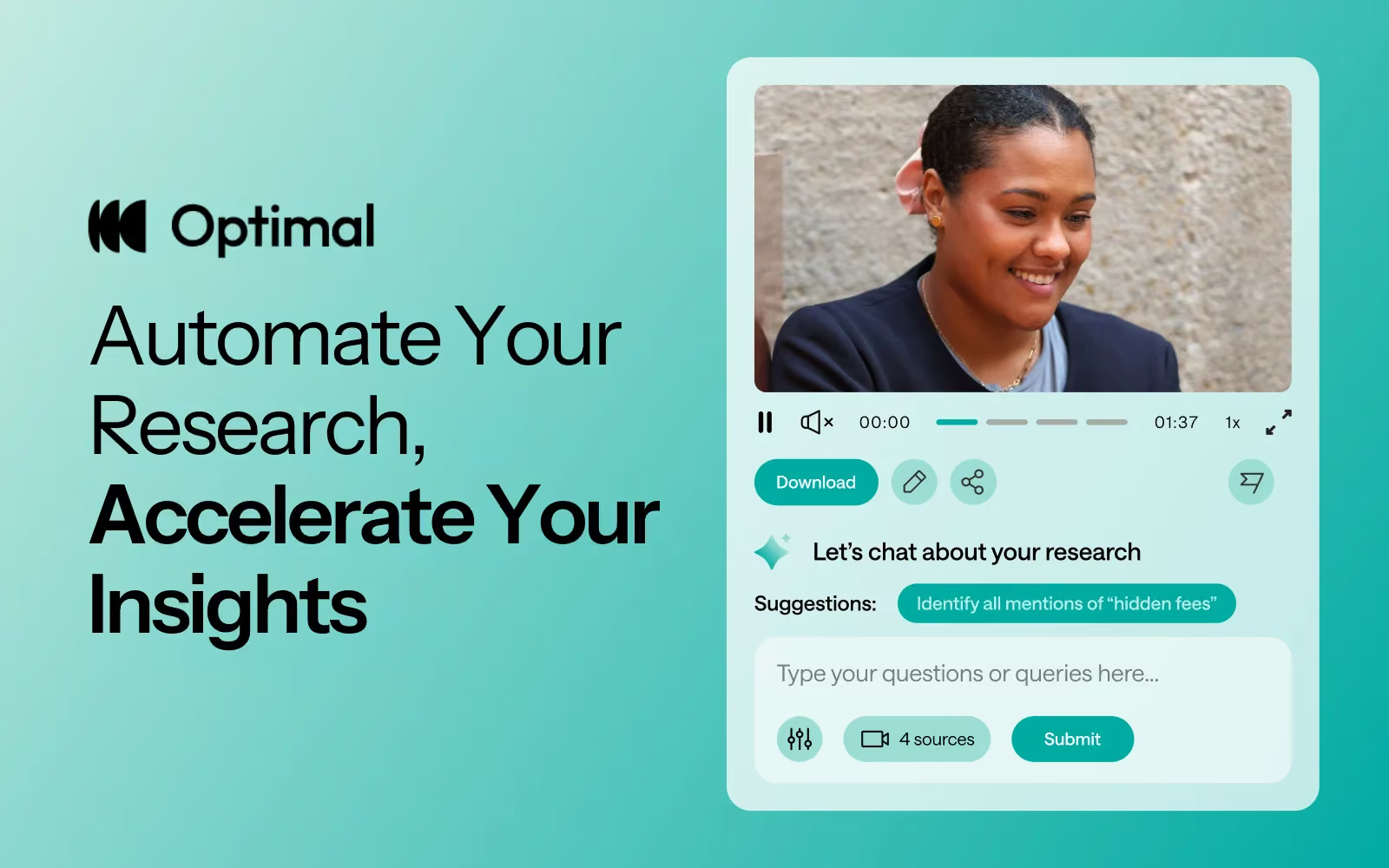
That's why we’re excited to announce the launch of Interviews, a brand-new tool that saves you time with AI and automation, turns real user moments into actionable recommendations, and provides the evidence you need to shape decisions, bring stakeholders on board, and inspire action.
We surveyed more than 100 researchers, designers, and product managers, conducted discovery interviews, tested prototypes, and ran feedback sessions to help guide the discovery and development of Optimal Interviews.
The result? What once took hours of video review now takes minutes. With Interviews, you get:
This tool is powered by AI designed for researchers, product owners, and designers. This isn’t just transcription or summarization, it’s intelligence tailored to surface the insights that matter most. It’s like having a personal AI research assistant, accelerating analysis and automating your workflow without compromising quality. No more endless footage scrolling.
The AI used for Interviews as well as all other AI with Optimal is backed by AWS Amazon Bedrock, ensuring that your AI insights are supported with industry-leading protection and compliance.
A big thank you to our early access users! Your feedback helped us focus on making Optimal Interviews even better. Here's what's new:
This new tool is just the beginning. Our vision is to help you manage the entire moderated interview process inside Optimal, from recruitment to scheduling to analysis and sharing.
Here’s what’s coming:
Imagine running your full end-to-end interview workflow, all in one platform. That’s where we’re heading, and Interviews is our first step.
Interviews is available now for our latest Optimal plans with study limits. Start transforming your footage into minutes of clarity and bring your users’ voices to the center of every decision. We can’t wait to see what you uncover.

It doesn’t matter how brilliant your research is, or how profound the insights are, if those findings never influence decisions. Every researcher has experienced it: you uncover game-changing user needs, document them beautifully, present them compellingly, and watch them disappear into a research blackhole.
While most companies invest significantly in user research, the majority of insights never impact product decisions. Research becomes a check box activity, not a driver of action and the problem isn't usually the quality of the research. It's in understanding how to turn those insights into action.
Why research sits unused:
Alternatively, when research findings are delivered in an action-oriented way, it starts with the conclusion, not the methodology, it answers the question “So what?” at every stage, and it states the business impact before the user impact.
Instead of: "We conducted 12 user interviews to understand onboarding experiences..." research findings like this result in statements like: "We can increase trial conversion by 35% by removing two steps from onboarding."
So, how can you make research findings more actionable?
We believe that the most actionable research is designed for action from the start and that can require a shift in mindset from some research teams. Teams that want to make this shift (and that should be all of them) need to understand up front what decisions their research needs to inform and to include stakeholders early so they’re invested in research outcomes.
Research that doesn't drive action isn't research, t's expensive documentation. The goal isn't creating perfect insights but creating change. The researchers making the biggest impact aren't those conducting the most rigorous studies. They're those creating insights so clear, so timely, and so actionable that not using them feels irresponsible.
Creating successful products is tough. Whether you're gathering competitive intelligence before entering a market, discovering user needs for a brand new product, redesigning a website, optimizing a sign-up flow, or improving internal tools, the stakes are high.
Poor user experiences cost businesses up to 35% of potential sales, while organizations that deliver superior experiences drive 5-6x more revenue. Optimal helps you turn user insights into better business decisions so you can deliver products your users love.
Great products don’t just happen. They’re guided by real user feedback at every stage.
Start with discovery.
Use live site testing to watch real users navigate competitor experiences or test early concepts in staging environments. Combine this with surveys and interview insights to understand what users actually need. Validate navigation and information architecture with card sorting and tree testing.
Validate before you build.
With prototype testing, you can connect to Figma or create clickable prototypes in minutes or use live site testing to test a website or web app in a staging environment. Identify pain points early and fix them before development.
Continuously optimize.
Even after launch, the best experiences evolve with their users. Ongoing testing, surveys, and interviews can reveal opportunities to refine and grow, keeping your product relevant and effective.
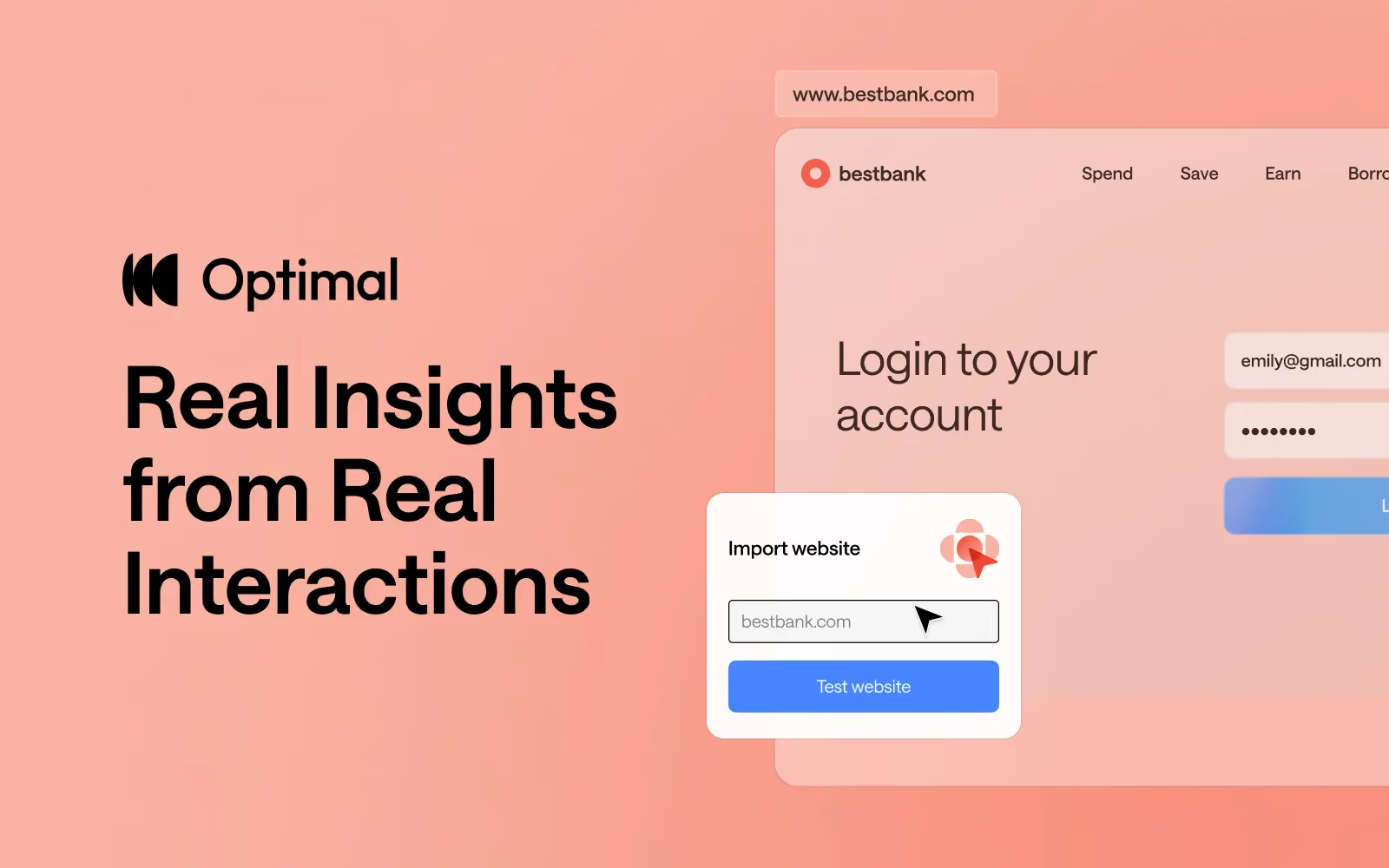
But nothing beats seeing users interact with your actual site. With Optimal’s newest tool - live site testing - you can see how users engage with your actual websites or web apps or even a competitor's. No guesswork, no assumptions.
We’re excited to announce live site testing has officially joined Optimal’s platform! Here’s what makes it powerful:
With live site testing, you get real insights from real user interactions beyond quantitative data.
The result?
Live site testing is now available for all plans, except for our legacy Individual plan.
Already an Optimal user? Log in now to start testing your websites and web apps.
Not yet using Optimal? Get started with a free trial to try it for yourself.

Most product teams treat UX research as something that happens to them: a necessary evil that slows things down or a luxury they can't afford. The best product teams flip this narrative completely. Their research doesn't interrupt their roadmap; it powers it.
"We need insights by Friday."
"Proper research takes at least three weeks."
This conversation happens in product teams everywhere, creating an eternal tension between the need for speed and the demands of rigor. But what if this debate is based on a false choice?
Product development has accelerated dramatically. Two-week sprints are standard. Daily deployment is common. Feature flags allow instant iterations. In this environment, a four-week research study feels like asking a Formula 1 race car to wait for a horse-drawn carriage.
The pressure is real. Product teams make dozens of decisions per sprint, about features, designs, priorities, and trade-offs. Waiting weeks for research on each decision simply isn't viable. So teams face an impossible choice: make decisions without insights or slow down dramatically.
As a result, most teams choose speed. They make educated guesses, rely on assumptions, and hope for the best. Then they wonder why features flop and users churn.
The framing of "speed vs. rigor" assumes these are opposing forces. But the best research teams have learned they're not mutually exclusive, they require different approaches for different situations.
We think about research in three buckets, each serving a different strategic purpose:
Discovery: You're exploring a space, building foundational knowledge, understanding thelandscape before you commit to a direction. This is where you uncover the problems worth solving and identify opportunities that weren't obvious from inside your product bubble.
Fine-Tuning: You have a direction but need to nail the specifics. What exactly should this feature do? How should it work? What's the minimum viable version that still delivers value? This research turns broad opportunities into concrete solutions.
Delivery: You're close to shipping and need to iron out the final details: copy, flows, edge cases. This isn't about validating whether you should build it; it's about making sure you build it right.
Every week, our product, design, research and engineering leads review the roadmap together. We look at what's coming and decide which type of research goes where. The principle is simple: If something's already well-shaped, move fast. If it's risky and hard to reverse, invest in deeper research.
The answer is: surprisingly fast, when structured correctly!
For our teams, how deep we go isn't about how much time we have: it's about how much it would hurt to get it wrong. This is a strategic choice that most teams get backwards.
Go deep when the stakes are high, foundational decisions that affect your entire product architecture, things that would be expensive to reverse, moments where you need multiple stakeholders aligned around a shared understanding of the problem.
Move fast when you can afford to be wrong, incremental improvements to existing flows, things you can change easily based on user feedback, places where you want to ship-learn-adjust in tight loops.
Think of it as portfolio management for your research investment. Save your "big research bets" for the decisions that could set you back months, not days. Use lightweight validation for everything else.
And while good research can be fast, speed isn't always the answer. There are definitely situations where deep research needs to run and it takes time. Save those moments for high stakes investments like repositioning your entire product, entering new markets, or pivoting your business model. But be cautious of research perfectionism which is a risk with deep research. Perfection is the enemy of progress. Your research team shouldn’t be asking "Is this research perfect?" but instead "Is this insight sufficient for the decision at hand?"
The research goal should always be appropriate confidence, not perfect certainty.
The choice shouldn’t be speed vs. rigor, it's between:
The best research teams have learned to be ruthlessly pragmatic. They match research effort to decision impact. They deliver "good enough" insights quickly for small decisions and comprehensive insights thoughtfully for big ones.
Speed and rigor aren't enemies. They're partners in a portfolio approach where each decision gets the right level of research investment. The teams winning aren't choosing between speed and rigor—they're choosing the appropriate blend for each situation.

The traditional product development process is a linear one. Research discovers insights, passes the baton to design, who creates solutions and hands off to product management, who delivers requirements to engineering. Clean. Orderly. Completely unrealistic in today’s modern product development lifecycle.
The old workflow assumed each team had distinct phases that happened in sequence. Research happens first (discover users problems), then design (create the solutions), then product (define the specifications), then engineering (build it). Unfortunately this linear approach added weeks to timelines and created information loss at every handoff.
Smart product teams are starting to approach this differently, collapsing these phases into integrated workflows:
In leading organizations, these collaborative workflows are already the norm and we’re seeing this more and more across our customer base. The teams managing it the best, are focusing on make these changes intentional, rather than letting them happen chaotically.
As product development accelerates, the teams winning aren't those with the best researchers, designers, or product managers in isolation. They're organizations where these teams work together, where expertise is shared, and where the entire team owns the user experience.
