Why teams use MCP
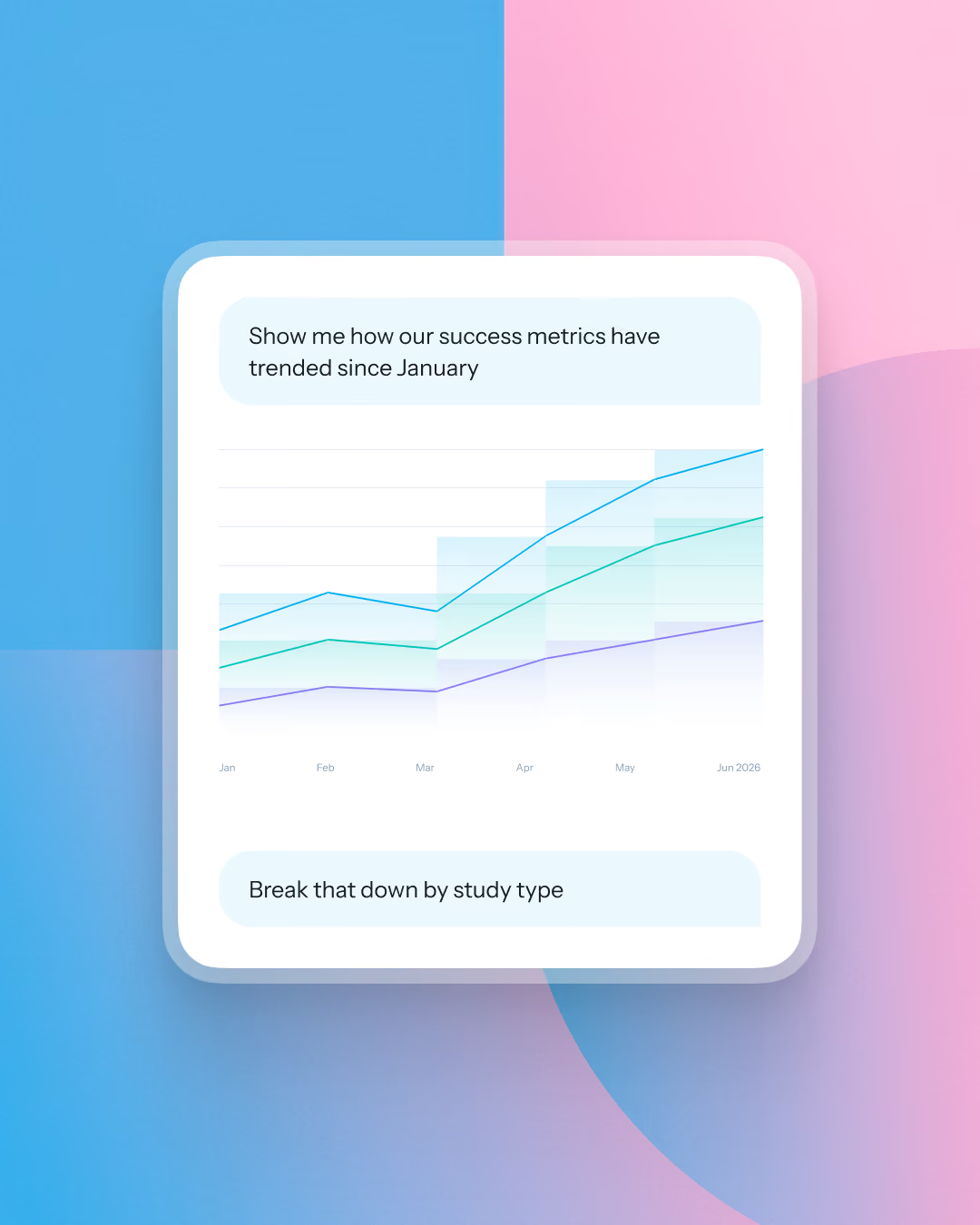
Search years of research, connect findings across studies, analyze interviews, generate reports, format deliverables, and automate workflows.
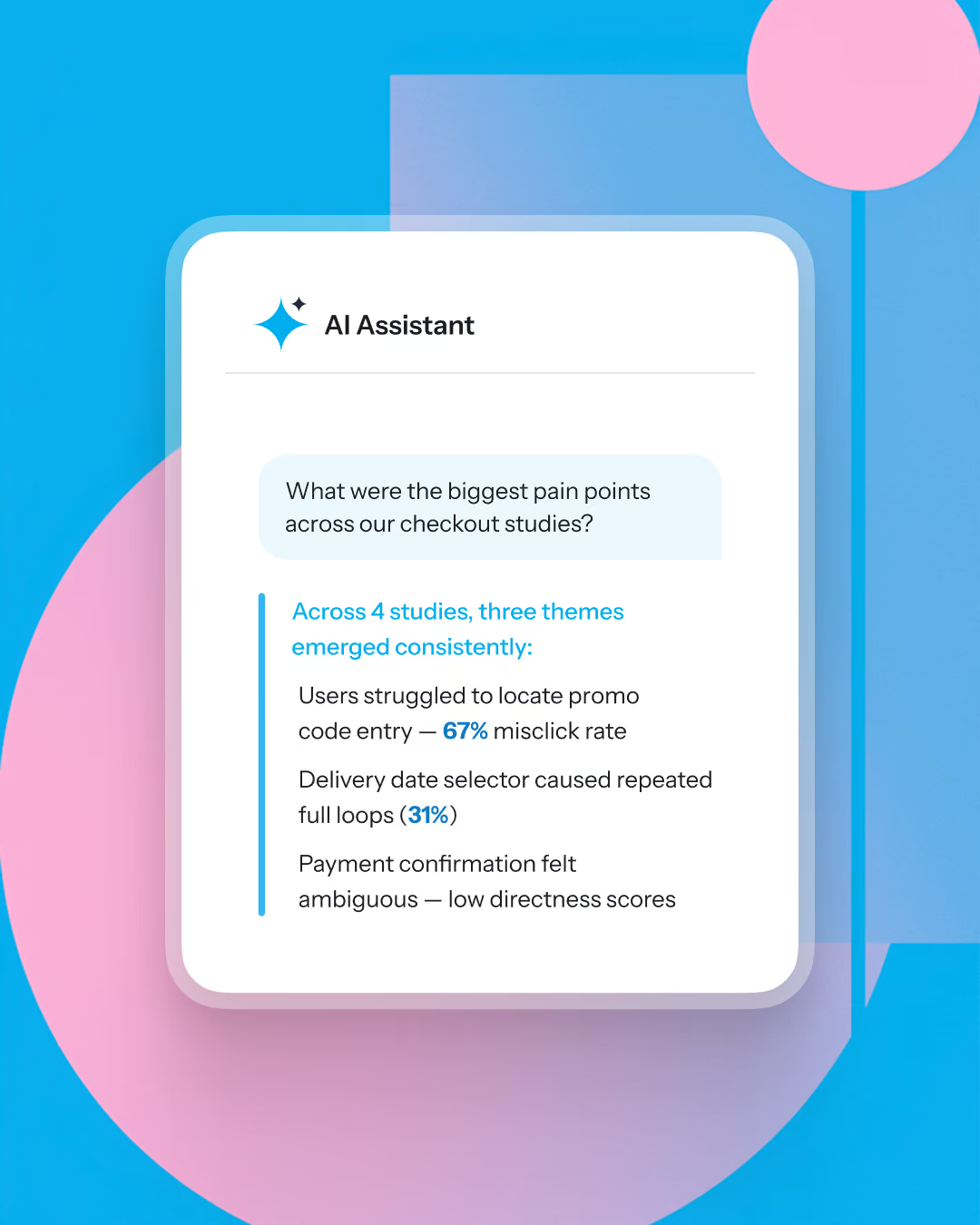
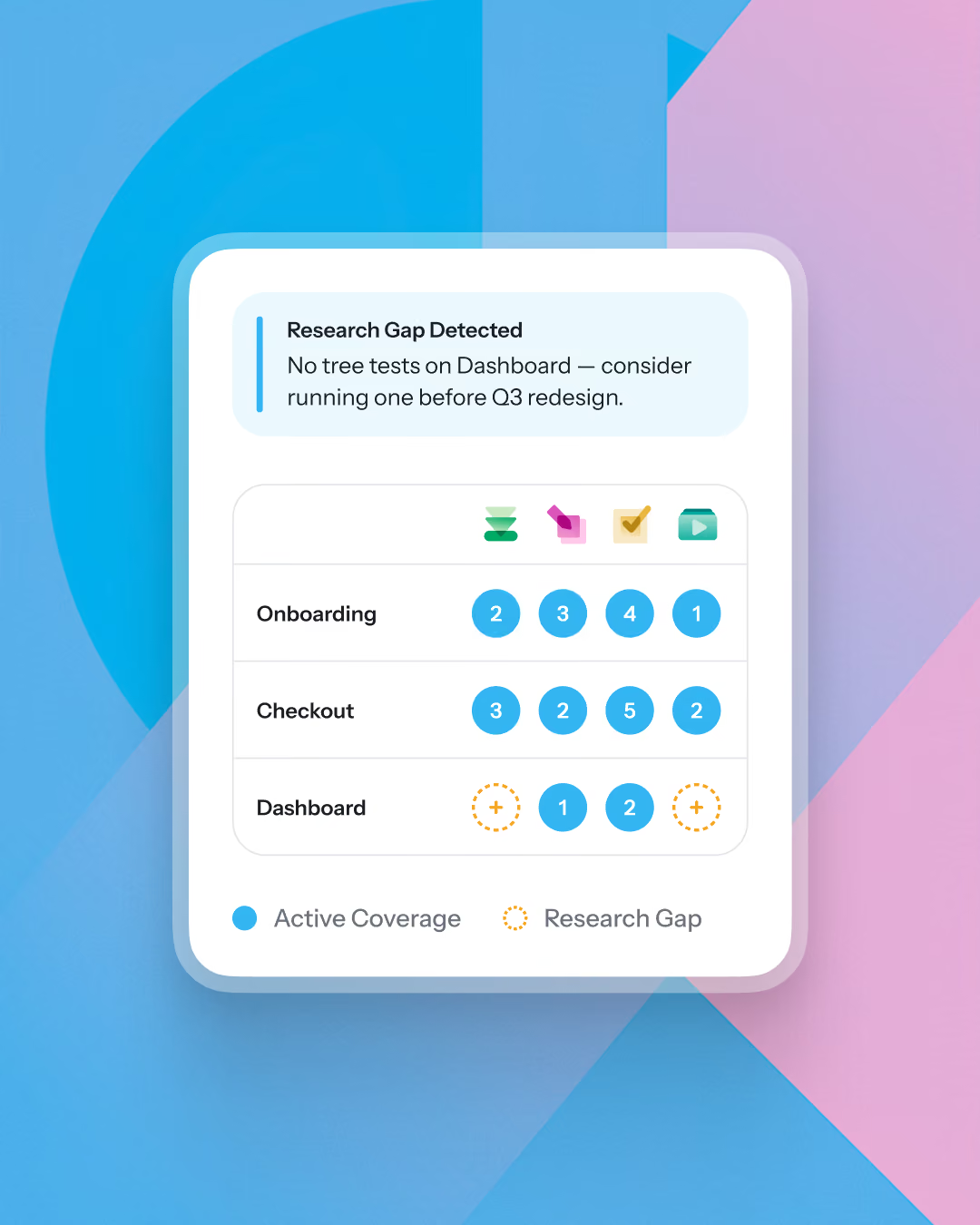
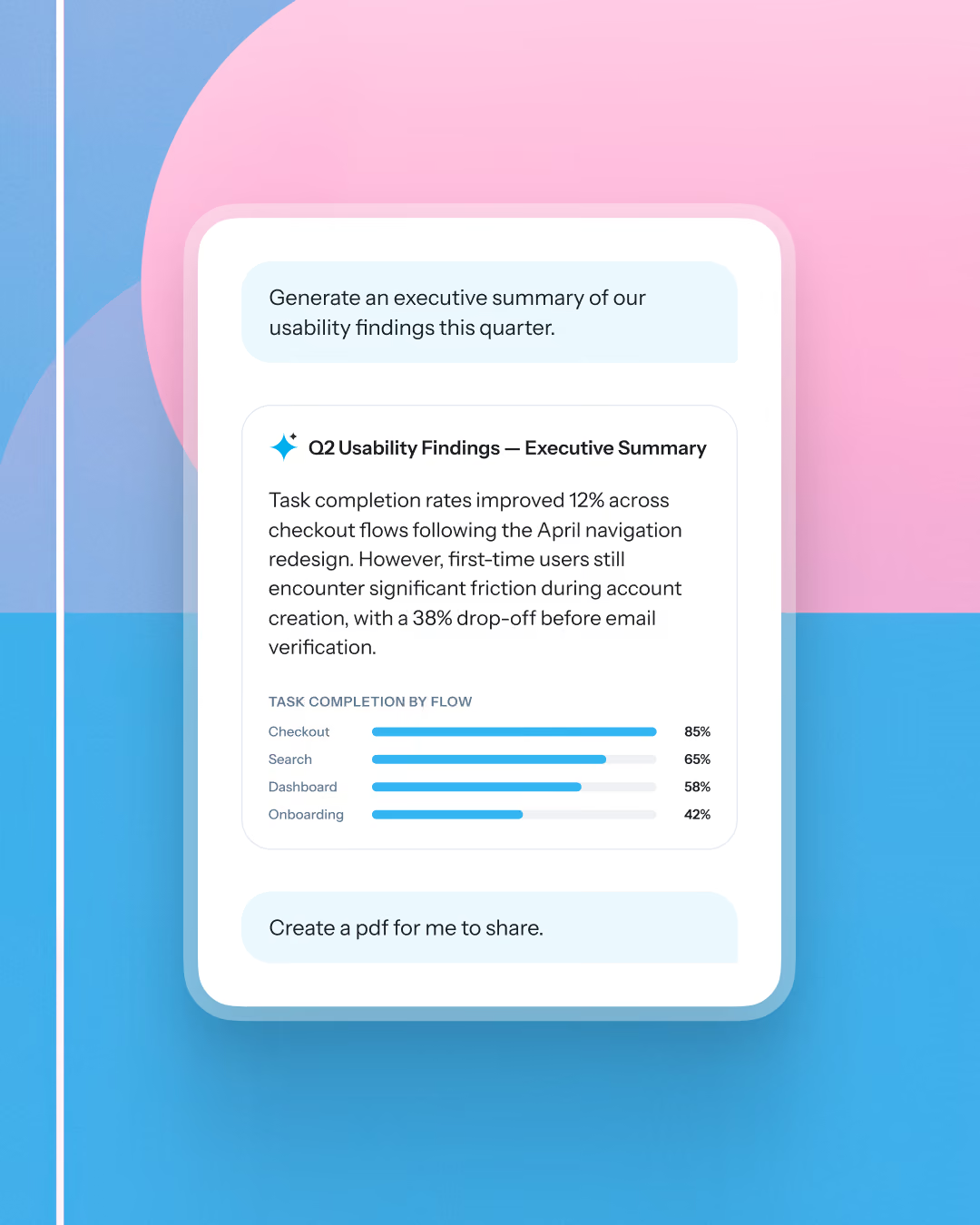
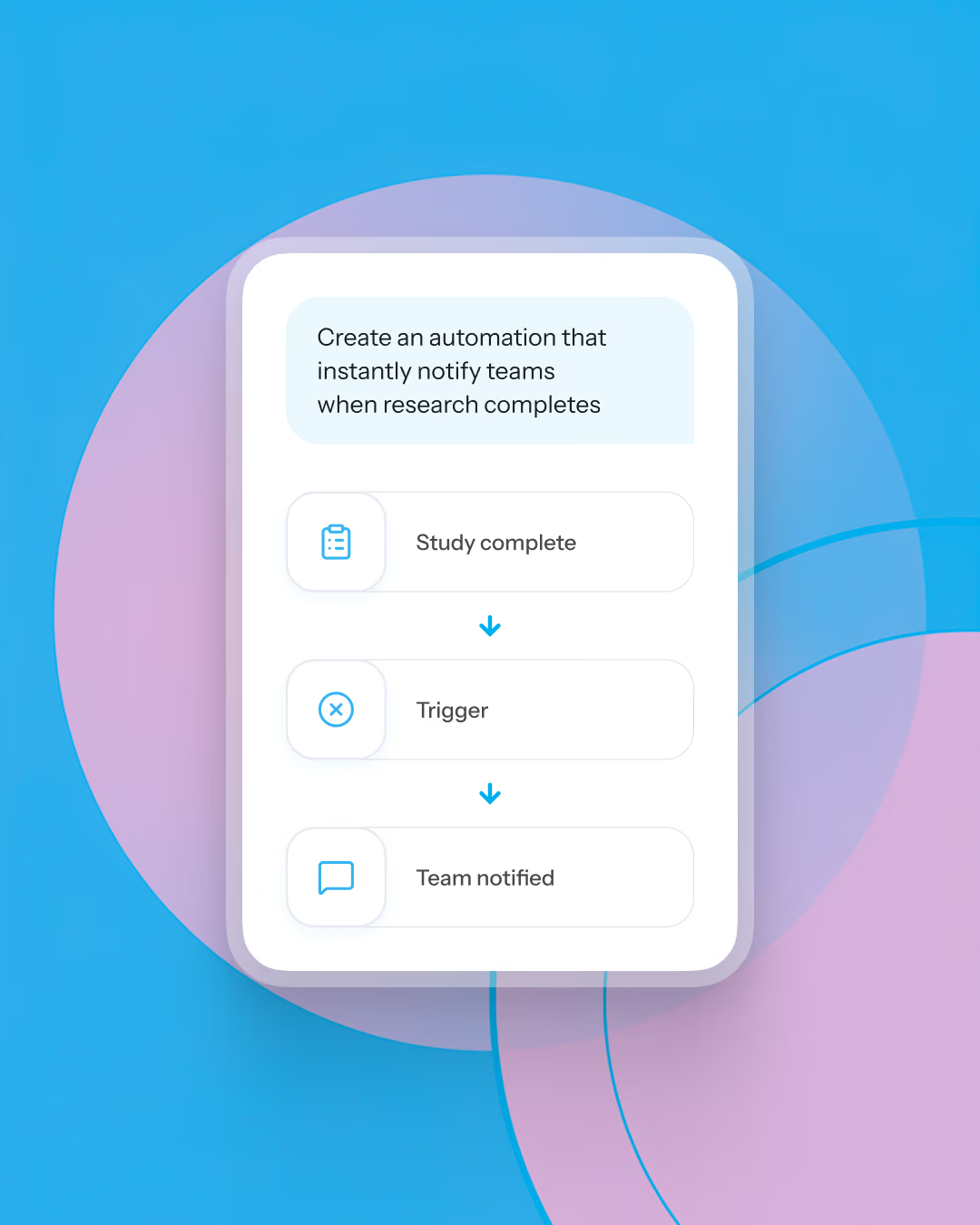


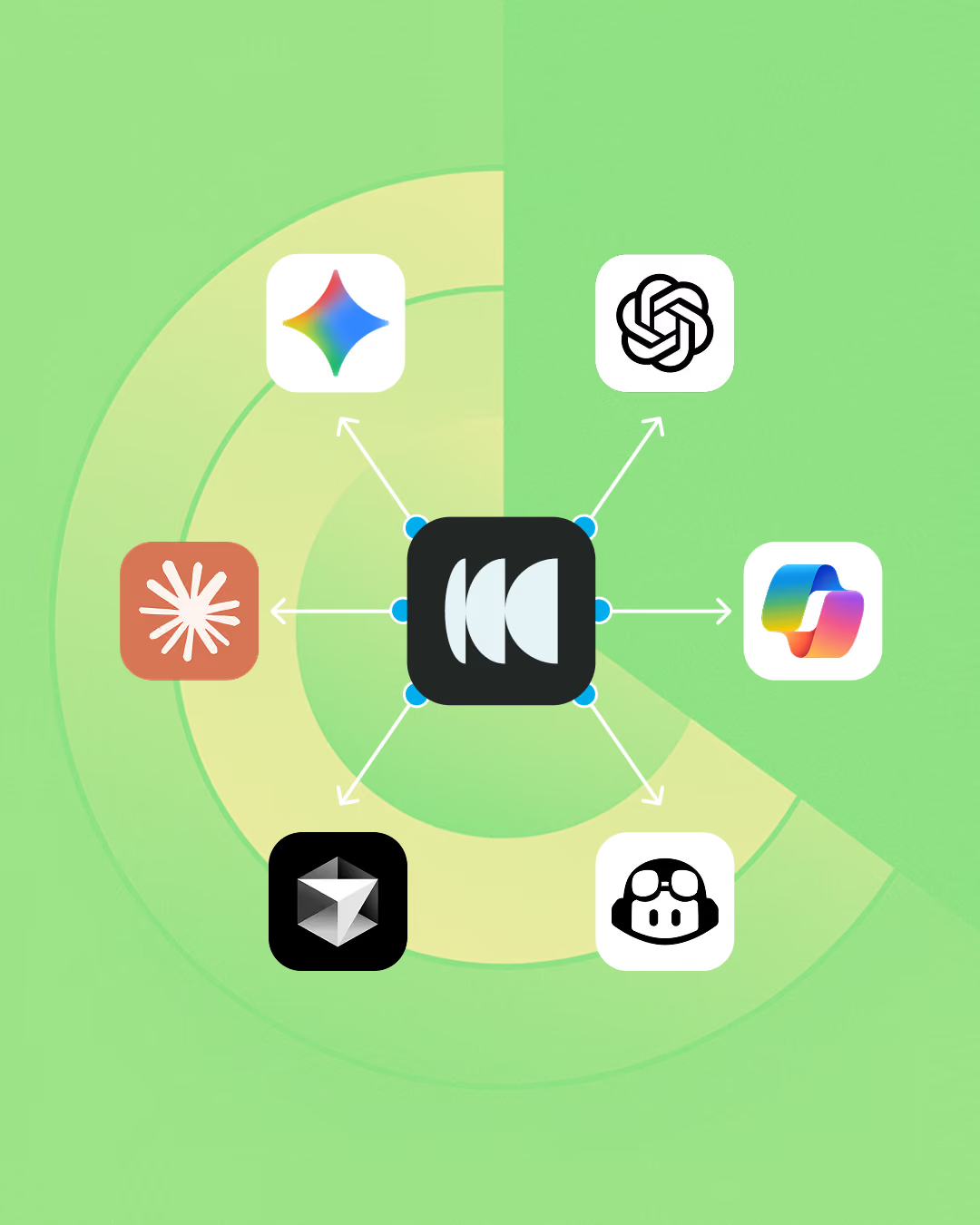
Connect Optimal directly to AI tools, like Claude, ChatGPT, Copilot, and Cursor, with MCP to search, analyze, and discover new insights.
Search years of research, connect findings across studies, analyze interviews, generate reports, format deliverables, and automate workflows.
MCP connects your Optimal data to AI tools like Claude, ChatGPT, and Cursor, turning your studies, insights, and results into something you can explore and build on.

Connect your AI tools directly to our platfom and use prompts like “based on all the research I’ve run in Optimal…”
Optimal’s MCP is built to be safe, secure and compliant.
Our MCP ensures that every AI interaction is tied to an authenticated user and follows the same roles, workspace permissions, governance policies, and access controls already enforced within Optimal.
That means your research stays protected while your team can confidently use MCP to uncover insights.
Turn your research repository into your research assistant. Connect once and access your research anytime so it's easy to discover and act on.
Log in your AI tool account e.g. ChatGPT, Claude, Gemini.
Authenticate your Optimal account.
Ask questions, uncover insights, and generate deliverables.
From answering quick questions to connecting insights, the possibilities are endless.






Model Context Protocol (MCP) allows AI tools like ChatGPT, Claude, Copilot, Gemini, and Cursor to securely connect with applications like Optimal. Instead of relying only on what's in a chat, your AI can access all your Optimal study data to answer questions.
Optimal works with any AI client that supports the Model Context Protocol, including ChatGPT, Claude, Microsoft Copilot, Cursor, Gemini, and many other compatible tools.
You can explore any of your Optimal studies, including usability tests, prototype tests, tree tests, card sorts, first-click tests, surveys, interviews, and transcript insights, available in your Optimal workspace.
Yes. One of the biggest benefits of MCP is cross-study analysis. Ask questions across multiple projects to identify recurring themes, usability issues, trends, or opportunities without manually reviewing every study.
Yes. Choose whether the AI follows your guide closely for consistency or allows greater flexibility to explore unexpected insights.
Yes. You can create summaries, executive reports, presentations, stakeholder updates, product recommendations, CSV exports, charts, graphs, and many other outputs using natural language.
Yes. Because your AI tool can connect to other platforms, you can automate workflows like creating Jira tickets, sharing updates in Slack, updating documentation, generating follow-up tasks, or triggering other actions based on your research.
Yes. Your AI only accesses the research you have permission to view. Authentication is handled securely, and you remain in control of access to your workspace and research data.