Card sorting

Align content with how users think

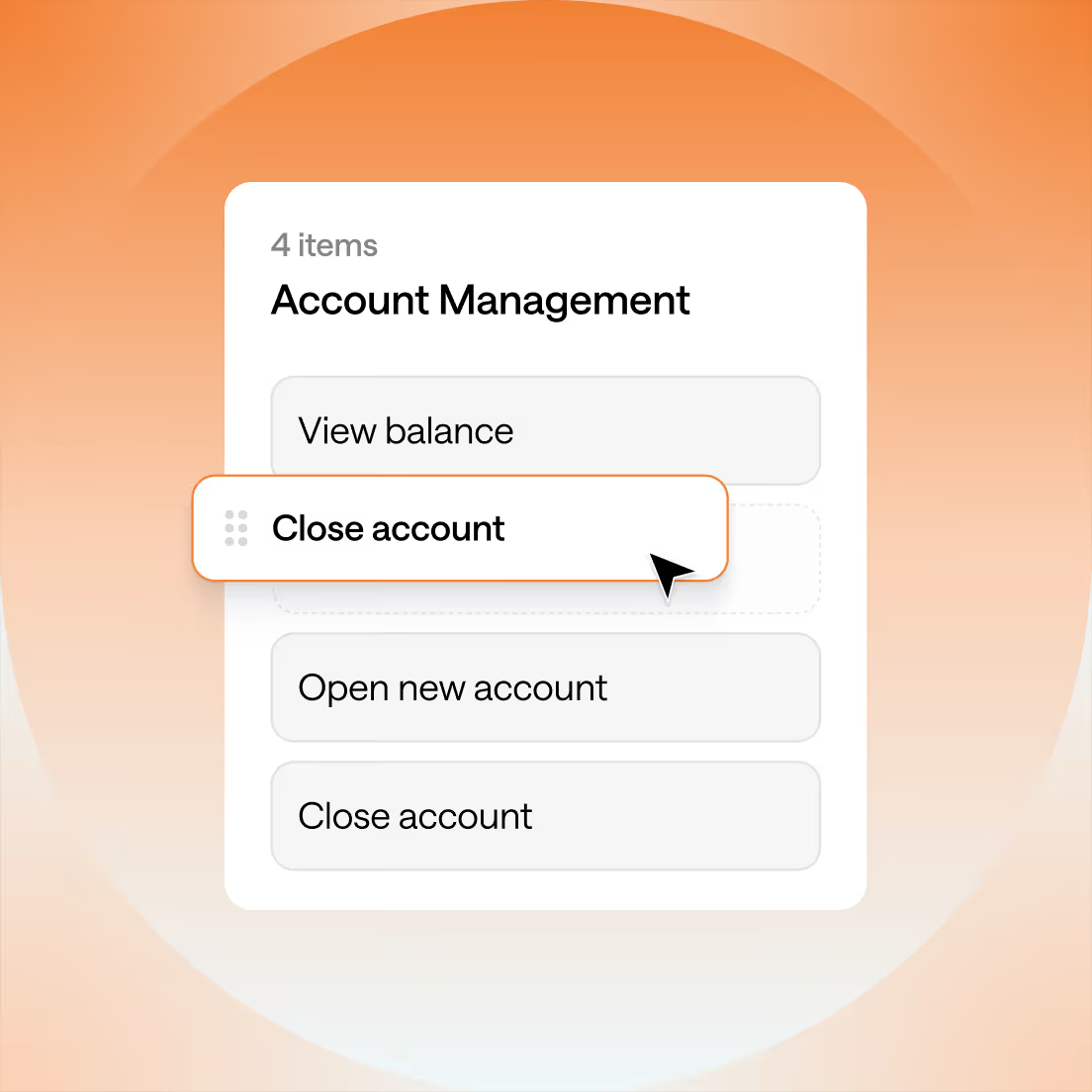
Card sorting helps teams understand how people group and label content, so you can structure navigation, menus, content, and information architecture in a way that's clear, intuitive, and easy to navigate.

Design with confidence

Get actionable insights from your users in hours to organize your content based on real user input.

Save time, gain insights

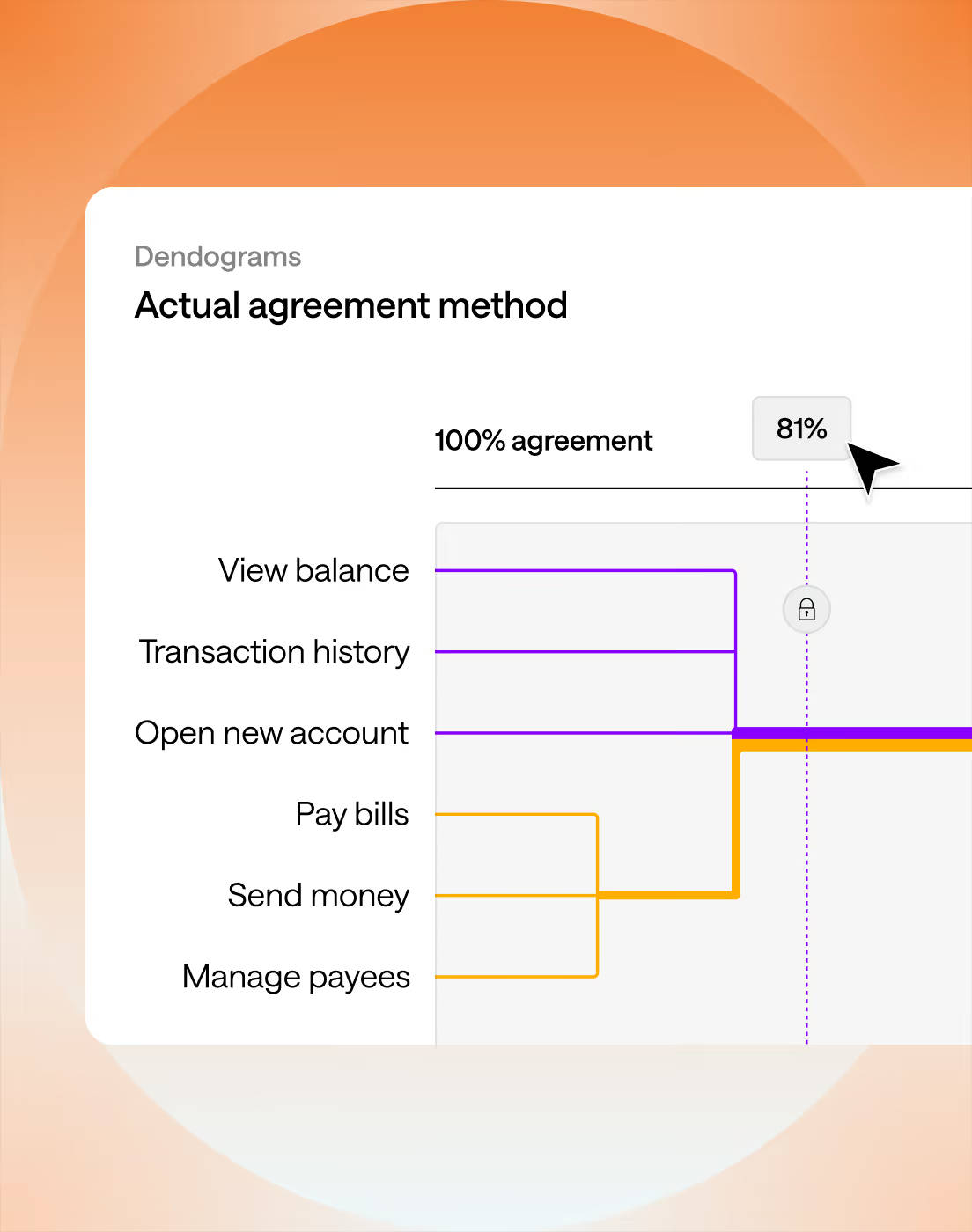
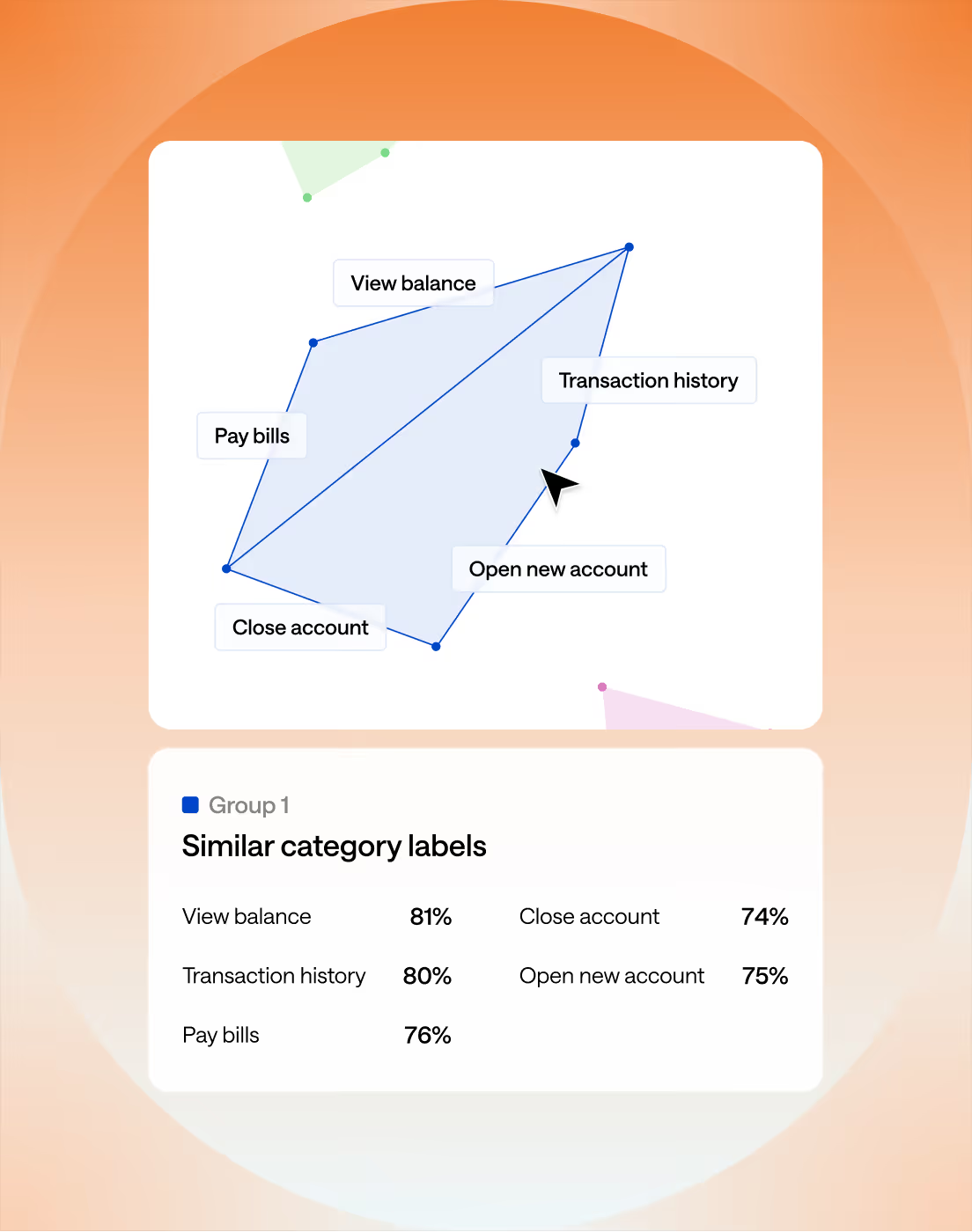
Our automated analyses quickly surface the key patterns, similarities, and disagreements in your card sort results, so you can focus on building intuitive structures.

Validate with session replays

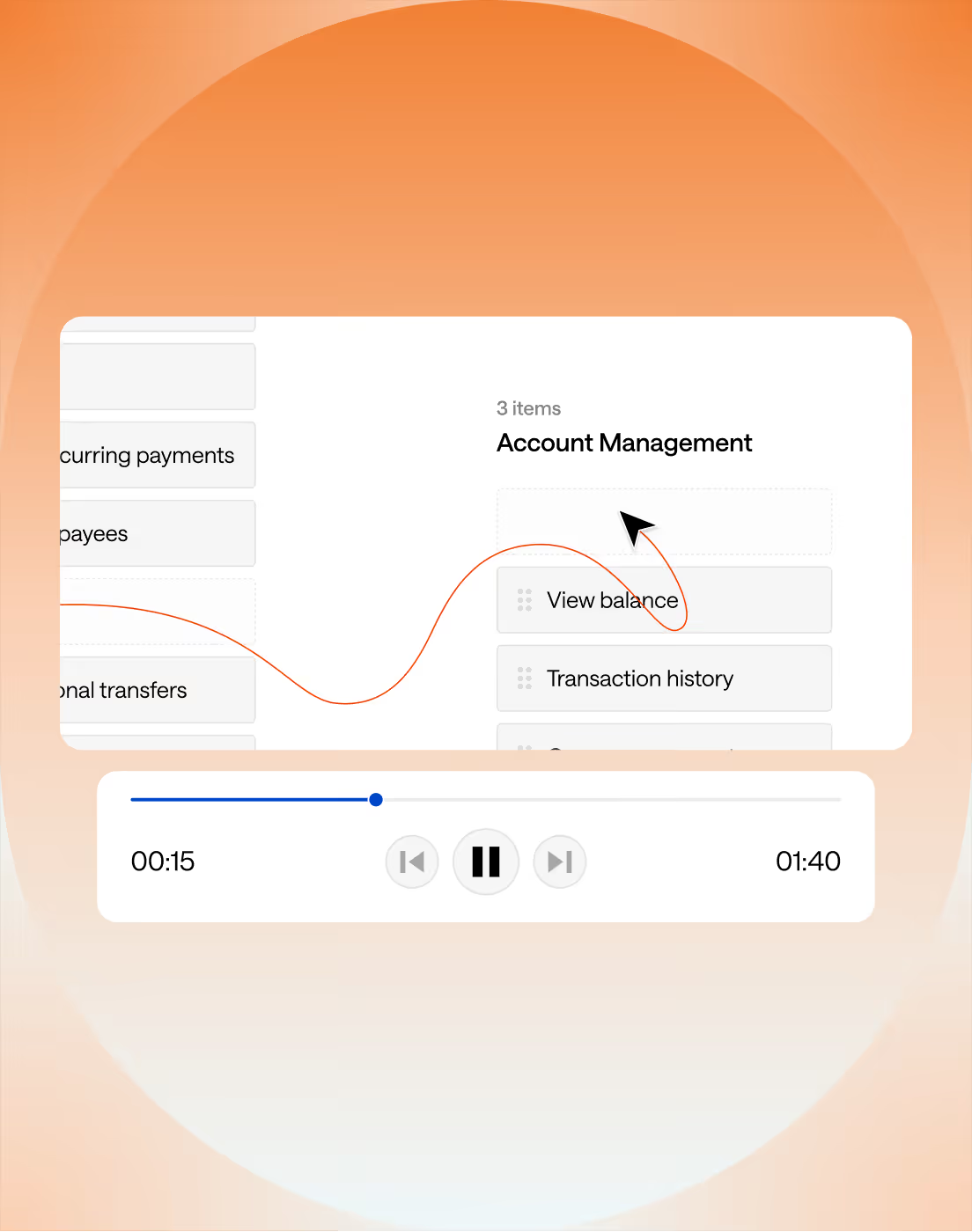
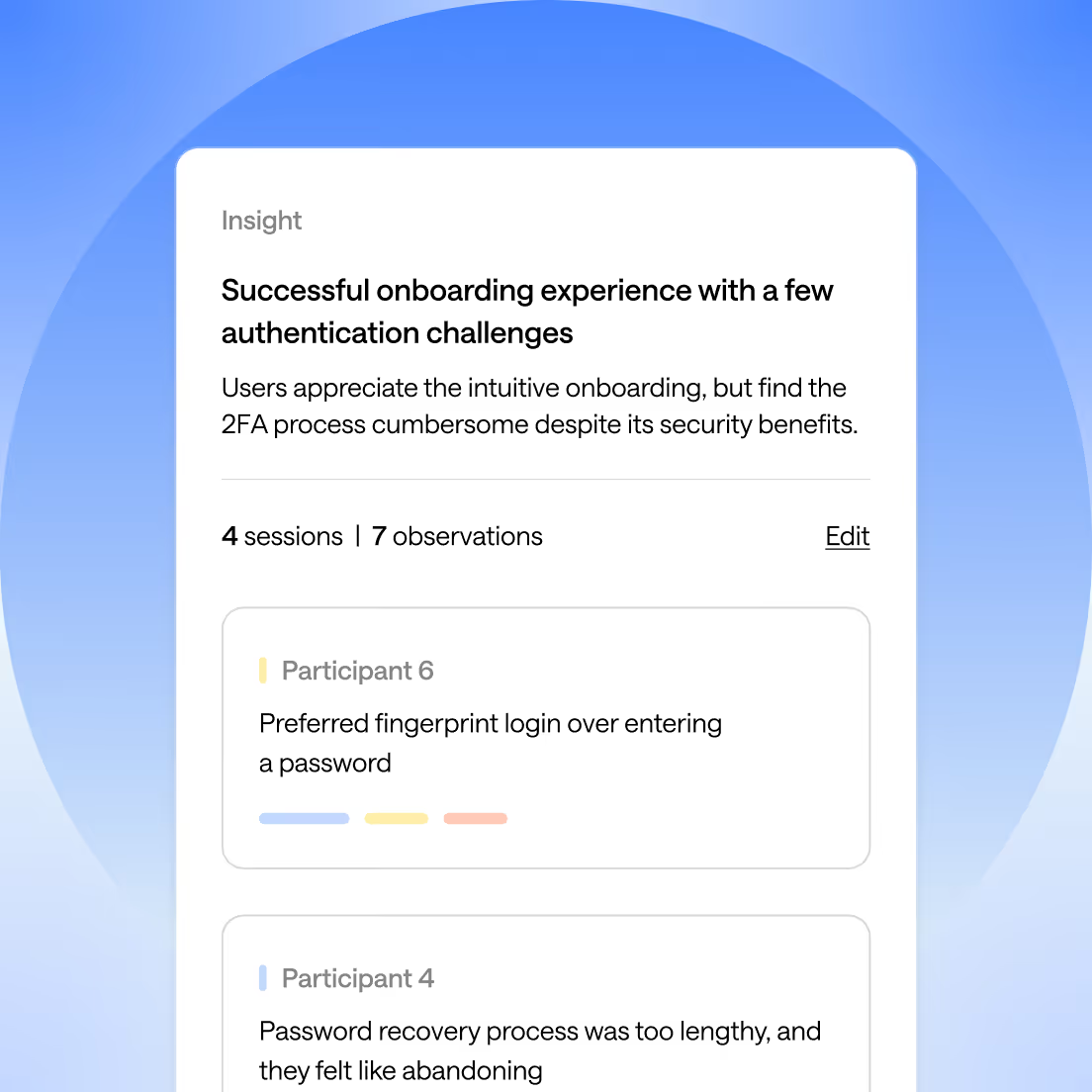
Replay participants' sorting sessions to understand their thinking, see where they hesitate, and identify areas where categorization feels unclear.

Trusted by global leaders in product and design

Card sorting gives you a direct view into how people think about your content. When participants group and label items in ways that make sense to them, you get the raw insight you need to organize information in a way that feels natural and easy to navigate.

Optimal has the most robust research tools on the market. Other tools might offer features for card sorting and tree testing, but they don't come close to Optimal's dynamic analysis tools or robust visual outputs.

Verified G2 user

Tools like tree testing and card sorting are the OG and still best options out there for research and testing in the IA realm.

David G

Director of UX/Product Experience

I use the product for tree tests and card sorts, saving me time and effort with intuitive setup, automatic analysis, and confidence-building results through clear dendrograms and graphics.

Brittany C

UX Researcher

Turn user thinking into confident structure decision

User-driven grouping and labeling reveals natural patterns in your content. Optimal’s card sorting helps you analyze these patterns, compare open vs closed sorts, and improve your information architecture and navigation with real users.

1. Set up your cards

Add pages, features, concepts, images, or labels as cards. Start from scratch or import existing content.

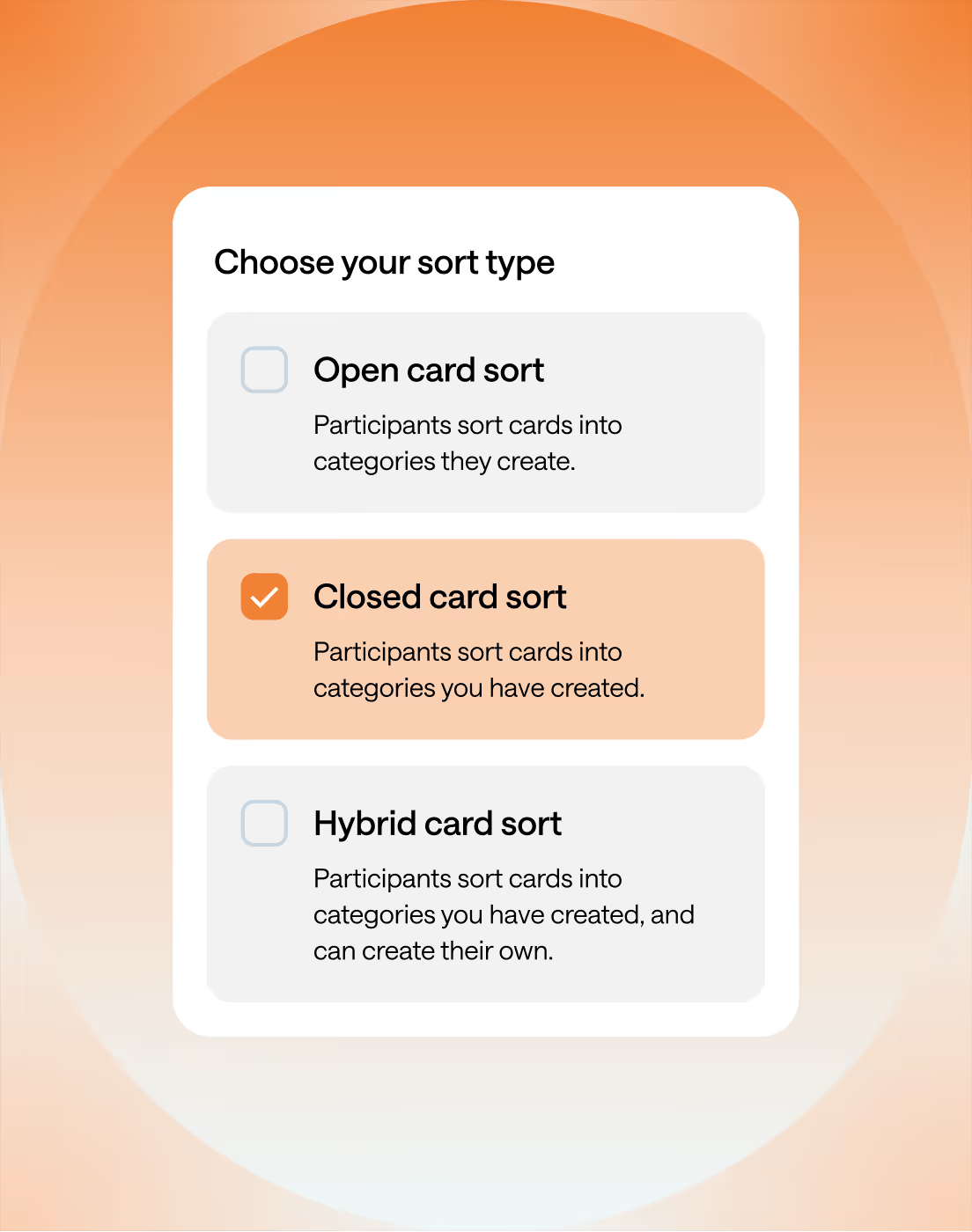
2. Choose your sort type

Run an open, closed, or hybrid sort depending on whether you want users to create categories or validate your own.

3. Invite participant

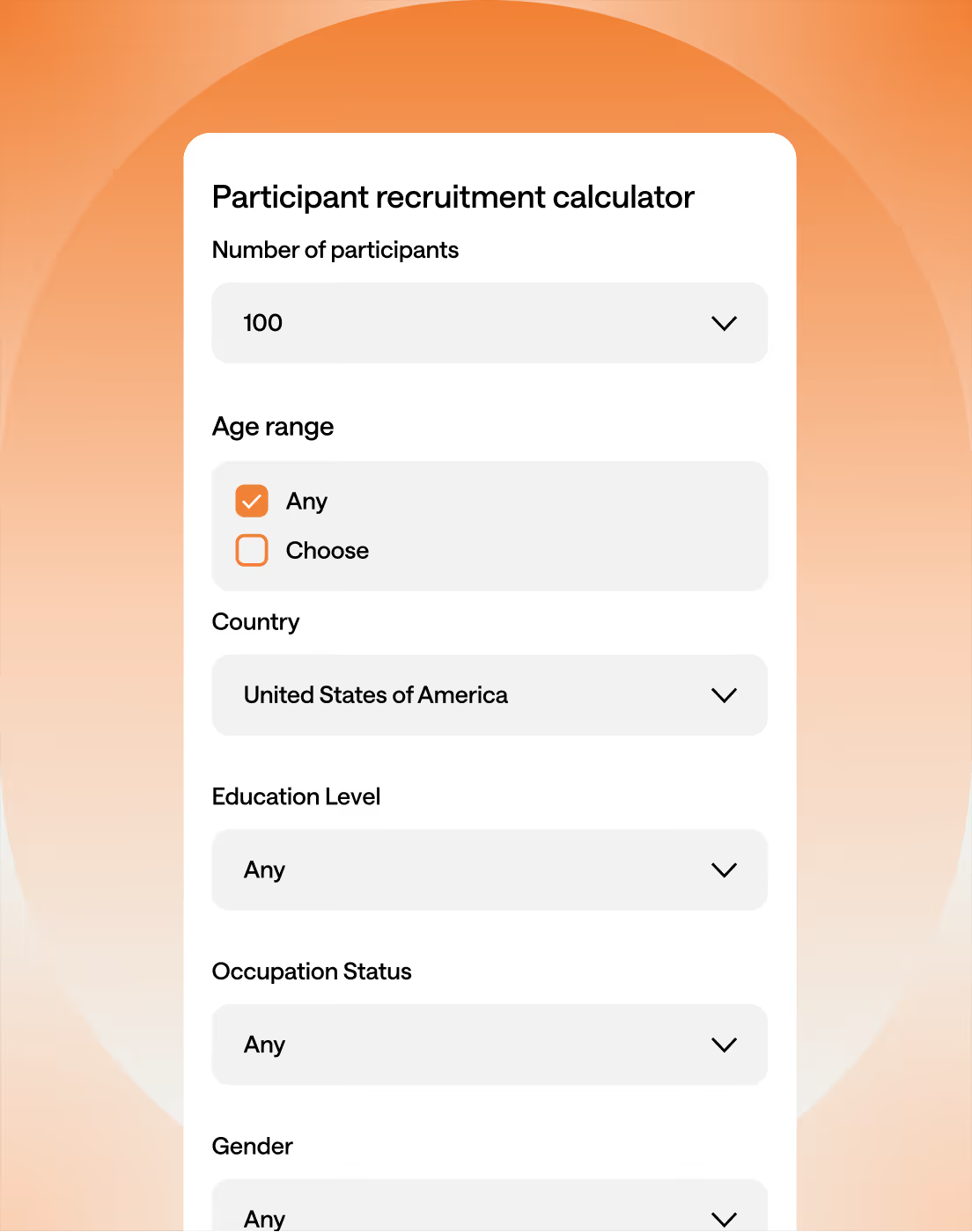
Share a link with your own users, recruit from our global panel, or use Optimal’s Managed Recruitment services. Participants can complete the study from anywhere.

4. See patterns emerge

Visual outputs show natural groupings, agreement levels, and areas of confusion, no spreadsheets required.

5. Refine your structure with confidence

Use these insights to adjust labels, reorganize content, and design navigation that matches how people actually think.

Spot the moments where card sorting gives you clarity

Use card sorting when you need to validate or restructure your IA, refine confusing labels, or understand how people expect content to be grouped. It’s especially useful during navigation redesigns, content-heavy launches, and early IA decision-making.

When your navigation or menus feel confusing, cluttered, or hard to scan
When you’re redesigning your information architecture or site structure
When you’re launching a new product, feature, or knowledge base with lots of content
When you want to validate your existing categories and labels before investing in design and development

Card Sorting in Action

From complex enterprise dashboards to public websites, card sorting helps teams bring structure to messy content.

Organizing product categories
for online stores

An e-commerce company can use card sorting to understand how customers mentally categorize their products, helping them create a more intuitive navigation and product hierarchy.

Improving wayfinding

Card sorting can optimize signage and wayfinding systems in physical spaces such as airports, shopping malls, and hospitals to help people get to where they need to go.

Structuring large amounts of content for blogs

Content-heavy websites, such as blogs or news sites, can use card sorting to determine how to group and present their content in a way that aligns with users' expectations.

Improve the findability of services

Government and service providers can use card sorts to understand users' mental models and gain ideas to improve access and findability of information on their websites and apps.

Prioritizing features

Product teams can use card sorting to understand how users prioritize different features or functionalities, helping them make informed decisions about product development.

Building a new website or app

Marketing, design, and product teams can use card sorting to generate ideas for creating navigations that meet users' expectations.

Designing accessible knowledge management

Companies can use card sorting to organize their internal knowledge bases, making it easier for employees to find and share the information they need quickly.

Designing menus

Restaurants can use card sorting to test and refine their menu structure, ensuring that items are grouped and labeled in a way that makes sense to diners.

Frequently Asked Questions

Frequently Asked Questions

Do I need UX research experience to run a card sort?

Not necessarily. Optimal guides you through setup, and visual analysis makes it easy to understand the results, even if you’re new to research.

How many participants do I need?

Most teams see meaningful patterns with 30-50 participants, depending on how diverse your audience is. The more complex your content, the more participants you may want to include.

What’s the difference between open and closed card sorting?

In an open sort, participants create their own categories and labels, which is great for discovering mental models and understanding how participants think about your content. In a closed sort, they sort cards into predefined groups, ideal for validating an existing structure.

Can I use card sorting for apps as well as websites?

Yes. Card sorting works for any structured content, like mobile apps, dashboards, intranets, help centers, and more.

Seeing is believing

Explore our tools and see how Optimal makes gathering insights simple, powerful, and impactful.