

Why Choose Optimal over Qualtrics
Teams that switch from Qualtrics to Optimal typically do so for these four reasons:

"What I like best about it is the ease of use (it is very user-friendly on the side of the researcher) and the fact that it provides a good user experience for my research participants."
Ines A
1000+ employees
The average time for launching a study in Optimal is 6 minutes.
Qualtrics vs Optimal: Key Differences
While larger, multi-department platforms may appear cost-effective because they offer tool consolidation, the total cost of ownership often includes substantial professional services, extended training periods, and ongoing support requirements that specialized teams end up absorbing, despite utilizing only a fraction of available capabilities.
While larger, multi-department platforms may appear cost-effective because they offer tool consolidation, the total cost of ownership often includes substantial professional services, extended training periods, and ongoing support requirements that specialized teams end up absorbing, despite utilizing only a fraction of available capabilities.
Different scale and complexity
Optimal is a UX research platform, and in addition to a full suite of usability testing and user research tools, offers strong survey capabilities with easy customization to ensure on-brand and highly tailored customer experiences.
Qualtrics is a “jack of all trades” platform that handles multiple functions including PX, EX, and CX, in a single solution. Qualtrics often represent compromises across multiple departments, resulting in tools that serve everyone to some degree but no one team fully. It also can rely to a high degree on engineering resources to customize experiences.
UX research capabilities
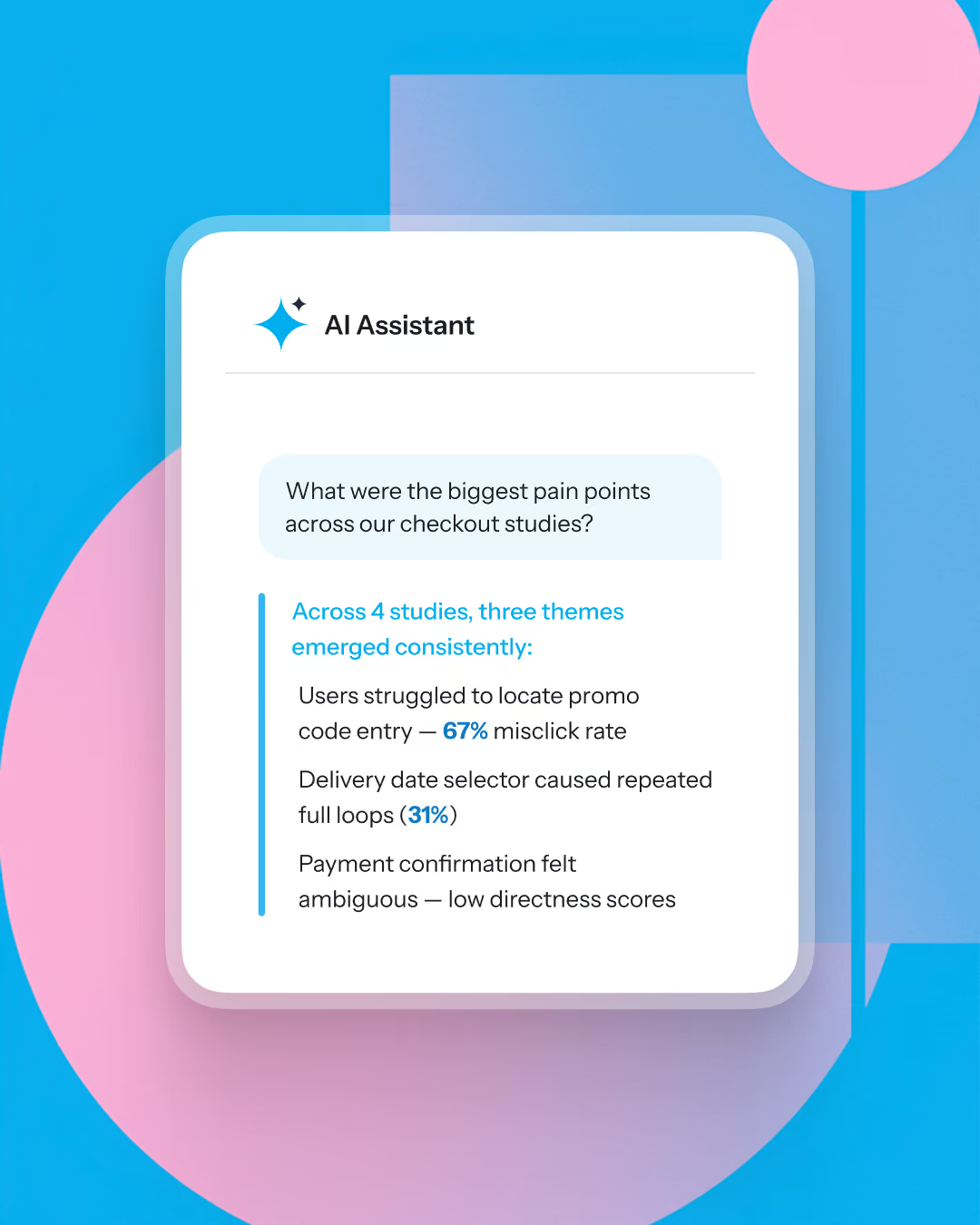
Optimal is a purpose-built research platform for product and research team workflows, participant experience, and user insight quality. As the pioneer of UX testing tools - card sorting and tree testing - Optimal has industry-leading IA analysis and visualizations. On Optimal, teams can also run live site testing (test actual websites and web apps without code), advanced prototype testing with Figma integration, and AI-powered Interviews that transform hours of video analysis into automated insights with key themes, highlight reels, and timestamped evidence or run surveys.
Qualtrics vs Optimal: Feature Comparison
Summary:
Qualtrics or Optimal?
You are an enterprise looking to consolidate surveys and feedback programs across customer, employee, product, and brand domains into one secure, scalable platform. Qualtrics is a secure platform with a sophisticated analytics suite and versatile survey and feedback capabilities. Be prepared to invest a lot in training the teams using the platform, as well as professional services/engineering teams to get the platform ready, and if on-brand experiences are important.
Choose Optimal if:
You are an enterprise wanting a purpose-built UX research platform with deep usability testing capabilities and want clear ROI on the user research platform you choose to invest in. Optimal helps you enhance your research impact rather than adding implementation overhead and workflow friction.











Frequently Asked Questions
Frequently Asked Questions
Yes. Qualtrics is a broad experience-management platform built to serve enterprise CX, HR, and market research teams, which means UX and product researchers often pay for and navigate around modules they never use. Optimal is purpose-built for UX, design, and product research, with core tools for usability testing, prototype testing, moderated interviews, card sorting, tree testing, first-click testing and more. You get deep research capabilities without the enterprise complexity layered on top.
Most switches come down to four things: research features built specifically for UX and product work rather than general survey management; a far simpler setup with no engineering or professional-services requirement; transparent flat-rate pricing instead of enterprise bundles; and a tool that's genuinely easy to use day to day. Teams that only use Qualtrics for a slice of its capabilities tend to find Optimal covers what they actually need at a fraction of the overhead.g.
For many teams, yes. Qualtrics is powerful, but that power comes with configuration, admin, and cost that make sense for enterprise-wide experience programs and less sense for a focused UX or product research function. If your team is running usability tests, IA validation, and product research, a purpose-built platform gives you the methods you need without the parts you don't.
Optimal uses straightforward, flat-rate pricing focused on UX research capabilities, so you're not subsidizing enterprise modules irrelevant to your workflow. Qualtrics pricing is typically quote-based and tied to enterprise packages, which is a common reason UX teams look elsewhere. For teams that want predictable costs tied to research they'll actually run, the pricing model is a major difference.
Much simpler. Optimal has no complex implementation, and no engineering or professional-services requirement to get started. Qualtrics deployments, especially at the enterprise level, often involve onboarding, configuration, and engineering resources. With Optimal, once you're set up it's easy to integrate into your existing research workflows.
Fast. Optimal's intuitive design lets teams launch studies in minutes with no complex setup and no engineering support. The average time to launch a study is six minutes.
No. That's one of the clearest contrasts with enterprise platforms like Qualtrics. Optimal is built to make research accessible to everyone on the team, so researchers, designers, and product managers can run studies independently without waiting on engineering or a services engagement.
Optimal supports the core methods UX, design, and product teams rely on: user testing, task-based usability testing, prototype validation, information architecture testing, and product insight gathering, with analysis and visualization built in. Rather than adapting a general survey tool to UX work, you get methods designed for it.