

December 3, 2025
2 min read

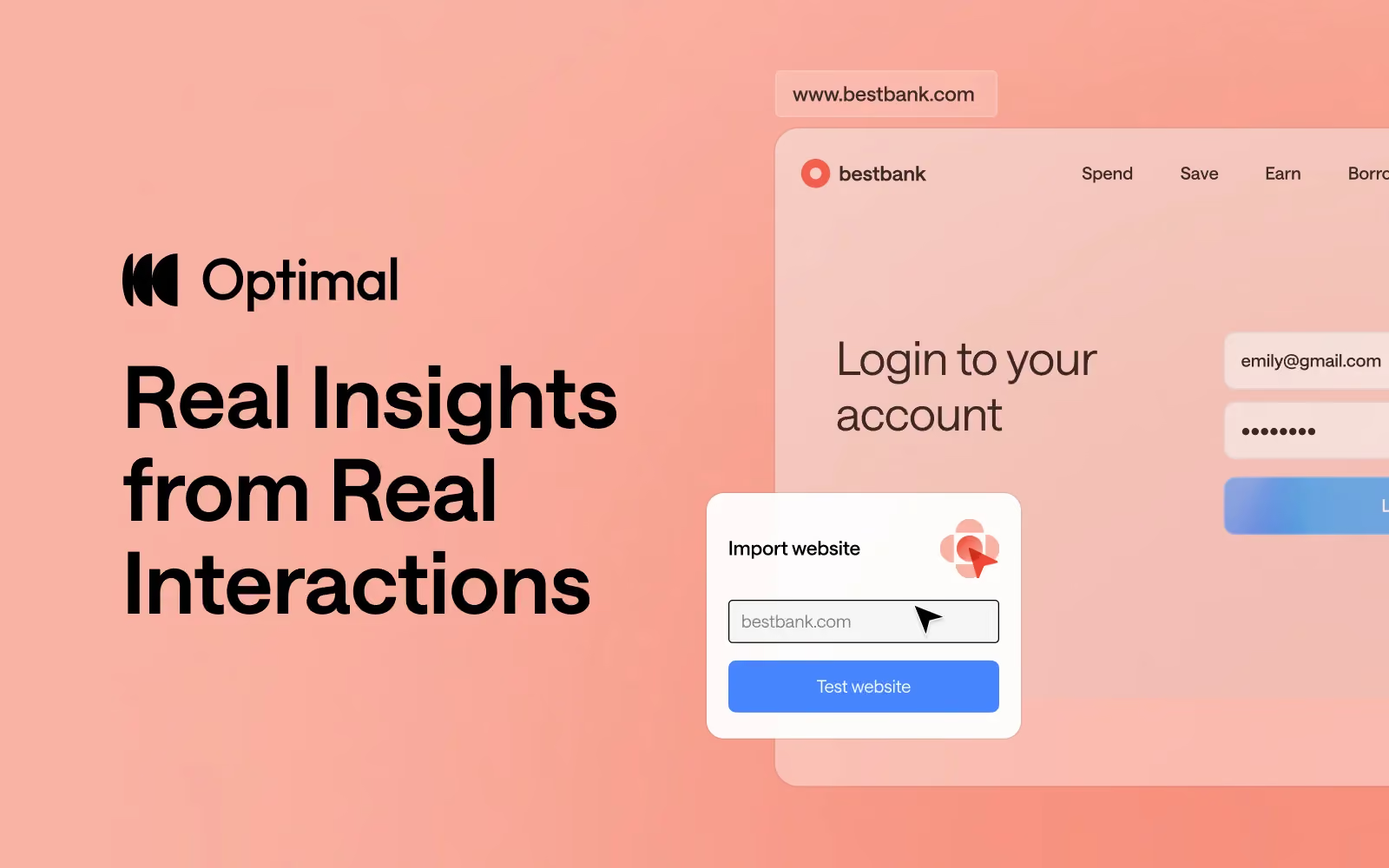
Introducing Live Site Testing: Real Insights from Real Interactions

Creating successful products is tough. Whether you're gathering competitive intelligence before entering a market, discovering user needs for a brand new product, redesigning a website, optimizing a sign-up flow, or improving internal tools, the stakes are high.

Poor user experiences cost businesses up to 35% of potential sales, while organizations that deliver superior experiences drive 5-6x more revenue. Optimal helps you turn user insights into better business decisions so you can deliver products your users love.

From Discovery to Continuous Optimization

Great products don’t just happen. They’re guided by real user feedback at every stage.

Start with discovery.
Use live site testing to watch real users navigate competitor experiences or test early concepts in staging environments. Combine this with surveys and interview insights to understand what users actually need. Validate navigation and information architecture with card sorting and tree testing.

Validate before you build.
With prototype testing, you can connect to Figma or create clickable prototypes in minutes or use live site testing to test a website or web app in a staging environment. Identify pain points early and fix them before development.

Continuously optimize.
Even after launch, the best experiences evolve with their users. Ongoing testing, surveys, and interviews can reveal opportunities to refine and grow, keeping your product relevant and effective.

But nothing beats seeing users interact with your actual site. With Optimal’s newest tool - live site testing - you can see how users engage with your actual websites or web apps or even a competitor's. No guesswork, no assumptions.

Introducing Live Site Testing

We’re excited to announce live site testing has officially joined Optimal’s platform! Here’s what makes it powerful:

  • Test any live site. Yes, any.
    Understand exactly how users interact with your website or web app in a production or staging environment or gain valuable insights by testing a competitor’s site.
  • No code. No friction.
    Unlike many other live site testing tools, with Optimal, setup takes minutes. There's no plugins or technical hurdles for you or your testers. Just paste a URL to set up your test and start testing.
  • Validate at every stage.
    Catch issues before they cost you conversions. Identify blockers pre-launch on staging sites or improve existing user flows on live sites.
  • Video recordings with real insights
    Watch exactly where users hesitate, struggle, or abandon their journey. Back every decision with user feedback and evidence and confidently prioritize your next decisions.

Why This Matters

With live site testing, you get real insights from real user interactions beyond quantitative data.

The result?

  • Better competitive insights and analysis
  • Fewer surprises post-launch
  • Improved usability
  • Higher conversion or adoption rates
  • Increased user or customer satisfaction
  • Faster, data-backed decisions

Live site testing is now available for all plans, except for our legacy Individual plan. 

Already an Optimal user? Log in now to start testing your websites and web apps. 

Not yet using Optimal? Get started with a free trial to try it for yourself.

Share this article
Author
Optimal
Workshop
Topics
No items found.

Related articles

View all blog articles
Learn more
1 min read

Figma + Optimal: Design, Test, Iterate Faster

Figma has long been the go-to tool for UI/UX designers, known for its intuitive interface and real-time collaboration. In fact, over 95% of Fortune 500 companies rely on Figma, and 13 million monthly active users trust it to design and prototype digital experiences.

If you’re already designing in Figma, integrating with Optimal can help to validate your ideas early, reduce costly mistakes, and deliver experiences users actually want.

The Hidden Cost of Skipping Design Validation

Validating designs before development and catching usability issues early has a measurable impact on both users and the business. Research consistently shows that:

Figma + Optimal: Prototype Testing and Design Validation

Instead of waiting for post-launch analytics or expensive redesigns, you can test your Figma prototypes with real users in hours, not weeks with Optimal. Get quantitative data, watch recordings, analyze heatmaps, and actually see where users struggle, all before a single line of code is written.

Here’s a look into 4 practical ways teams use Figma and Optimal together.

4 Ways to Test Figma Designs with Optimal

1. Preference Testing: Let Users Pick the Winner

Ever had a debate with your team about which design direction to take? Let data decide.

Here's how:

  • Create a Figma frame with two designs side-by-side (think: two homepage variations, competing button styles, different navigation approaches)
  • Copy your Figma link and drop it into an Optimal first-click test
  • Ask participants: "Which design do you prefer?"
  • Watch the results roll in with heatmaps showing exactly where users clicked

2. Concept Testing: Does Your Idea Actually Make Sense?

You've got a bold new concept. It makes perfect sense to you. But will users get it?

The process:

  • Build wireframes or mockups in Figma (they don't need to be pixel-perfect)
  • Import your Figma link into an Optimal first-click or prototype test
  • Create tasks like “Click the option that best matches what you’re trying to do.” or “Click where you would sign up.”
  • Analyze whether users successfully understand and navigate your concept

3. Prototype Testing: Find the Friction Before Development

You've built a clickable prototype with multiple screens and interactions. It looks polished. But does it actually work for users?

Step-by-step:

  • Build a complete interactive prototype in Figma
  • Ensure all frames and flows are complete in Figma before importing into Optimal.
  • Copy your Figma prototype URL (works even with password-protected links)
  • Paste it into an Optimal prototype test
  • Define realistic tasks: "You want to buy running shoes under $100. Complete the purchase."
  • Watch video recordings and analyze usability metrics, clickmaps, misclicks, successes/failures, and heatmaps

What you'll discover might surprise you. Users will:

  • Click on things you never intended to be clickable
  • Miss obvious CTAs you thought were perfectly placed
  • Get lost in navigation that seemed intuitive to your team
  • Abandon tasks at friction points you didn't know existed

4. AI Prototype Testing: Validate AI-Generated Designs

The rise of AI design tools like Figma Make has changed the game. You can now generate a functional prototype from a text prompt in minutes. But just because AI can create it doesn't mean users can use it.

Quick workflow:

  • Generate a prototype using Figma Make
  • Copy the URL and drop it into an Optimal live site test
  • Add your testing tasks
  • Review recordings to spot usability issues

This is perfect for rapid experimentation. 

Getting Started Is Simple

  1. Prep your Figma file - Have a prototype or design ready
  2. Copy the link - Grab your Figma share URL
  3. Create your test - Choose first-click, prototype test, or live site test in Optimal
  4. Paste and configure - Add your Figma URL and write your test tasks
  5. Launch - Use your own participants or tap into Optimal's panel or Managed Recruitment services
  6. Analyze - Review results and iterate

Launch Designs Users Love

Figma gives you the power to design and prototype rapidly, while Optimal gives you the insights to make sure those designs actually work for real users. Together, they create a workflow built on real insights, not guesswork.

By testing early and often, teams can reduce risk, build confidence in their designs, and move into development knowing their work has already been validated by users. Gather insights quickly, collaborate more effectively, and keep projects moving forward with evidence-backed decisions.

Ready to validate your next Figma prototype? Use Optimal as part of your workflow and start testing with real users today.

Learn more
1 min read

The Latest from Optimal Interviews: Automating Insights and Building a Research Repository

Since launching Optimal Interviews in December, we've been tracking closely as research, product, and design teams put it to the test. The tool is driving a real transformation in workflows, and we’re energized by the feedback so far.

  • “What took me manually 3 weeks to analyze 4 years ago, with the AI functionality, now took me less than 5 minutes. It’s crazy!”
  • “This changes everything for how we work with interview data.”
  • “The insights were spot on, and I was impressed by how well the tool understood the themes in the interview.”
  • "I tried it for the first time this week. I was impressed by the amount of insights." 

Optimal Interviews was built to remove the friction from one of research's most time-intensive steps: analyzing interview recordings. With automated transcription, AI-generated insights, highlight reels, summaries, and citations, the tool transforms hours of manual review into something that happens in minutes.

But we’re not done yet. We’re constantly building and evolving based on your feedback. With the latest releases like automatic recording, every session can now be captured and stored automatically, helping teams build a centralized user research repository and supporting continuous research.

Here’s a look at how teams are using Optimal Interviews, the latest work in this space, and where we’re headed.

How Teams Are Using Optimal Interviews

Researchers across industries are leveraging Optimal Interviews in a variety of ways. Here are just a few examples from current users:

  • Understanding customer interactions with voice assistants and AI to inform user experience and product development.

  • Studying habits, purchasing patterns, and customer frustrations to optimize experiences and conversions.

  • Evaluating how users navigate and interact with customer-facing websites to improve user experience.

  • Gathering feedback from employees about internal tools and systems to improve workplace efficiency and satisfaction.

Recent Enhancements: New Features for More Automation

It’s been a busy few months, and we’ve shipped several meaningful updates over the past few months. Here’s what’s new:

1. Multilanguage Support for Global Research


Optimal Interviews now supports 13 languages, automatically detecting and transcribing interviews in their original languages. AI Chat is also ready to assist your team in these languages, ensuring a seamless experience no matter what language your team is using.

2. Video Conferencing Integrations


Sync Optimal Interviews with your Google Meet, Zoom, or Microsoft Teams account to automatically generate and attach meeting links to sessions scheduled with the Optimal scheduler.

3. Automatic Recording


You can choose to automatically record and upload sessions scheduled through Optimal, eliminating the need for manual uploads. Sessions can now be captured and stored automatically, enabling teams to conduct continuous research. Accumulate insights over time in a central repository, where they remain always accessible and ready to be explored further with AI Chat.

4. Custom Topics


Custom topics allow you to define specific areas of interest for AI to focus on for interview insights. As more recordings are added, the tool will automatically generate insights based on these topics, so you can easily filter and focus on the data that matters most to you.


What’s Next for Optimal Interviews


Our ultimate goal? To keep finding ways to reduce manual effort. Let Optimal streamline your research workflow, automate time-consuming tasks, and help you build out your qualitative research repository.

We have a number of significant additions in development, including:

Calendar Integrations


Sync you and your team’s calendars (Google and Microsoft) with Optimal Interviews so you can easily schedule and sync you and your team’s interview availability. Avoid double booking and get scheduled sessions automatically added to your calendar.

Enhanced Privacy & Messaging System


Interviewers and participants will be able to message each other directly through Optimal. This helps protect personal contact details e.g. email addresses and reduces unintended bias, such as revealing the study creator’s organization. Teams can coordinate, add clarifications, and follow up more efficiently without exposing personal information.


We'd Love to Hear From You


How are you using Optimal Interviews in your research? What's working well, and what would you like to see us build next?

And if you're just getting started, our Interviews 101 guide is a great place to begin.

Want to learn more about how to harness the full potential of Optimal Interviews and AI Chat? Register for this live training.

Optimal Interviews is updated continuously and shaped with feedback from users. Follow our release notes or share your thoughts via live chat or feature request form to give your feedback and stay in the loop.
Learn more
1 min read

Introducing Live Site Testing: Real Insights from Real Interactions

Creating successful products is tough. Whether you're gathering competitive intelligence before entering a market, discovering user needs for a brand new product, redesigning a website, optimizing a sign-up flow, or improving internal tools, the stakes are high.

Poor user experiences cost businesses up to 35% of potential sales, while organizations that deliver superior experiences drive 5-6x more revenue. Optimal helps you turn user insights into better business decisions so you can deliver products your users love.

From Discovery to Continuous Optimization

Great products don’t just happen. They’re guided by real user feedback at every stage.

Start with discovery.
Use live site testing to watch real users navigate competitor experiences or test early concepts in staging environments. Combine this with surveys and interview insights to understand what users actually need. Validate navigation and information architecture with card sorting and tree testing.

Validate before you build.
With prototype testing, you can connect to Figma or create clickable prototypes in minutes or use live site testing to test a website or web app in a staging environment. Identify pain points early and fix them before development.

Continuously optimize.
Even after launch, the best experiences evolve with their users. Ongoing testing, surveys, and interviews can reveal opportunities to refine and grow, keeping your product relevant and effective.

But nothing beats seeing users interact with your actual site. With Optimal’s newest tool - live site testing - you can see how users engage with your actual websites or web apps or even a competitor's. No guesswork, no assumptions.

Introducing Live Site Testing

We’re excited to announce live site testing has officially joined Optimal’s platform! Here’s what makes it powerful:

  • Test any live site. Yes, any.
    Understand exactly how users interact with your website or web app in a production or staging environment or gain valuable insights by testing a competitor’s site.
  • No code. No friction.
    Unlike many other live site testing tools, with Optimal, setup takes minutes. There's no plugins or technical hurdles for you or your testers. Just paste a URL to set up your test and start testing.
  • Validate at every stage.
    Catch issues before they cost you conversions. Identify blockers pre-launch on staging sites or improve existing user flows on live sites.
  • Video recordings with real insights
    Watch exactly where users hesitate, struggle, or abandon their journey. Back every decision with user feedback and evidence and confidently prioritize your next decisions.

Why This Matters

With live site testing, you get real insights from real user interactions beyond quantitative data.

The result?

  • Better competitive insights and analysis
  • Fewer surprises post-launch
  • Improved usability
  • Higher conversion or adoption rates
  • Increased user or customer satisfaction
  • Faster, data-backed decisions

Live site testing is now available for all plans, except for our legacy Individual plan. 

Already an Optimal user? Log in now to start testing your websites and web apps. 

Not yet using Optimal? Get started with a free trial to try it for yourself.

No items found.

Seeing is believing

Explore our tools and see how Optimal makes gathering insights simple, powerful, and impactful.