Subscribe to OW blog for an instantly better inbox
Oops! Something went wrong while submitting the form.

Articles and Podcasts on Customer Service, AI and Automation, Product, and more
.webp)
Great research has never been about speed alone. It’s about asking the right questions, understanding the context behind them, and uncovering insights that help teams make better decisions.
Optimal's AI Interviewer is designed to support that process. It’s designed to work alongside researchers and teams, so you can move faster without losing the depth and human nuance that makes research valuable.
Before building AI Interviewer, we spoke with and surveyed researchers, designers, and product teams to how they approach interviews today and where AI could genuinely help.
What we heard was consistent:
AI isn’t useful if it ignores how your team works. So instead of building a generic interviewer, we focused on building an AI Interviewer that fits into your current workflows and keeps researchers and teams in the driver's seat.
Here’s what we learned and how we brought it to life with Optimal’s AI Interviewer.
The best interviews start with a clear understanding of what you’re trying to uncover. With the AI Interviewer, you can add your research goals, audience details, company and product context, and additional context you want the AI to consider. This means the AI doesn’t just ask questions; it understands what you’re trying to learn and helps guide conversations in the right direction.
The same context also powers AI insights, helping ensure summaries, key themes, and citations are relevant, accurate, and aligned with what you're trying to learn.
One of the concerns with AI-led interviews is not having enough control. We’ve designed the AI Interviewer with this in mind.
For each question, you can choose how deeply you would like the AI Interviewer to probe and follow-up. You decide when deeper exploration is valuable, how the conversation flows, and the AI can then carry this out on your behalf.
AI Interviewer helps remove some of the barriers that make qualitative research difficult to scale. Use it to:
This isn’t about replacing researchers. It’s about removing operational work so you can focus on higher-value work, like synthesis, storytelling, and decision-making.
Every session comes with recordings, key summaries, and AI-generated insights with clear detailed evidence. Instead of reviewing hours of footage, you can quickly find what matters and confidently back it up. Review insights across your full study, or dive deeper into individual sessions and specific questions.
On the roadmap: Once your interviews are complete, you can use AI Chat to go further with your data and explore patterns across sessions, ask follow-up questions, and validate assumptions with real evidence.
Let’s address the elephant in the room. AI-led interviews aren’t something everyone is immediately comfortable with, and that’s fair. There are real limitations.
Some research scenarios require human sensitivity and judgment. Nuance, emotion, and edge cases still benefit from a human touch. Vulnerable populations and complex topics should always be handled with care. Optimal values a human-in-the-loop approach and know an AI Interviewer isn’t always suitable. With that in mind, we made sure that:
The AI Interviewer supports your work. It doesn’t replace your expertise.
AI Interviewer is now available in early access, and we’re continuing to learn from the teams using it. If you’re looking to scale your research without scaling your workload, run interviews across time zones, and spend less time on logistics and more time on insights, we’d love for you to try it.
👉 Book a demo to see how it fits into your workflow.
Already with Optimal? Register your interest for early access.
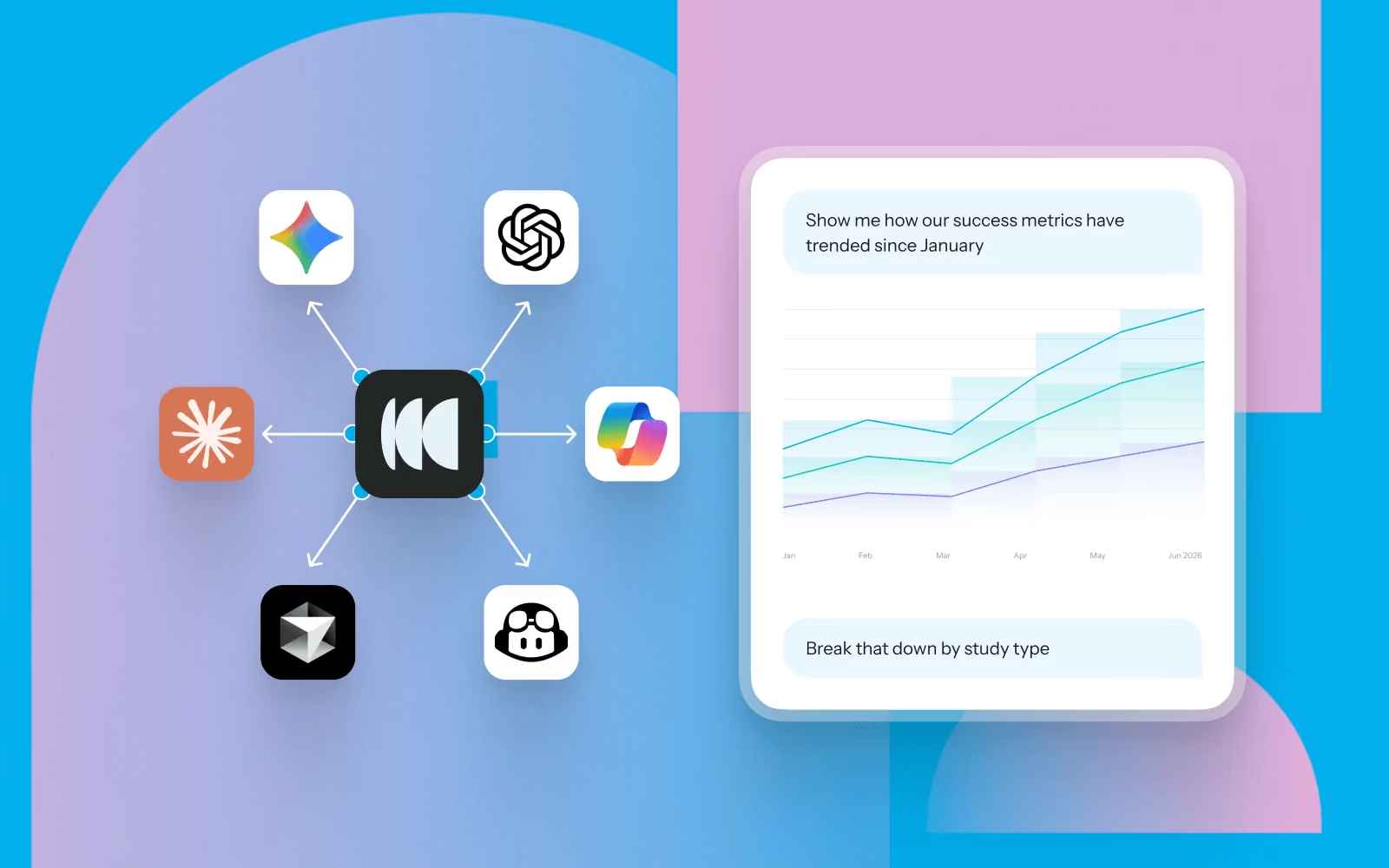
Imagine you've just joined a new research team. There is a vast amount of research in the repository. Hundreds of interviews, usability tests, surveys, and notes. Everyone tells you, "We've probably researched that already," but nobody knows when or where.
Instead of manually searching projects or asking around, Model Context Protocol (MCP) lets you ask questions about studies conducted in Optimal and instantly surface the evidence you need.
Here are practical ways UX researchers can use MCP with Optimal to understand past research, accelerate new studies, and uncover insights across their repository.
One of the best ways to use MCP is understanding what's already known. Instead of combing through different studies, ask MCP to summarize existing knowledge before planning your next study.
Try asking:
Before creating your next study, writing discussion guides or recruiting participants, check what questions have already been answered and which gaps remain.
MCP can help identify opportunities for follow-up research and prevent unnecessary duplication.
Try asking:
Whether you're preparing a presentation or writing a report, MCP can help to surface quotes, observations, participant metadata, and findings in seconds.
Try asking:
One of the easiest ways to waste research effort is repeating work that's already been done. Use MCP to explore what's already in your repository before creating a new study.
Try asking:
The biggest insights often emerge when you zoom out. Instead of reviewing studies individually, MCP can synthesize findings across projects to reveal recurring themes, behaviours, and pain points.
Try asking:
Research is most valuable when it's easy to share. Use MCP to turn large volumes of research into concise summaries or visualizations tailored to your audience.
Try asking:
Connect it with the AI tools and platforms your team already uses so research becomes part of everyday decision-making.
Examples include:
Like any AI assistant, the quality of the output depends on the context you provide. A few simple habits can make a big difference.
Rather than asking broad questions, explain what you're trying to achieve. Instead of Tell me about onboarding.
Try: I'm planning a usability study on onboarding. What problems have previous research uncovered that we should investigate further?
Large repositories can contain a wealth of research.
Specify:
For example: Summarize usability studies about checkout conducted during the past 12 months.
Sometimes you need detailed findings from a single study. Other times you're looking for patterns across dozens of studies. Tell MCP which perspective you want.
Treat MCP like a research partner rather than a search engine. For example:
Different audiences need different outputs.
Ask for:
MCP helps researchers spend less time hunting for information and more time generating insights that move products forward.
How will you use MCP with your Optimal data? Whether you're uncovering past insights, planning new studies, or connecting research with the rest of your tools, we'd love to hear how you're putting it to work.
You've invested time, budget, and effort into your research. But when you or someone else needs an answer, finding the right insight often means searching through projects, remembering which study covered the topic, and piecing insights together manually.
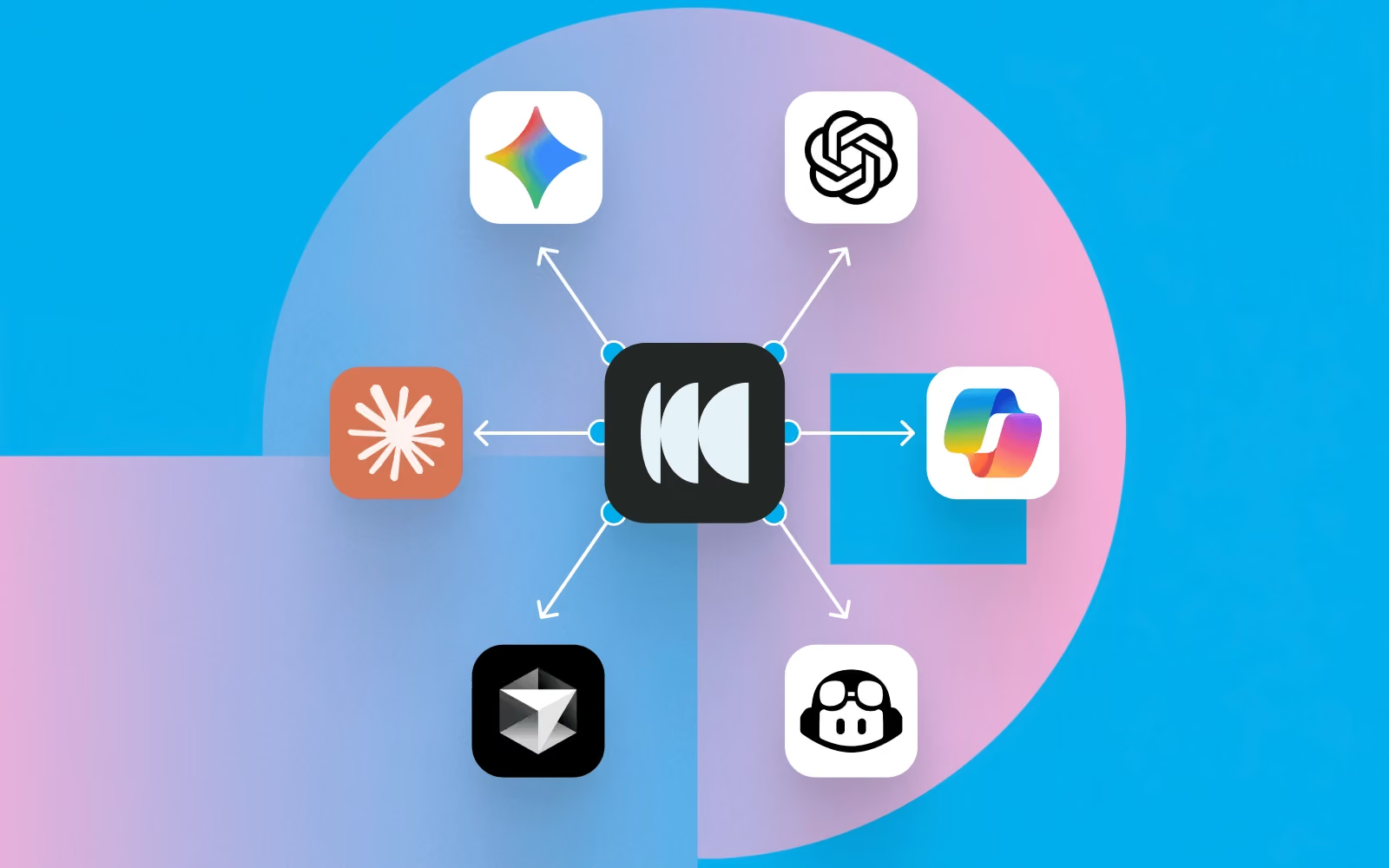
The Model Context Protocol (MCP) changes that. It connects AI tools like Claude, ChatGPT, and Cursor securely to your research in Optimal, so your team can ask questions in plain language and get insightful answers or connect your research to AI-powered workflows.
Below, we cover what MCP makes possible and how to connect it, so you finally get full value from the research you've already done and the repository you’ve built.
Once connected, MCP turns your repository into something you can ask directly, so all that past and current research is always instantly accessible. Here are 5 ways to use it:
Ask "What usability issues have we found recently?" or "What have we learned about onboarding?" Pull participant data and metadata e.g. “How many participants took this study on mobile?”
Ask "What research already exists on navigation?" so work isn't duplicated. You can also use MCP to pull quotes or review transcript data. “Surface participant quotes that highlight points of friction when navigating the homepage.”
Ask your AI tool to summarize the most important themes from research this quarter or format findings into charts or graphs.
Surface recurring participant pain points across multiple usability studies at once.
Connect Optimal research with the tools and workflows your team already integrated with your AI tools, like Zapier, Slack, Jira, and Notion.
Here are some practical examples of the kinds of questions teams can ask.
Across studies
Interviews
Prototype testing
Tree testing
Card sorting
First-click testing
Step 1: Sign in to your AI tool
Log into your preferred AI assistant (e.g. Claude, ChatGPT, or Cursor).
Step 2: Connect your Optimal account
Go to your AI tool’s settings and add a new MCP connection. Authenticate your Optimal account via OAuth 2.0 to securely grant access to your Optimal data.
Step 3: Start asking questions
Return to your AI tool and begin with simple, high-value questions grounded in your research.
Step 4: Embed it into your workflow
Use MCP regularly to explore insights, synthesize findings, and support decision-making.
The most effective MCP implementations are not standalone tools; they are embedded into daily decision-making.
If your AI tool is already connected to tools like Slack, Jira, Notion, or Zapier, you can use your Optimal research to trigger workflows, such as:
You've already done the hard part: running the studies and capturing the findings. The value is sitting in your repository. MCP helps you unlock what's already in your repository, making it easy to discover, reuse, and turn into action.
Whether a study was conducted yesterday or months ago, you’ll be able to gather insights with MCP to make faster, more informed decisions today.
.avif)
Nearly 18 years ago, Optimal helped define what UX research could be, pioneering practices and tools that would become industry standard and change how teams worldwide better understand their users. As the industry has evolved, so has Optimal, expanding the platform, advancing participant recruitment, and building Optimal Intelligence AI to accelerate insight to action.
Now, we’re at the edge of another major shift. With the launch of the Model Context Protocol (MCP), we’re entering a new realm, moving from traditional research workflows to AI-powered intelligence.
Research data is one of the most valuable assets in any organization, but until now, it has been scattered across studies and reports, time-consuming to search and synthesize, and different to search or reuse. MCP now changes that for research teams.
Model Context Protocol (MCP) enables you to connect your Optimal research directly to AI tools, like ChatGPT, Claude, or Cursor, to explore and analyze your data seamlessly. Insights can go beyond data downloads, dashboards, or static reports. Access your insights and explore further with natural conversation.
Get instant insights for questions like:
With MCP-connected tools, you can:
The evolution is clear.
We started by helping teams understand users through early UX research methods.
We helped formalize how research is conducted, analyzed, and shared.
And now, with MCP in Optimal, we’re helping teams move beyond analysis altogether toward conversational, AI-driven research intelligence.
Log in to Optimal, connect with your AI tools, and get the most value from your research or book a demo to start building your research repository with Optimal.

We recently hosted a live webinar introducing Optimal's new Usability Testing tool, a powerful solution that brings multiple research methods together in a single study, helping you get better insights, faster.
Looking for the highlights? We've rounded up answers to the most common questions from the session.
Optimal's new Usability Testing tool is a mixed-methods research tool that brings Prototype Testing, Live Site Testing, and Surveys into a single, end-to-end study workflow. Instead of treating each method as its own initiative, you can combine them inside a single study to allow participants to move naturally between tasks, experiences, and questions.
With this tool, you can compare multiple prototypes side by side, benchmark a current live experience against a redesigned concept, evaluate a competitor's experience, and more. And researchers get everything analyzed in one place with AI-powered summaries, task results, video clips, and evidence-backed insights surfaced automatically.
Yes, participants can complete Usability Testing studies on mobile devices using their mobile browser or the Optimal Participant App. If screen recording is required, participants are prompted to download the Optimal Participant App, available for both iOS and Android.
You can keep it simple and run a single survey, a standalone prototype test, or a live site session on its own. Or, mix methods or run multiple of the same method, such as multiple prototypes or live website tests in one study. The tool supports however your study needs to be shaped.
Usability Testing currently supports over 30 languages enabling what participants see and guiding how AI models interpret responses, generate summaries, identify themes, and surface insights. Today, studies are configured around a single language, so participants are expected to respond in the chosen language. That said, multilingual study support is something we're exploring for our roadmap.
Just once. From the participant's perspective, this looks and feels like a single study regardless of how many methods are included. They move through the experience naturally from start to finish.
Section-level randomization shuffles the order of any sections, while question-level randomization works within a specific section, shuffling the order of tasks and follow-up questions. Both are supported, giving researchers the flexibility to reduce order bias, particularly useful when comparing multiple experiences.
Yes, with no limitations on the number of prototypes you can link to a single study so you can add multiple Figma prototype sections and connect a different prototype to each one.
Given that Usability Testing studies can grow complex, the ability to reorder things quickly was a priority. You can reorder individual tasks and questions within a section, and sections themselves by dragging them in the Build panel.
Scaling research isn't just about running more studies, it's about helping more people across the business access insights, understand them, and use them to make decisions. With Usability Testing, product managers, designers, and stakeholders can quickly understand what happened and why without having to see hours of recording through the automatically generated highlight reels, key quotes, and transcripts.
If you want to experience the full walkthrough, demo, and Q&A, watch the recording to see Usability Testing in action and pick up tips and best practices straight from the session.
👉 Watch the full webinar here.
%2520(1).avif)
Coordinating user interviews shouldn’t feel like a full-time job. Between juggling calendars, chasing confirmations, and sending reminders, scheduling can be the hidden bottleneck in research velocity and quietly consume the time you actually want to spend talking to customers.
If you want to run more interviews and generate insights more consistently, simplifying your scheduling process is one of best ways to remove friction and streamline your workflow.
What does a simpler workflow look like?
With a tool like Optimal’s Interviews Scheduler, you can:
It’s everything you need to manage interviews without the chaos.
With the Interviews Scheduler, you can sync your availability with Google Calendar and Microsoft Outlook in real time. Connect your own calendar or your team’s to ensure every busy slot is accounted for. Avoid double bookings, block out busy times, and keep everything in one place.
Once set up, your availability automatically updates, and participants can book directly into open slots, eliminating the back-and-forth. Plus, depending on your preferences, your sessions will either sync directly to your calendar or come through as an .ics file in the confirmation email, saving you one more step.
The Interviews Scheduler integrates directly with Zoom, Microsoft Teams, and Google Meet.
When someone books a session:
No copying links. No switching between tools.
The Interviews Scheduler isn’t just about booking time slots. It’s about removing friction from your research workflow.
With integrations at its core, you can:
Whether you’re running one-off interviews or managing weekly research sprints, the Interviews Scheduler helps you move faster and stay organised.
Ready to give it a try? Log in to your Optimal account and get started or book a demo to learn more.

So, you’re ready to run a study. It’s designed, you’ve planned your questions, your methodology is sound. Your discussion guide is carefully crafted to avoid leading questions and dig into real user motivations…then you start recruiting participants.
Suddenly, you’ve hit a massive bottleneck. Your perfect study depends entirely on finding the right people, getting them to show up, and hoping they provide thoughtful responses rather than one-word answers and distracted multitasking. You’ve now hit the crunch point that every researcher faces: your insights are only as good as your participants. What happens when participant quality isn’t great?
Let's be honest about what typically happens with recruitment. You need a minimum number of participants to get statistically significant results (depending on study type). You’ve got a time limit in which you need to get results so they’re still relevant to your product development lifecycle. You start reaching out through your usual channels: customer lists, screening surveys, panel providers, social media posts, begging colleagues to connect you with people who fit your criteria.
After a week of this, you've got a few confirmed participants, but not enough. Some people have expressed interest but haven't confirmed times and it’s teeming more and more like your study is going to launch late, and you’re going to miss product deadlines.
So you make compromises.
You accept the participant who sort of fits your criteria but isn't quite in the target demographic. You take the person who can only do a 30-minute session instead of the planned 60 minutes. You keep the flaky participant who's rescheduled twice because you need the numbers.
Then the sessions happen.
One person no-shows. Another is clearly distracted, giving minimal responses while probably checking email. A third seems to have misunderstood the screening criteria entirely and doesn't actually use the type of product you're researching. The two good participants provide valuable insights, but now you're making conclusions based on a sample size of two.
This isn't research. This is educated guessing with extra steps.
When you're under pressure to deliver research quickly, it's tempting to view participants as interchangeable. You need 8 people. Any 8 people who vaguely fit the criteria will do. But that’s not actually the case at all. The whole point of user research is to understand your specific users. Their context, their mental models, their workflows, their pain points. Generic "users" don't exist. There are only specific people with specific needs trying to accomplish specific things. If the participants in your study don't actually represent your target users, you're not doing research. You're doing work that looks like research but doesn't provide real insights. When we say quality participants we mean:
Many teams rely on user research panels, databases of people willing to participate in studies for compensation, which are often limited by the platform that they’ve purchased to one, proprietary panel for their research. Panels solve the recruitment problem by providing quick access to participants. But panels come with significant limitations.
When you're locked into a single panel provider, you're stuck with whatever quality standards they maintain.
The alternative to depending on a single panel is having access to multiple sources for participants. This means you're not limited by one panel's database. When you need specific, hard-to-reach audiences, you can access specialized panels that focus on those groups. When you need B2B professionals, you use networks that focus on business users. When you need consumers with specific characteristics, you access consumer panels with better targeting. The ecosystem model provides flexibility, better matching, and higher quality because you're not forcing every recruitment need through the same funnel. By the way, this is the way Optimal has intentionally chosen to offer participant recruitment via our platform for our customers (a panel ecosystem approach).
Imagine recruitment takes two days instead of two weeks. Imagine you can specify exactly the targeting you need and trust you'll get quality participants who match. How does your research change?
Poor participant quality isn't a minor annoyance. It's the difference between research that drives confident decisions and research that creates false confidence in bad decisions. Quality in, quality out isn't just a principle. It's the foundation that determines whether your research is worth doing at all.
The recruitment bottleneck is real. But it's solvable. Teams that solve it don't just do more research. They do research that's actually worth acting on.
