
Great design decisions are grounded in evidence. But finding the right evidence isn't always easy when it's spread across multiple teams, usability tests, interviews, and surveys.
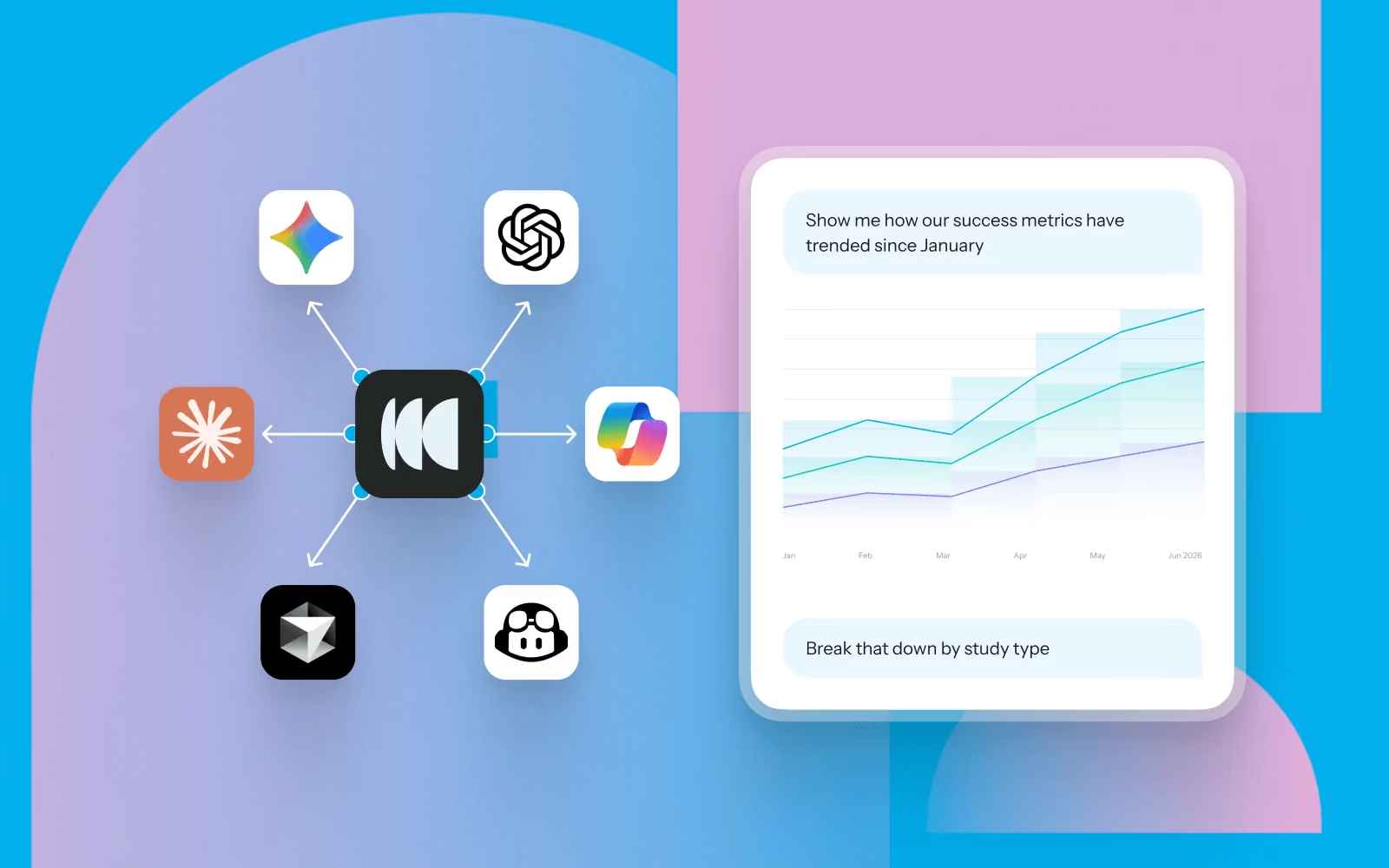
Instead of searching through reports or asking teammates if research already exists, Model Context Protocol (MCP) lets you ask questions about your research repository in natural language from AI tools like ChatGPT, Claude, Gemini, and Cursor.
Whether you're designing a new feature, iterating on a prototype, or preparing for a design review, MCP helps you quickly bring user evidence into your workflow.
Here are seven ways UX, product, and experience designers can use MCP throughout the design process.
1. Start every design project with what users already told you
Before opening Figma, understand what users are trying to accomplish, where they're struggling, and what your team has already learned.
Try asking:
- What have we already learned about onboarding?
- What usability issues have we identified in checkout?
- What are users trying to achieve when managing their account settings?
- What research should I review before redesigning navigation?
Designer workflow
Before kicking off a redesign, ask MCP to summarize existing research. Use the findings to define design goals, identify constraints, and prioritize the problems worth solving before creating your first wireframe.
2. Validate design concepts before investing time in high-fidelity designs
As ideas begin to take shape, use previous research to pressure-test your thinking. MCP can surface similar studies, recurring usability issues, and participant feedback that helps you refine concepts earlier.
Try asking:
- Have we tested a similar design before?
- What patterns have users struggled with in previous prototypes?
- What should we avoid repeating?
- Which usability findings should influence this design?
Designer workflow
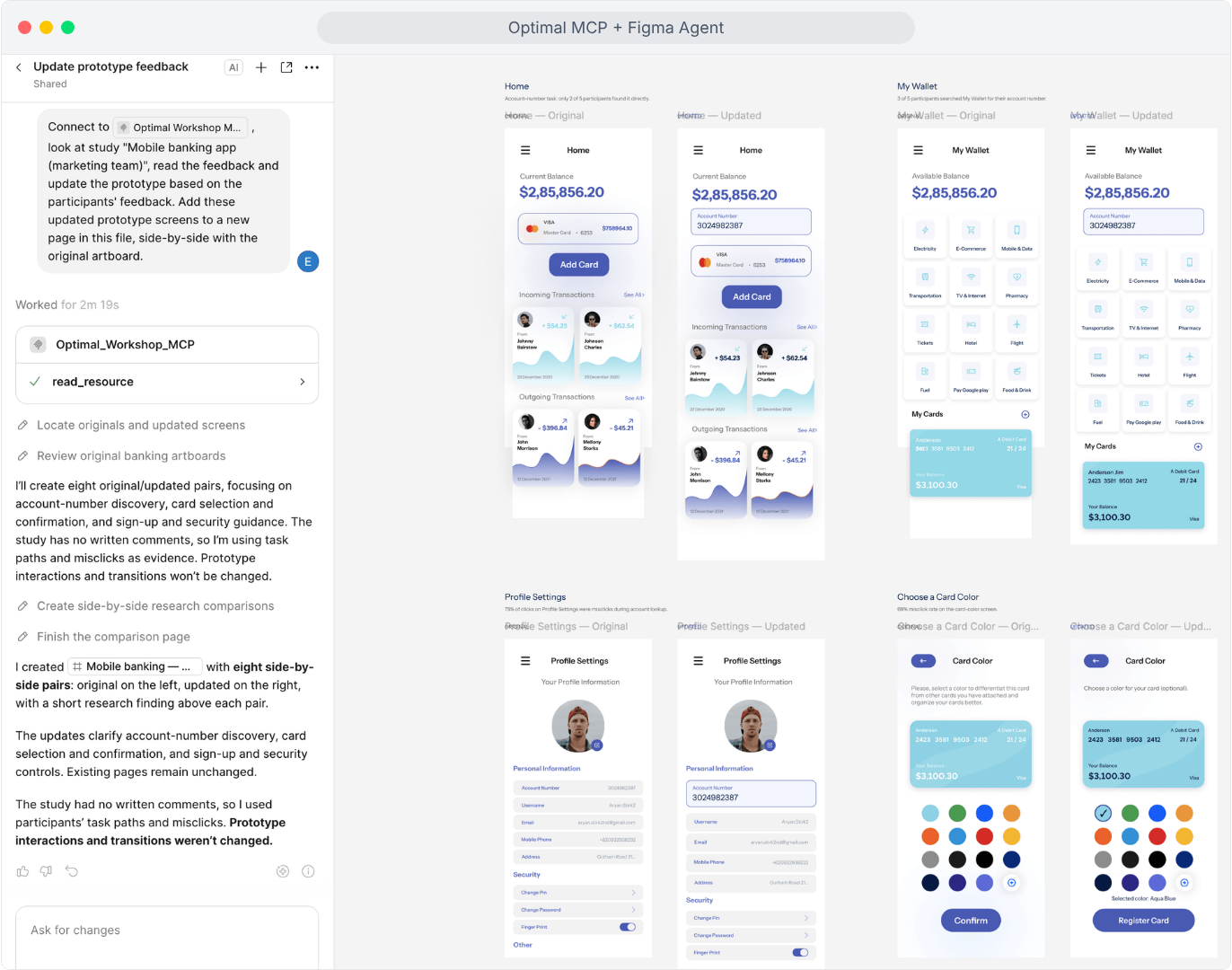
While exploring concepts in Figma, keep an AI assistant open alongside your design files. Ask questions as you work so previous research continuously informs design decisions instead of becoming something you review once at the beginning.
3. Write stronger design rationale
Design reviews often involve explaining why a particular solution was chosen. Use MCP to find supporting evidence from previous studies.
Try asking:
- Find participant quotes supporting a simplified navigation.
- What evidence suggests users prefer this workflow?
- Which usability studies identified this problem?
- Show examples of participants struggling with this interaction.
Designer workflow
Use participant quotes, findings, and usability observations directly in design specs, PRDs, or design review presentations to help stakeholders understand the reasoning behind your decisions.
4. Spot UX patterns across products and releases
Looking across multiple studies can reveal broader experience patterns. MCP can identify recurring pain points, emerging behaviours, and themes that may influence future design priorities.
Try asking:
- What usability issues appear across multiple product areas?
- Compare findings from our last five prototype tests.
- Which friction points have become more common over time?
- What navigation issues keep appearing across studies?
Designer workflow
Before planning a larger redesign, review patterns across multiple past studies. These recurring themes often highlight systemic UX issues that individual projects miss.
5. Prepare for design critiques and stakeholder reviews
Strong design presentations combine visual solutions with user evidence. Use MCP to generate summaries tailored to your audience.
Try asking:
- Summarize the research supporting this redesign.
- What are the three biggest user pain points?
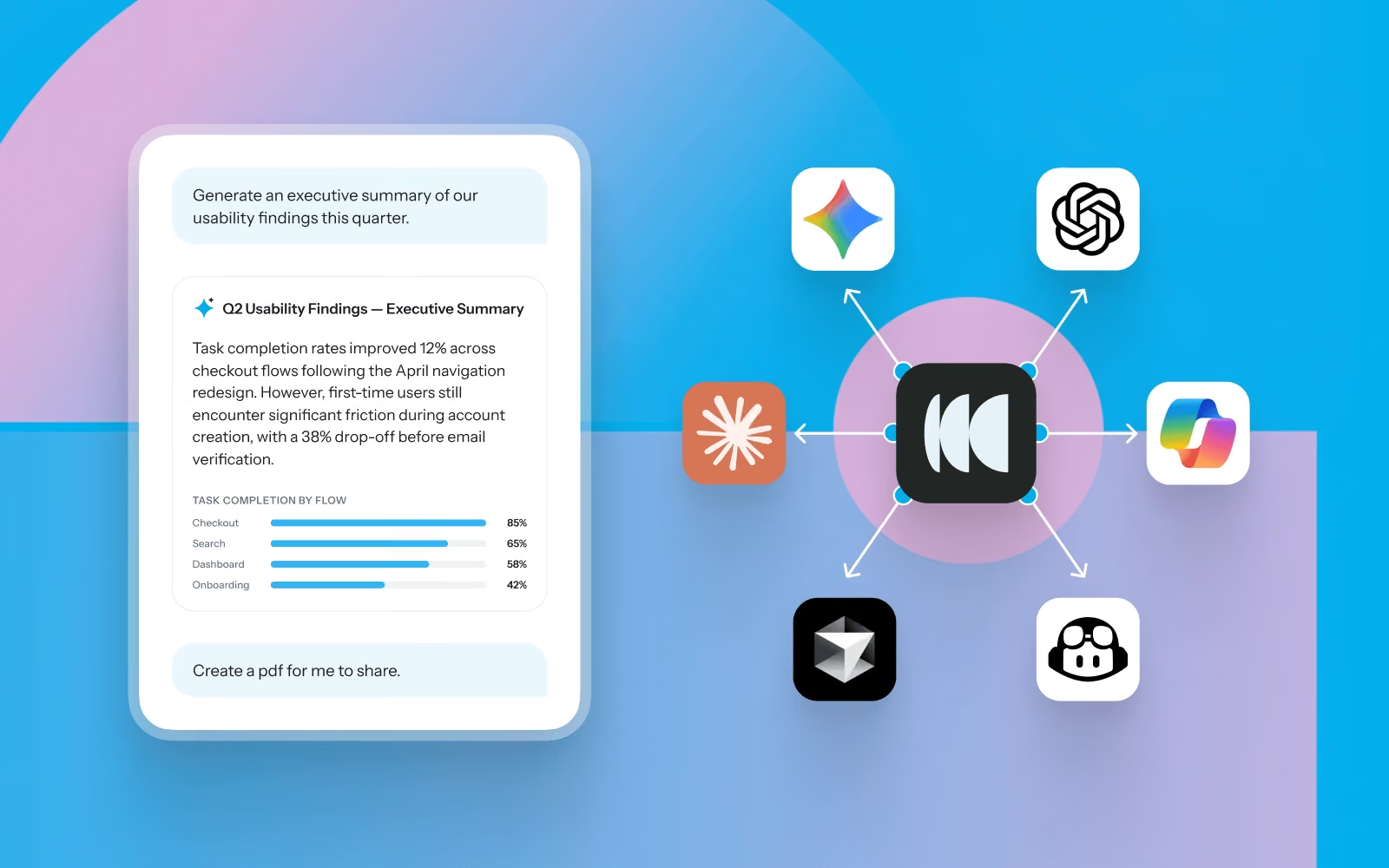
- Create an executive summary for stakeholders.
- What customer evidence supports prioritizing this work?
Designer workflow
Generate concise summaries before design critiques, roadmap discussions, or leadership reviews, then pair them with your prototypes to show both the solution and the evidence behind it.
6. Plan better usability tests
Designers frequently need to validate prototypes, but not every question requires a brand new study. MCP helps identify what has already been answered and where genuine knowledge gaps remain.
Try asking:
- What questions about this flow are still unanswered?
- What assumptions should we validate?
- Which participant groups haven't been represented?
- What tasks should we include in our next prototype test?
Designer workflow
Review previous findings before writing test tasks. Build studies that extend existing knowledge instead of repeating research your team has already completed.
7. Bring research into the tools you already use
Research is most valuable when it appears alongside the work you're already doing. With MCP, your repository becomes accessible from AI tools that support everyday design work.
Potential workflows
- Generate a design brief from previous research before starting a new feature.
- Draft usability findings directly into Confluence or Notion.
- Format ideas into sticky notes and prep for a design sprint with Miro or Mural.
- Create presentation-ready summaries for design reviews.
- Turn research findings into product requirements for engineering.
- Compare proposed designs against historical usability findings.
- Ask follow-up research questions while designing in Figma with an AI assistant open alongside your work.
Instead of switching between repositories, documents, and reports, research becomes part of your design process.
Designing with confidence
The best design decisions aren't based on intuition alone; they're informed by a deep understanding of user behavior.
MCP makes it easier to bring research into everyday design work, helping you move from evidence to action faster. Whether you're exploring concepts, validating ideas, preparing stakeholder reviews, or planning usability tests, you can use MCP to help your research repository become an active design partner.
Book a demo or log into your account to get set up with MCP.
.webp)
.webp)