July 29, 2026
4 minutes

What to Ask: 5 Ways to Get Started with MCP for Your Research Repository

You've invested time, budget, and effort into your research. But when you or someone else needs an answer, finding the right insight often means searching through projects, remembering which study covered the topic, and piecing insights together manually.


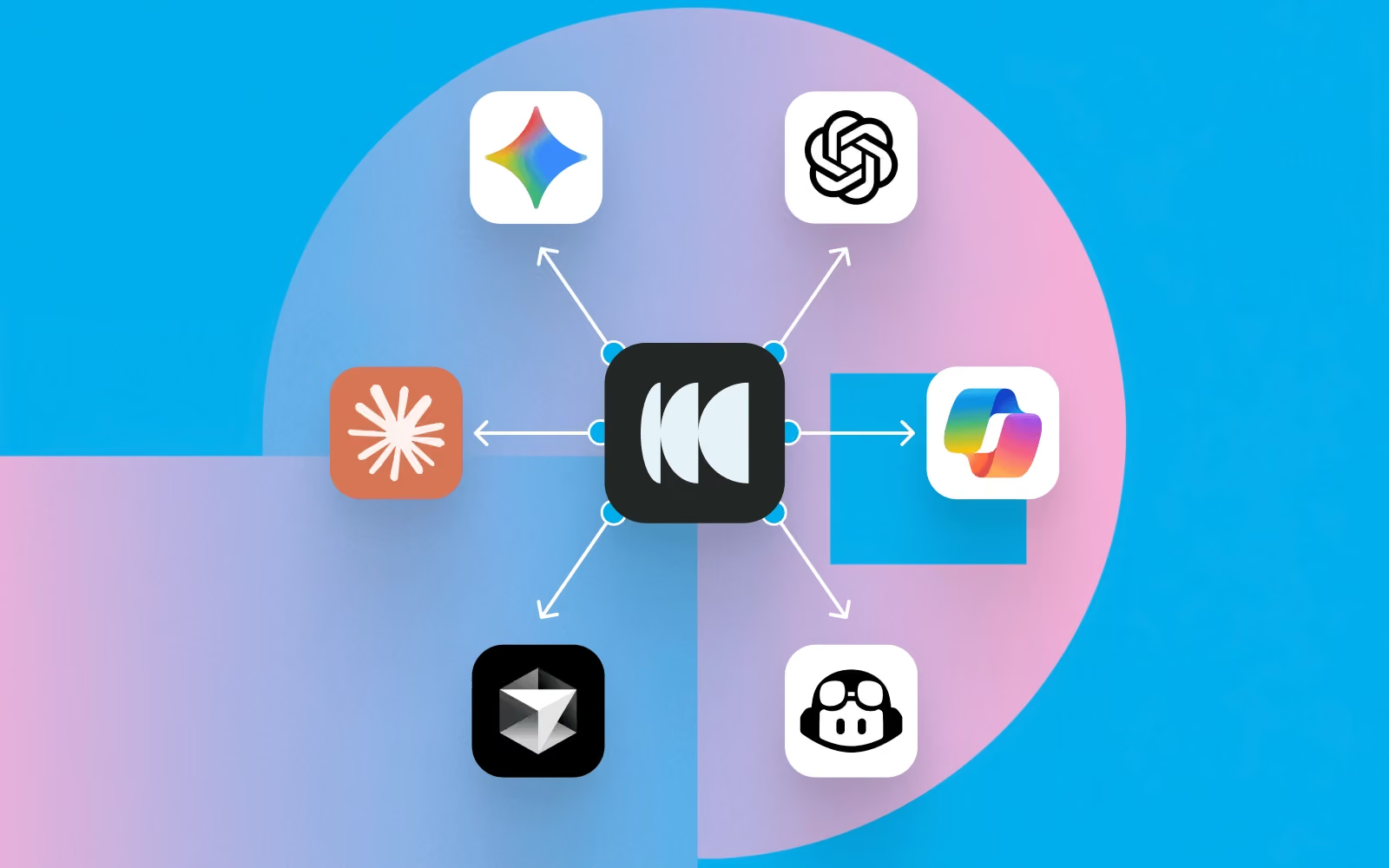
The Model Context Protocol (MCP) changes that. It connects AI tools like Claude, ChatGPT, and Cursor securely to your research in Optimal, so your team can ask questions in plain language and get insightful answers or connect your research to AI-powered workflows.


Below, we cover what MCP makes possible and how to connect it, so you finally get full value from the research you've already done and the repository you’ve built.


Getting started: What can MCP do for research teams?


Once connected, MCP turns your repository into something you can ask directly, so all that past and current research is always instantly accessible. Here are 5 ways to use it:

1. Research assistance

Ask "What usability issues have we found recently?" or "What have we learned about onboarding?" Pull participant data and metadata e.g. “How many participants took this study on mobile?”

2. Discovery

Ask "What research already exists on navigation?" so work isn't duplicated. You can also use MCP to pull quotes or review transcript data. “Surface participant quotes that highlight points of friction when navigating the homepage.”


Executive summaries

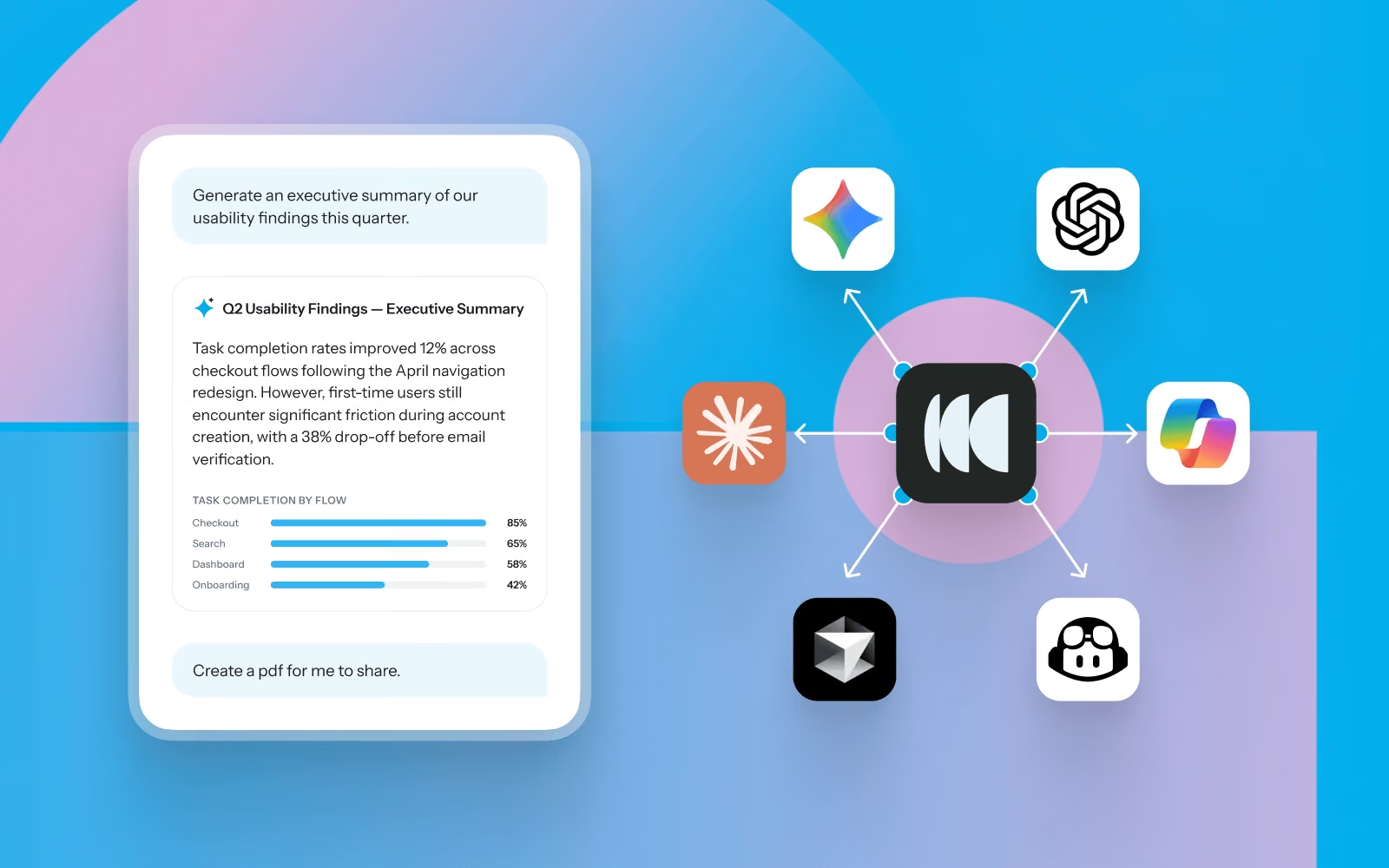
Ask your AI tool to summarize the most important themes from research this quarter or format findings into charts or graphs.


4. Cross-study synthesis


Surface recurring participant pain points across multiple usability studies at once.


5. AI assistants & workflows


Connect Optimal research with the tools and workflows your team already integrated with your AI tools, like Zapier, Slack, Jira, and Notion.


What can you ask? Real questions, by research method


Here are some practical examples of the kinds of questions teams can ask.

Across studies

  • What themes appear across multiple usability studies?
  • What are recurring participant pain points this quarter?
  • Which studies were conducted around onboarding in the past year?
  • Summarize all checkout-related findings from studies this quarter.

Interviews

  • Can you summarize the key pain points for participants who have downloaded and used the mobile app?

Prototype testing

  • Which task had the lowest success rate in the latest prototype test, and what usability issues contributed to it?
  • What usability issues contributed to task failure?
  • Pull task completion rates from all prototype tests in the Dashboard project as a CSV.


Tree testing

  • What % of users found the checkout successfully in last week's tree test, and where did the rest drop off?
  • Where did users drop off?


Card sorting

  • Which categories did participants consistently group together in the navigation card sort?


First-click testing

  • Where did users first click when asked to find the Pricing page in the first click test?


How do you set up MCP with Optimal?


Step 1: Sign in to your AI tool
Log into your preferred AI assistant (e.g. Claude, ChatGPT, or Cursor).

Step 2: Connect your Optimal account
Go to your AI tool’s settings and add a new MCP connection. Authenticate your Optimal account via OAuth 2.0 to securely grant access to your Optimal data.

Step 3: Start asking questions
Return to your AI tool and begin with simple, high-value questions grounded in your research.


Step 4: Embed it into your workflow
Use MCP regularly to explore insights, synthesize findings, and support decision-making.
The most effective MCP implementations are not standalone tools; they are embedded into daily decision-making.


If your AI tool is already connected to tools like Slack, Jira, Notion, or Zapier, you can use your Optimal research to trigger workflows, such as:

  • Sending Slack alerts when key findings are uncovered
  • Creating tickets in Jira when usability issues are detected
  • Feeding insights into product documentation tools
  • Connecting findings to internal AI assistants used by product and design teams


You've already done the hard part: running the studies and capturing the findings. The value is sitting in your repository. MCP helps you unlock what's already in your repository, making it easy to discover, reuse, and turn into action.

Whether a study was conducted yesterday or months ago, you’ll be able to gather insights with MCP to make faster, more informed decisions today.

Share this article
Author
Optimal
Workshop
Topics

Related articles

View all blog articles
Learn more
1 min read

What to Ask: 5 Ways to Get Started with MCP for Your Research Repository

You've invested time, budget, and effort into your research. But when you or someone else needs an answer, finding the right insight often means searching through projects, remembering which study covered the topic, and piecing insights together manually.


The Model Context Protocol (MCP) changes that. It connects AI tools like Claude, ChatGPT, and Cursor securely to your research in Optimal, so your team can ask questions in plain language and get insightful answers or connect your research to AI-powered workflows.


Below, we cover what MCP makes possible and how to connect it, so you finally get full value from the research you've already done and the repository you’ve built.


Getting started: What can MCP do for research teams?


Once connected, MCP turns your repository into something you can ask directly, so all that past and current research is always instantly accessible. Here are 5 ways to use it:

1. Research assistance

Ask "What usability issues have we found recently?" or "What have we learned about onboarding?" Pull participant data and metadata e.g. “How many participants took this study on mobile?”

2. Discovery

Ask "What research already exists on navigation?" so work isn't duplicated. You can also use MCP to pull quotes or review transcript data. “Surface participant quotes that highlight points of friction when navigating the homepage.”


Executive summaries

Ask your AI tool to summarize the most important themes from research this quarter or format findings into charts or graphs.


4. Cross-study synthesis


Surface recurring participant pain points across multiple usability studies at once.


5. AI assistants & workflows


Connect Optimal research with the tools and workflows your team already integrated with your AI tools, like Zapier, Slack, Jira, and Notion.


What can you ask? Real questions, by research method


Here are some practical examples of the kinds of questions teams can ask.

Across studies

  • What themes appear across multiple usability studies?
  • What are recurring participant pain points this quarter?
  • Which studies were conducted around onboarding in the past year?
  • Summarize all checkout-related findings from studies this quarter.

Interviews

  • Can you summarize the key pain points for participants who have downloaded and used the mobile app?

Prototype testing

  • Which task had the lowest success rate in the latest prototype test, and what usability issues contributed to it?
  • What usability issues contributed to task failure?
  • Pull task completion rates from all prototype tests in the Dashboard project as a CSV.


Tree testing

  • What % of users found the checkout successfully in last week's tree test, and where did the rest drop off?
  • Where did users drop off?


Card sorting

  • Which categories did participants consistently group together in the navigation card sort?


First-click testing

  • Where did users first click when asked to find the Pricing page in the first click test?


How do you set up MCP with Optimal?


Step 1: Sign in to your AI tool
Log into your preferred AI assistant (e.g. Claude, ChatGPT, or Cursor).

Step 2: Connect your Optimal account
Go to your AI tool’s settings and add a new MCP connection. Authenticate your Optimal account via OAuth 2.0 to securely grant access to your Optimal data.

Step 3: Start asking questions
Return to your AI tool and begin with simple, high-value questions grounded in your research.


Step 4: Embed it into your workflow
Use MCP regularly to explore insights, synthesize findings, and support decision-making.
The most effective MCP implementations are not standalone tools; they are embedded into daily decision-making.


If your AI tool is already connected to tools like Slack, Jira, Notion, or Zapier, you can use your Optimal research to trigger workflows, such as:

  • Sending Slack alerts when key findings are uncovered
  • Creating tickets in Jira when usability issues are detected
  • Feeding insights into product documentation tools
  • Connecting findings to internal AI assistants used by product and design teams


You've already done the hard part: running the studies and capturing the findings. The value is sitting in your repository. MCP helps you unlock what's already in your repository, making it easy to discover, reuse, and turn into action.

Whether a study was conducted yesterday or months ago, you’ll be able to gather insights with MCP to make faster, more informed decisions today.

Seeing is believing

Explore our tools and see how Optimal makes gathering insights simple, powerful, and impactful.