Latest webinar: What 100+ Teams Taught Us About Better Participant Recruitment →
Watch now
User interviews and usability sessions are treasure troves of insight, but the reality is reviewing hours of raw footage can be time-consuming, tedious, and easy to overlook important details.
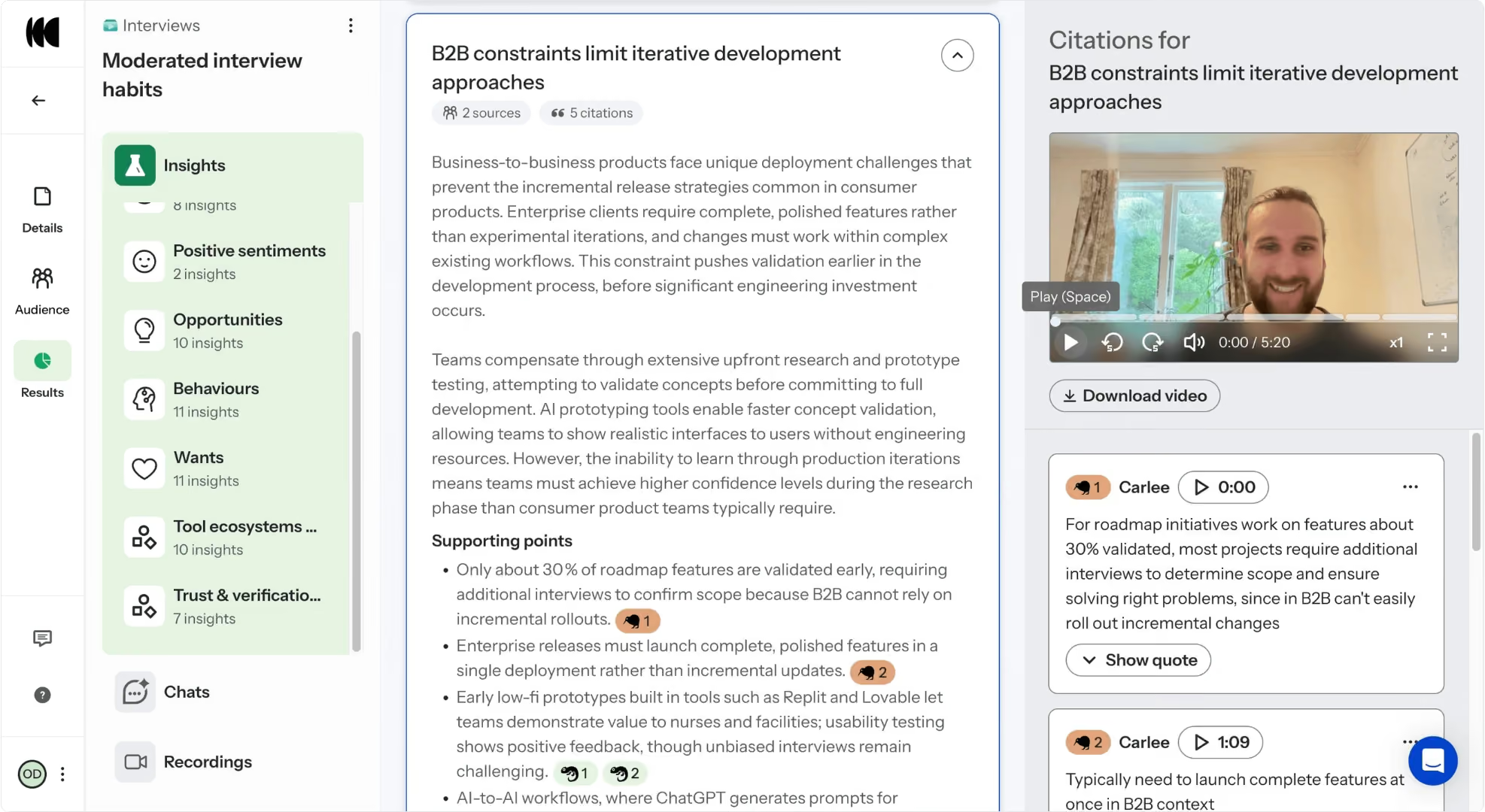
Optimal Interviews helps you move faster by automating analysis and surfacing what matters most. Upload your recordings and let AI turn hours of videos into minutes of clarity and actionable insights.
Start by creating a new Study under Interviews. Simply drag and drop or upload your videos, and let AI automatically surface key themes, insights, and highlight reels.
Optimal Interviews can automatically detect up to 10 speakers in a single video file, so you can get insights for both 1-1 interviews and focus groups.
You can upload up to 20 videos to one Interview study. You can decide to add additional videos or or remove uploaded videos associated with a study.
Tip: if you’re currently using video recording for your Optimal prototype test and live site tests, you can download those recordings and upload them to Optimal Interviews for automated insights. You can encourage your participants to speak their thought processes out loud in the task instructions.