Latest webinar: What 100+ Teams Taught Us About Better Participant Recruitment →
Watch now
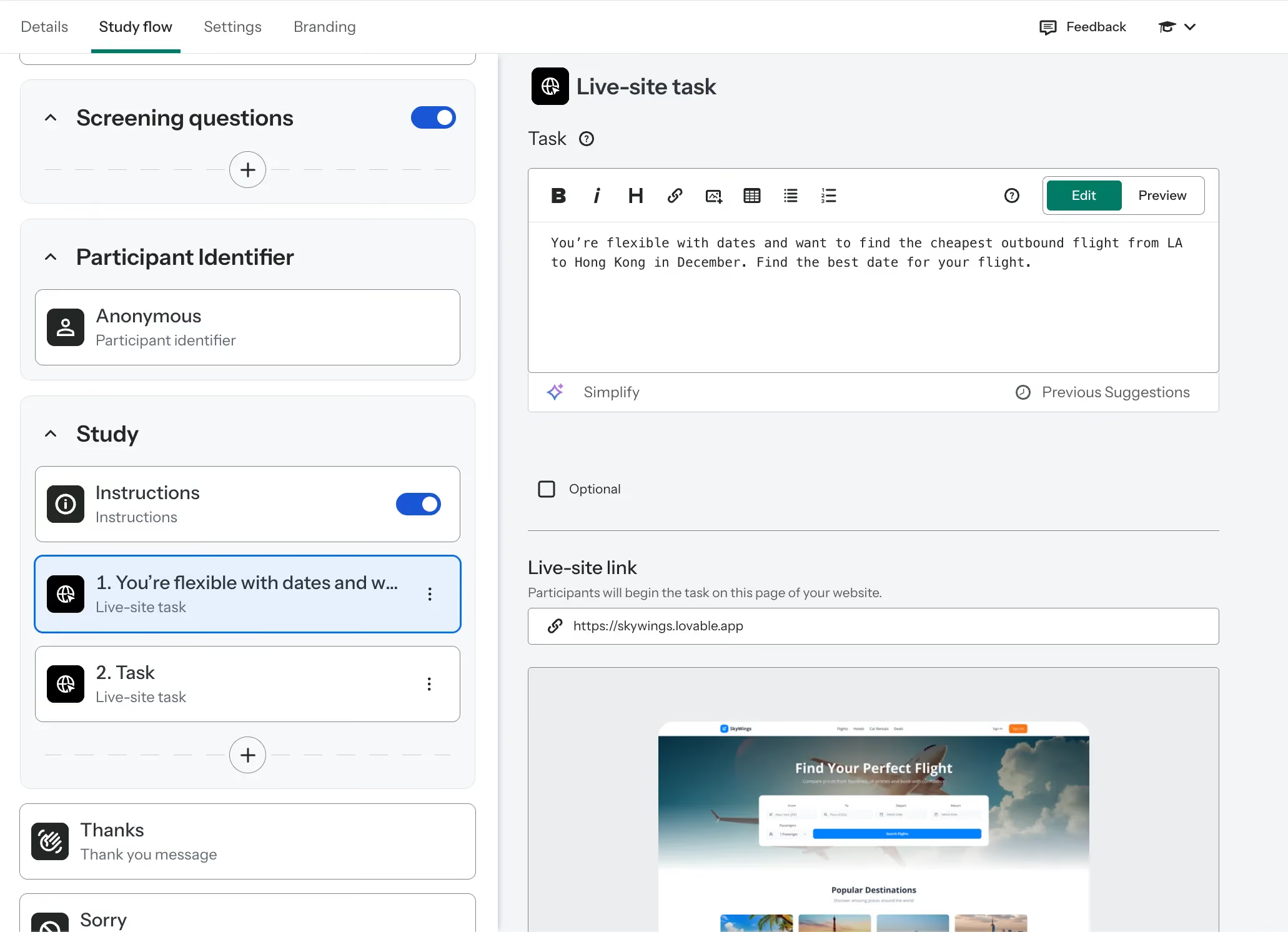
Setting up a live site test in Optimal is simple. It requires no coding, and works on any website or web app:
A great way to get early buy-in is to start small and visible, such as starting with a real question your team already has. For example, you could run a live site test with 5-7 participants to find out which website version is clearer and more effective or see where users get stuck. This can help you focus on capturing one or two clear moments of insights.
You can also use Optimal's Interviews tool to pull out video clips, quotes, and highlight reels to effectively use for storytelling and sharing outcomes with external stakeholders. From there, you can start to compare results and keep iterating and exploring more use cases for live site testing.