
March 11, 2026
3 min read

Speed Up Your Design Workflow with AI Prototyping + Optimal

AI prototyping isn’t just a side experiment anymore. It’s quickly becoming a real advantage for product and design teams. According to a 2025 industry report, companies using AI prototyping tools saw a 35% increase in development efficiency and a 25% improvement in user adoption rates compared to traditional coding methods.

The takeaway? Rapid prototyping with AI doesn’t just save time. It’s driving measurable product impact.

What Is AI Prototyping?


AI prototyping turns simple text prompts into interactive, functional prototypes. You can describe your design concept in plain English e.g. "I want to create a flight booking webpage to review a checkout flow" and minutes later, you have a working, clickable prototype. 

AI prototyping can also suggest layouts, flows, and components and lets you experiment without writing a single line of code. You can easily experiment with multiple design concepts and seamlessly transition from idea to testable prototype.

You bring the design thinking. AI handles the build.

Why AI Prototyping Matters for Product Teams


Product teams today are under pressure to ship faster without compromising quality. AI prototyping addresses one of the biggest bottlenecks in product development: turning ideas into something realistic enough to test.

Instead of debating static mockups in meetings, you can put a clickable experience in front of users and make decisions based on evidence.

Popular AI Prototyping Tools


Here are some widely used AI prototyping tools to explore:

How to Use AI Prototyping Tools with Optimal


AI prototyping gets you to a clickable experience quickly. Optimal helps you validate it with real users.

Here’s a step-by-step workflow to combine both:

  1. Generate your prototype
    • Prompt your AI tool with the desired layout or flow.
    • Publish and copy the shareable URL.
  2. Create a Live Site Test in Optimal
    • Add your AI-generated prototype URL along with key tasks.
    • Recruit participants and observe real-time interactions.
  3. Watch video recordings
    • Identify friction points, confusion, and usability issues.
  4. Extra tip: Add recordings into Optimal Interviews
    • Import your live site testing recordings to Optimal Interviews.
    • Get automated insights and highlight reels powered by AI.
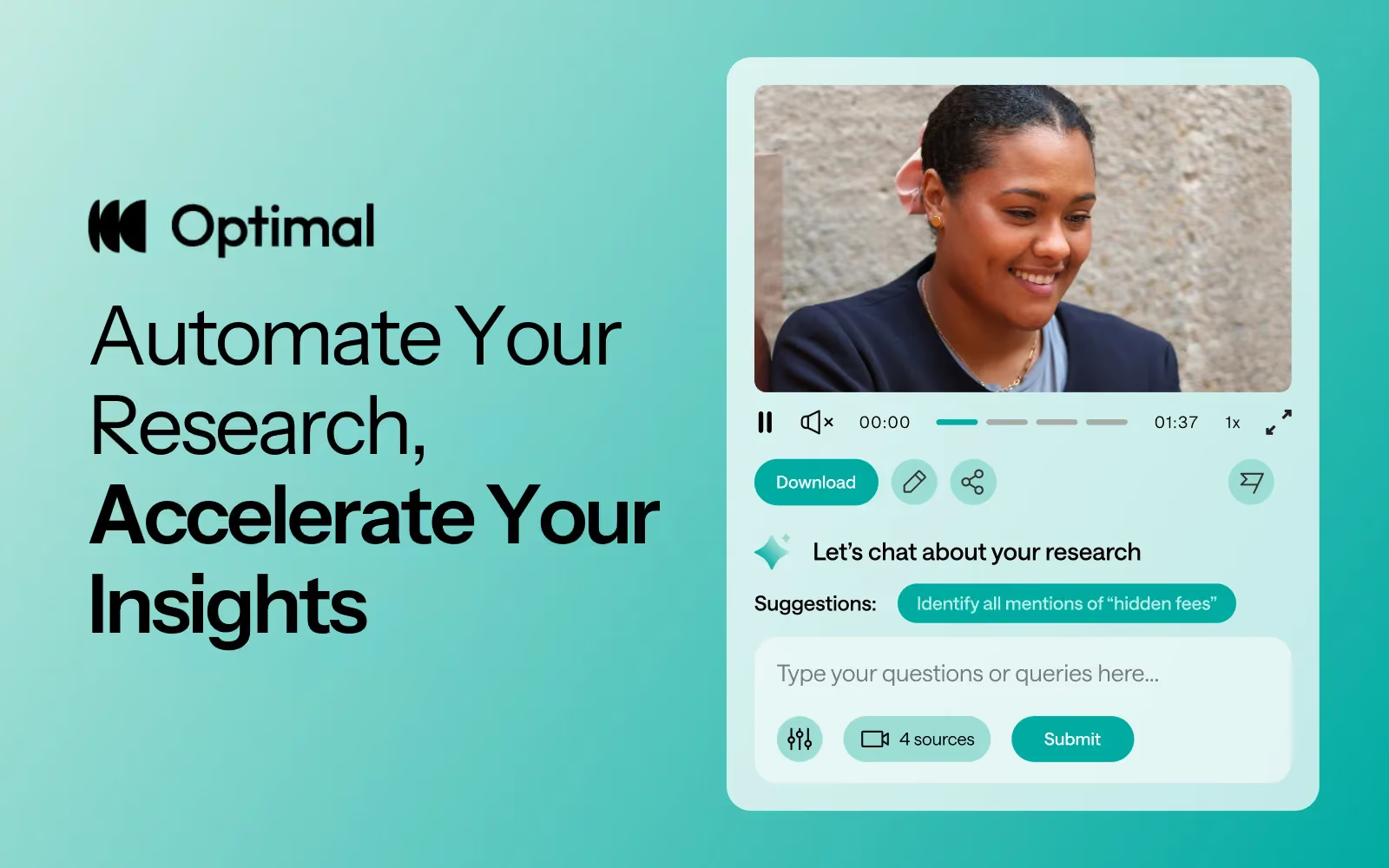
    • Dig deeper into your session with AI Chat.
  5. Iterate and refine
    • Adjust your prototype based on insights.
    • Repeat testing.

Getting started 


Here’s how we recommend getting started. Pick something where you can experiment with low stakes and learn without pressure. Sign in to Optimal or sign up for a free trial and start testing. 


This isn’t about replacing design expertise. It’s about shifting time and energy toward understanding user needs and iterating based on evidence. AI can handle the heavy lifting of generating prototypes. Your team can focus on strategy, clarity, and experience quality.


The result? Faster validation. Smarter decisions. Better products. 

Share this article
Author
Optimal
Workshop

Related articles

View all blog articles
Learn more
1 min read

Optimal 3.0: Built to Challenge the Status Quo

A year ago, we looked at the user research market and made a decision.

We saw product teams shipping faster than ever while research tools stayed stuck in time. We saw researchers drowning in manual work, waiting on vendor emails, stitching together fragmented tools. We heard "should we test this?" followed by "never mind, we already shipped."

The dominant platforms got comfortable. We didn't.

Today, we're excited to announce Optimal 3.0, the result of refusing to accept the status quo and building the fresh alternative teams have been asking for.

The Problem: Research Platforms Haven't Evolved

The gap between product velocity and research velocity has never been wider. The situation isn't sustainable. And it's not the researcher's fault. The tools are the problem. They’re: 

  • Built for specialists only - Complex interfaces that gatekeep research from the rest of the team
  • Fragmented ecosystems - Separate tools for recruitment, testing, and analysis that don't talk to each other
  • Data in silos - Insights trapped study-by-study with no way to search across everything
  • Zero integration - Platforms that force you to abandon your workflow instead of fitting into it

These platforms haven't changed because they don't have to, so we set out to challenge them.

Our Answer: A Complete Ecosystem for Research Velocity

Optimal 3.0 isn't an incremental update to the old way of doing things. It's a fundamental rethinking of what a research platform should be.

Research For All, Not Just Researchers.

For 18 years, we've believed research should be accessible to everyone, not just specialists. Optimal 3.0 takes that principle further.

Unlimited seats. Zero gatekeeping.

Designers can validate concepts without waiting for research bandwidth. PMs can test assumptions without learning specialist tools. Marketers can gather feedback without procurement nightmares. Research shouldn't be rationed by licenses or complexity. It should be a shared capability across your entire team.

A Complete Ecosystem in One Place.

Stop stitching together point solutions.Optimal 3.0 gives you everything you need in one platform:

Recruitment Built In Access millions of verified participants worldwide without the vendor tag. Target by demographics, behaviors, and custom screeners. Launch studies in minutes, not days. No endless email chains. No procurement delays.

Learn more about Recruitment

Testing That Adapts to You

  • Live Site Testing: Test any URL, your production site, staging, or competitors, without code or developer dependencies
  • Prototype Testing: Connect Figma and go from design to insights in minutes
  • Mobile Testing: Native screen recordings that capture the real user experience
  • Enhanced Traditional Methods: Card sorting, tree testing, first-click tests, the methodologically sound foundations we built our reputation on

Learn more about Live Site Testing

AI-Powered Analysis (With Control) Interview analysis used to take weeks. We've reduced it to minutes.

Our AI automatically identifies themes, surfaces key quotes, and generates summaries, while you maintain full control over the analysis.

As one researcher told us: "What took me 4 weeks to manually analyze now took me 5 minutes."

This isn't about replacing researcher judgment. It's about amplifying it. The AI handles the busywork, tagging, organizing, timestamping. You handle the strategic thinking and judgment calls. That's where your value actually lives.

Learn more about Optimal Interviews

Chat Across All Your Data Your research data is now conversational.

Ask questions and get answers instantly, backed by actual video evidence from your studies. Query across multiple Interview studies at once. Share findings with stakeholders complete with supporting clips.

Every insight comes with the receipts. Because stakeholders don't just need insights, they need proof.

A Dashboard Built for Velocity See all your studies, all your data, in one place. Track progress across your entire team. Jump from question to insight in seconds. Research velocity starts with knowing what you have.

Explore the new dashboard

Integration Layer

Optimal 3.0 fits your workflow. It doesn't dominate it. We integrate with the tools you already use, Figma, Slack, your existing tech stack, because research shouldn't force you to abandon how you work.

What Didn't Change: Methodological Rigor

Here's what we didn't do: abandon the foundations that made teams trust us.

Card sorting, tree testing, first-click tests, surveys, the methodologically sound tools that Amazon, Google, Netflix, and HSBC have relied on for years are all still here. Better than ever.

We didn't replace our roots. We built on them.

18 years of research methodology, amplified by modern AI and unified in a complete ecosystem.

Why This Matters Now

Product development isn't slowing down. AI is accelerating everything. Competitors are moving faster. Customer expectations are higher than ever.

Research can either be a bottleneck or an accelerator.

The difference is having a platform that:

  • Makes research accessible to everyone (not just specialists)
  • Provides a complete ecosystem (not fragmented point solutions)
  • Amplifies judgment with AI (instead of replacing it)
  • Integrates with workflows (instead of forcing new ones)
  • Lets you search across all your data (not trapped in silos)

Optimal 3.0 is built for research that arrives before the decision is made. Research that shapes products, not just documents them. Research that helps teams ship confidently because they asked users first.

A Fresh Alternative

We're not trying to be the biggest platform in the market.

We're trying to be the best alternative to the clunky tools that have dominated for years.

Amazon, Google, Netflix, Uber, Apple, Workday, they didn't choose us because we're the incumbent. They chose us because we make research accessible, fast, and actionable.

"Overall, each release feels like the platform is getting better." — Lead Product Designer at Flo

"The one research platform I keep coming back to." — G2 Review

What's Next

This launch represents our biggest transformation, but it's not the end. It's a new beginning.

We're continuing to invest in:

  • AI capabilities that amplify (not replace) researcher judgment
  • Platform integrations that fit your workflow
  • Methodological innovations that maintain rigor while increasing speed
  • Features that make research accessible to everyone

Our goal is simple: make user research so fast and accessible that it becomes impossible not to include users in every decision.

See What We've Built

If you're evaluating research platforms and tired of the same old clunky tools, we'd love to show you the alternative.

Book a demo or start a free trial

The platform that turns "should we?" into "we did."

Welcome to Optimal 3.0.

Learn more
1 min read

Live Site Testing Without Code: 5 Key Takeaways

Live site testing is now part of the Optimal platform and is designed to give you real insights from real user interactions without code, installs, or complicated setups. 

If you missed our recent Live Site Testing Training webinar or want a refresher, we’ll get you up to speed with this recap of all the key insights. 

What is Live Site Testing?


Optimal’s live site testing lets you watch users navigate any website or web app, including your own staging or production site, or even competitor experiences. It’s all about understanding how people behave in the environments they actually use, helping you identify friction points you might otherwise miss.

Key Takeaways From the Training


1. Context Is Everything


In usability research, the “real world” often looks very different from controlled prototype tests. People use their own devices, have distractions, and bring patterns and expectations shaped by real life. Foundational research shows the richest insights often come from observing users in these real contexts.

Live site testing is built to reflect that reality, helping you answer not just if someone completes a task, but how they approach it and why they struggle. 

2. Testing Is Fast and Friction‑Free


One of the biggest barriers to live site testing historically is complexity, needing code snippets, extensions, or technical setup. Optimal’s tool removes all that friction so you can see natural behaviour without influence or disruption:

  • No code or installs required
  • Paste a URL and you’re ready to go
  • You can test as often as you want - during discovery, before launch, after launch, or anytime in between - and any site you want

3. Design Tests With Real‑Life Scenarios


When crafting tasks for live site testing, think about real user goals. Asking people to complete realistic tasks (e.g., find a product, book a flight, compare two pages) and encouraging them to think out loud leads to much richer insights than purely metric‑focused tests. You can also mix tasks with survey questions for quantitative data. 

4. Participant Experience Is Built for Natural Interaction


A big part of getting real behavior is ensuring participants feel comfortable and unencumbered. Optimal’s built-in task window is readily available when needed but otherwise minimizes to stay out of the way. This flow helps people stay focused and act naturally, which directly improves the quality of insights you collect.

5. Combine Live Site Testing with Optimal’s Interviews Tool


For even deeper insights, pair live site testing with Optimal Interviews. Once you upload live site testing recordings, you get automated insights, transcripts, summaries, as well as highlight reels in Interviews. You can also explore further with AI chat, so you can quickly uncover quotes, compare experiences, and answer ad‑hoc questions.

This combination doesn’t just make analysis faster; it helps you convince stakeholders with clear, digestible, and compelling evidence from real user behaviour. Instead of long reports, you can present snackable, actionable insights that drive alignment and decisions.


Looking Ahead


We’re evolving live site testing at Optimal with solution testing, a multi-method approach that combines prototypes, live sites, and surveys in a single study. This will let teams capture even richer insights with speak-aloud tasks, automated analysis, highlight reels, and AI chat, making it faster and easier to understand user behavior and share compelling findings.


FAQs Highlights


Can you test staging or test environments and sites behind a password or firewall?

Yes, Optimal's live site testing tool works with any URL, including staging and test environments as well as sites behind a password or firewall.

You can share specific instructions with participants before they start. For example, if participants need to create an account and you don’t want that recorded, you can ask them to do this in advance via the welcome screen. That way, when the study begins, they’re already logged in.

Will live site testing affect my live website or real data?
No, user testers interacting with a live site test cannot make any changes to your website or its data.


What permissions are needed to test competitor websites?
With Optimal’s live site testing, you don't need special approval or permissions to evaluate public competitors' experiences.


Access the Training


If you want to experience the full walkthrough, demo, and Q&A from the session, we encourage you to watch the full webinar! You’ll learn how to start running your own live site tests and uncover real user behavior, plus pick up tips and best practices straight from the training.


👉 Watch the full training webinar here.

Learn more
1 min read

Figma + Optimal: Design, Test, Iterate Faster

Figma has long been the go-to tool for UI/UX designers, known for its intuitive interface and real-time collaboration. In fact, over 95% of Fortune 500 companies rely on Figma, and 13 million monthly active users trust it to design and prototype digital experiences.

If you’re already designing in Figma, integrating with Optimal can help to validate your ideas early, reduce costly mistakes, and deliver experiences users actually want.

The Hidden Cost of Skipping Design Validation

Validating designs before development and catching usability issues early has a measurable impact on both users and the business. Research consistently shows that:

Figma + Optimal: Prototype Testing and Design Validation

Instead of waiting for post-launch analytics or expensive redesigns, you can test your Figma prototypes with real users in hours, not weeks with Optimal. Get quantitative data, watch recordings, analyze heatmaps, and actually see where users struggle, all before a single line of code is written.

Here’s a look into 4 practical ways teams use Figma and Optimal together.

4 Ways to Test Figma Designs with Optimal

1. Preference Testing: Let Users Pick the Winner

Ever had a debate with your team about which design direction to take? Let data decide.

Here's how:

  • Create a Figma frame with two designs side-by-side (think: two homepage variations, competing button styles, different navigation approaches)
  • Copy your Figma link and drop it into an Optimal first-click test
  • Ask participants: "Which design do you prefer?"
  • Watch the results roll in with heatmaps showing exactly where users clicked

2. Concept Testing: Does Your Idea Actually Make Sense?

You've got a bold new concept. It makes perfect sense to you. But will users get it?

The process:

  • Build wireframes or mockups in Figma (they don't need to be pixel-perfect)
  • Import your Figma link into an Optimal first-click or prototype test
  • Create tasks like “Click the option that best matches what you’re trying to do.” or “Click where you would sign up.”
  • Analyze whether users successfully understand and navigate your concept

3. Prototype Testing: Find the Friction Before Development

You've built a clickable prototype with multiple screens and interactions. It looks polished. But does it actually work for users?

Step-by-step:

  • Build a complete interactive prototype in Figma
  • Ensure all frames and flows are complete in Figma before importing into Optimal.
  • Copy your Figma prototype URL (works even with password-protected links)
  • Paste it into an Optimal prototype test
  • Define realistic tasks: "You want to buy running shoes under $100. Complete the purchase."
  • Watch video recordings and analyze usability metrics, clickmaps, misclicks, successes/failures, and heatmaps

What you'll discover might surprise you. Users will:

  • Click on things you never intended to be clickable
  • Miss obvious CTAs you thought were perfectly placed
  • Get lost in navigation that seemed intuitive to your team
  • Abandon tasks at friction points you didn't know existed

4. AI Prototype Testing: Validate AI-Generated Designs

The rise of AI design tools like Figma Make has changed the game. You can now generate a functional prototype from a text prompt in minutes. But just because AI can create it doesn't mean users can use it.

Quick workflow:

  • Generate a prototype using Figma Make
  • Copy the URL and drop it into an Optimal live site test
  • Add your testing tasks
  • Review recordings to spot usability issues

This is perfect for rapid experimentation. 

Getting Started Is Simple

  1. Prep your Figma file - Have a prototype or design ready
  2. Copy the link - Grab your Figma share URL
  3. Create your test - Choose first-click, prototype test, or live site test in Optimal
  4. Paste and configure - Add your Figma URL and write your test tasks
  5. Launch - Use your own participants or tap into Optimal's panel or Managed Recruitment services
  6. Analyze - Review results and iterate

Launch Designs Users Love

Figma gives you the power to design and prototype rapidly, while Optimal gives you the insights to make sure those designs actually work for real users. Together, they create a workflow built on real insights, not guesswork.

By testing early and often, teams can reduce risk, build confidence in their designs, and move into development knowing their work has already been validated by users. Gather insights quickly, collaborate more effectively, and keep projects moving forward with evidence-backed decisions.

Ready to validate your next Figma prototype? Use Optimal as part of your workflow and start testing with real users today.

Seeing is believing

Explore our tools and see how Optimal makes gathering insights simple, powerful, and impactful.