Latest webinar: What 100+ Teams Taught Us About Better Participant Recruitment →
Watch now
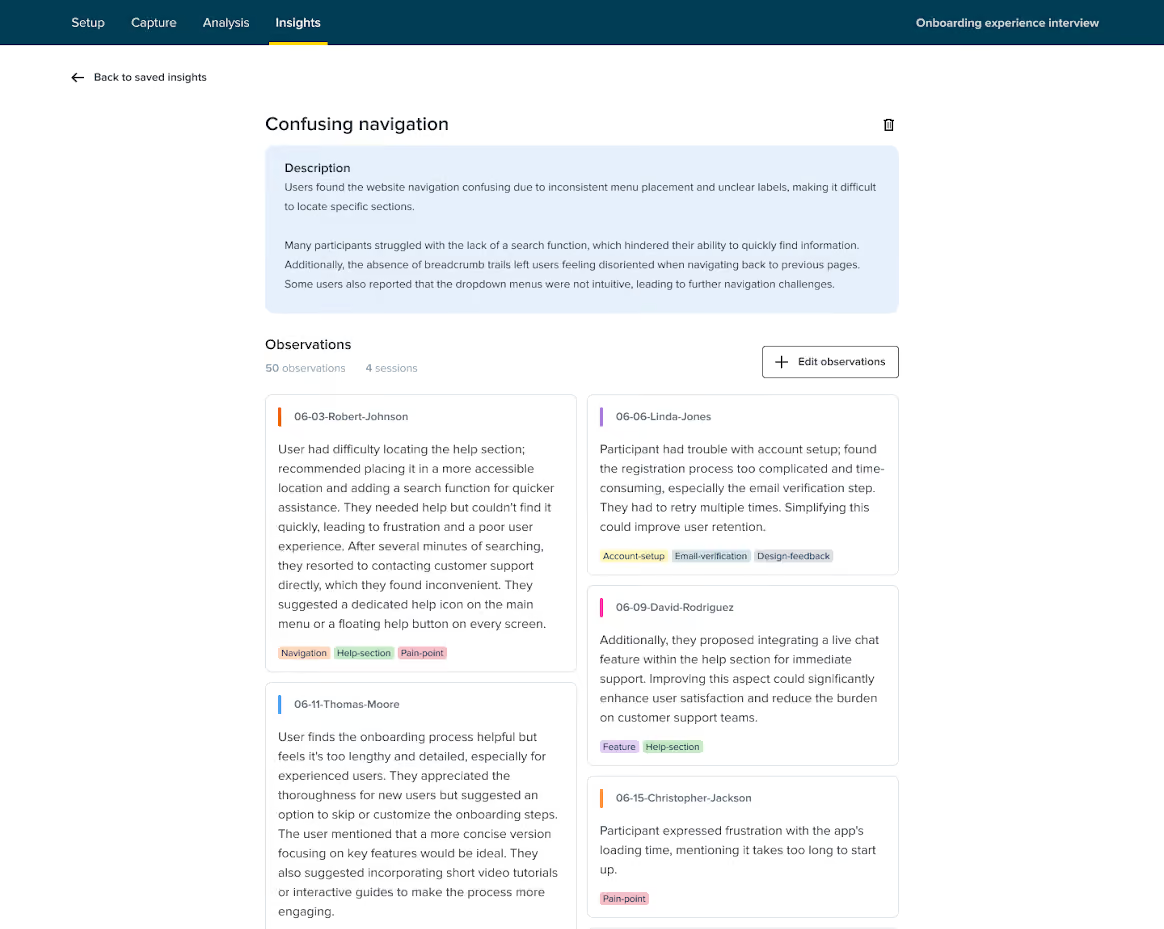
The Insights tab in Qualitative Insights helps you quickly summarize, create, and organize key findings. Each Insight is presented with a clear title, detailed description, and relevant observations, all in one place - easily referenced and ready to be shared with stakeholders.
You can generate insights manually by filtering data and adding custom summaries.
How to create Insights on your own