Make sure users can find what they need

Tree testing shows where users get stuck and which labels cause confusion, so you can refine navigation before launch and make it feel natural and intuitive.

HSBC Netflix Visa Nike Amazon Toyota Bloomberg Apple Tesla Lego Google Workday

Optimal is the trusted platform for teams who need reliable, scalable insights for information architecture. As pioneers of tree testing, we’ve shaped how teams evaluate navigation. Optimal helps you validate navigation decisions with fast setup, clear visualizations, and comprehensive findability metrics and quantitative results.
Optimal has the most robust research tools on the market. Other tools might offer features for card sorting and tree testing, but they don't come close to Optimal's dynamic analysis tools or robust visual outputs.

Verified G2 user

Tools like tree testing and card sorting are the OG and still best options out there for research and testing in the IA realm.

David G

Director of UX/Product Experience/Customer Experience Design

I use the product for tree tests and card sorts, saving me time and effort with intuitive setup, automatic analysis, and confidence-building results through clear dendrograms and graphics.

Brittany C

UX Researcher

Spot the moments where tree testing gives you clarity

Use tree testing when you need to validate whether users can find information in your navigation, especially before investing in design or development.

When users struggle to find content in your navigation
When you’re redesigning or restructuring information architecture
When labels feel ambiguous or inconsistent
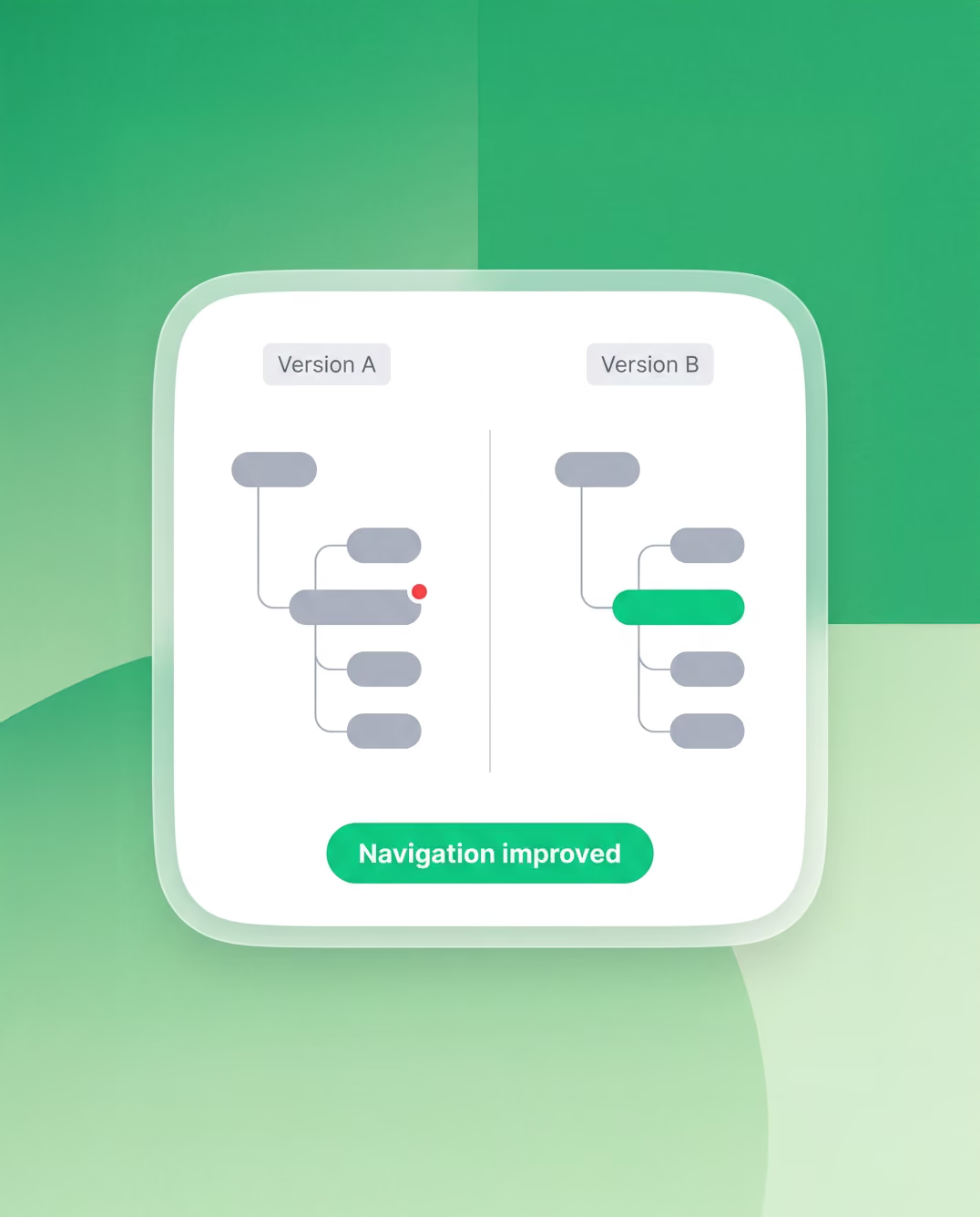
When comparing multiple navigation structures
When validating IA changes before launch

Tree testing in action

Website redesigns

Test your new site structure before you build it. Find and fix problems early to create a website that's easy to use and keeps people engaged.

Navigation optimization

Zero in on confusing parts of your navigation by making labels, categories, and structure crystal clear so users can find what they need hassle-free.

Content strategy

Get your content sorted just right. Help users find and explore relevant content effortlessly across your site for more traffic and engagement.

Accessibility evaluation

Make your site easy for everyone to navigate, including people using assistive tech. Spot and remove roadblocks to your content and features.

E-commerce category optimization

Arrange your online store's categories to perfection and guide shoppers to the products they want, so they buy more and leave happy.

Intranet usability

Put your intranet's structure under the microscope and create resources and tools quick and easy to find so your team can get more done with less effort.

Mobile app information architecture

Fine-tune how your app is organized and help users get to the features and content they want fast for a smooth, frustration-free experience on the go.

Frequently Asked Questions about Tree Testing

Frequently Asked Questions

What is tree testing in UX research?

Tree testing is a research method that evaluates how easy it is for people to find information within a website or app's navigation structure. Participants are given a plain-text version of your site hierarchy and asked to complete tasks by clicking through it. Because there's nothing to look at except the structure itself, tree testing isolates whether your information architecture is working, independent of layout or aesthetics.

How is tree testing different from card sorting?

Card sorting helps you understand how your users group content. It's generative, and useful early in a project when you're building a structure from scratch, as well as helpful for categorizing or grouping content for product, knowledge bases, intranets, and even wayfinding and signage for physical spaces. Tree testing helps you validate whether a structure you've already built is findable. It's evaluative, and most useful once you have a proposed navigation to test. They complement each other well: card sorting informs the design, tree testing confirms it works.

How many participants do I need for a tree test?

For most studies, 50 unmoderated participants gives you reliable results. If you're comparing two versions of a tree, or want to analyse results by user segment, aim for 50 per group. For early-stage exploratory testing where you're looking for directional signals rather than statistical confidence, as few as 20-30 participants can surface the most significant problems.

How do I write good tree testing tasks?

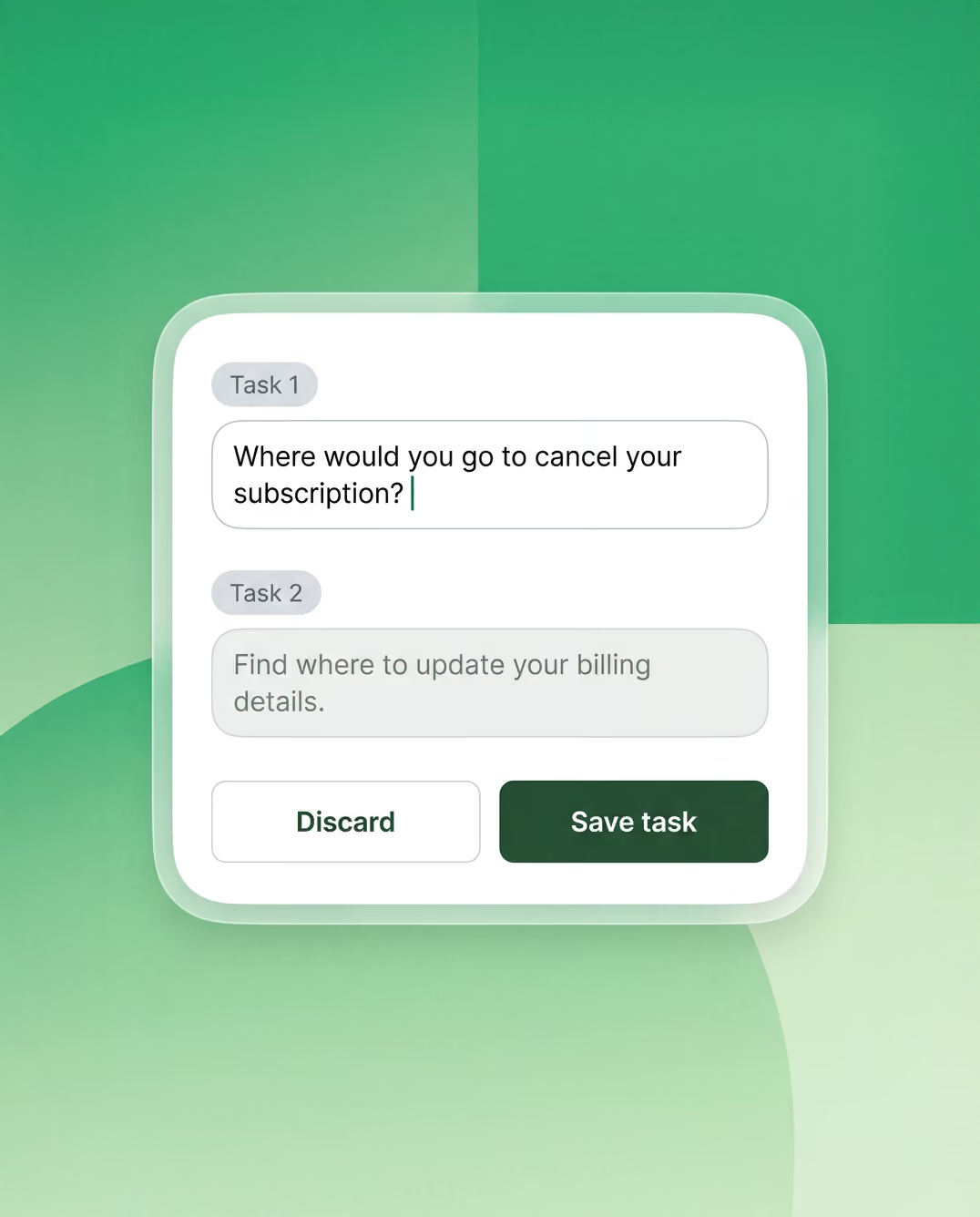
Write tasks from the user's perspective, not the site's. Describe a realistic scenario or goal: "You've just started a new job and need to find out what leave you're entitled to", rather than echoing the label names in your tree. If your task uses the same word as a navigation item, participants will find it by matching text rather than genuine understanding. A good task reads like something a real person would actually need to do.

What does a good tree test result look like?

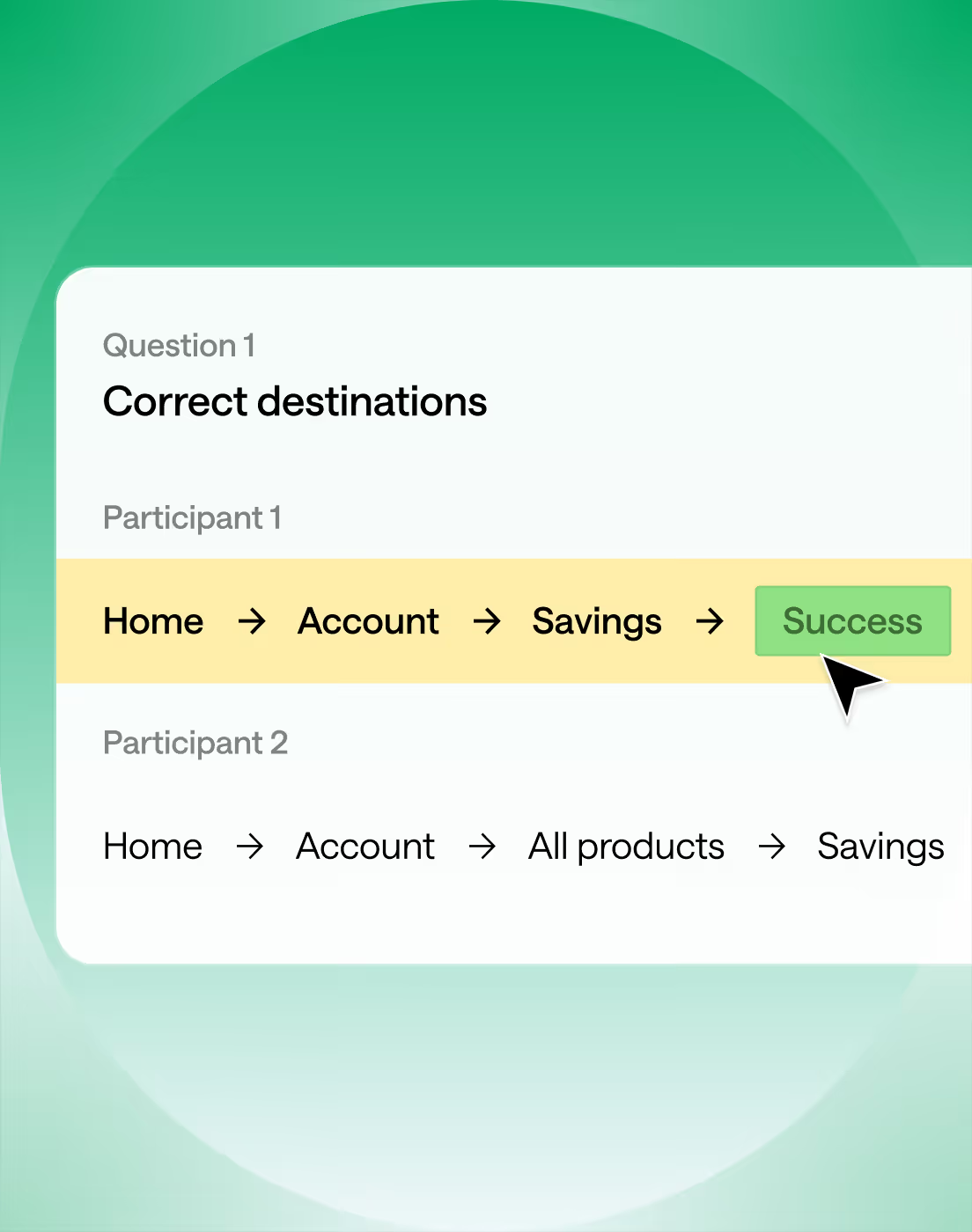
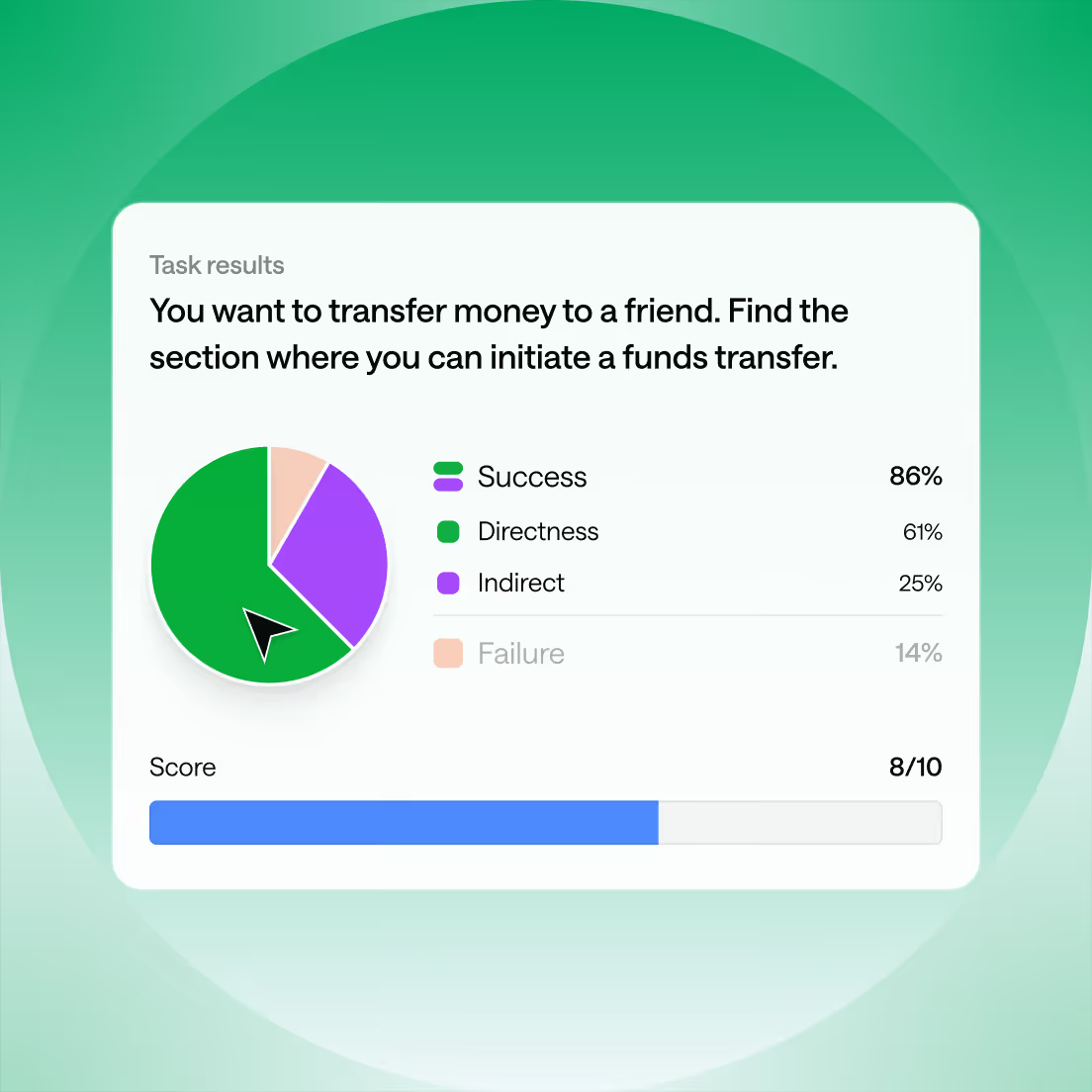
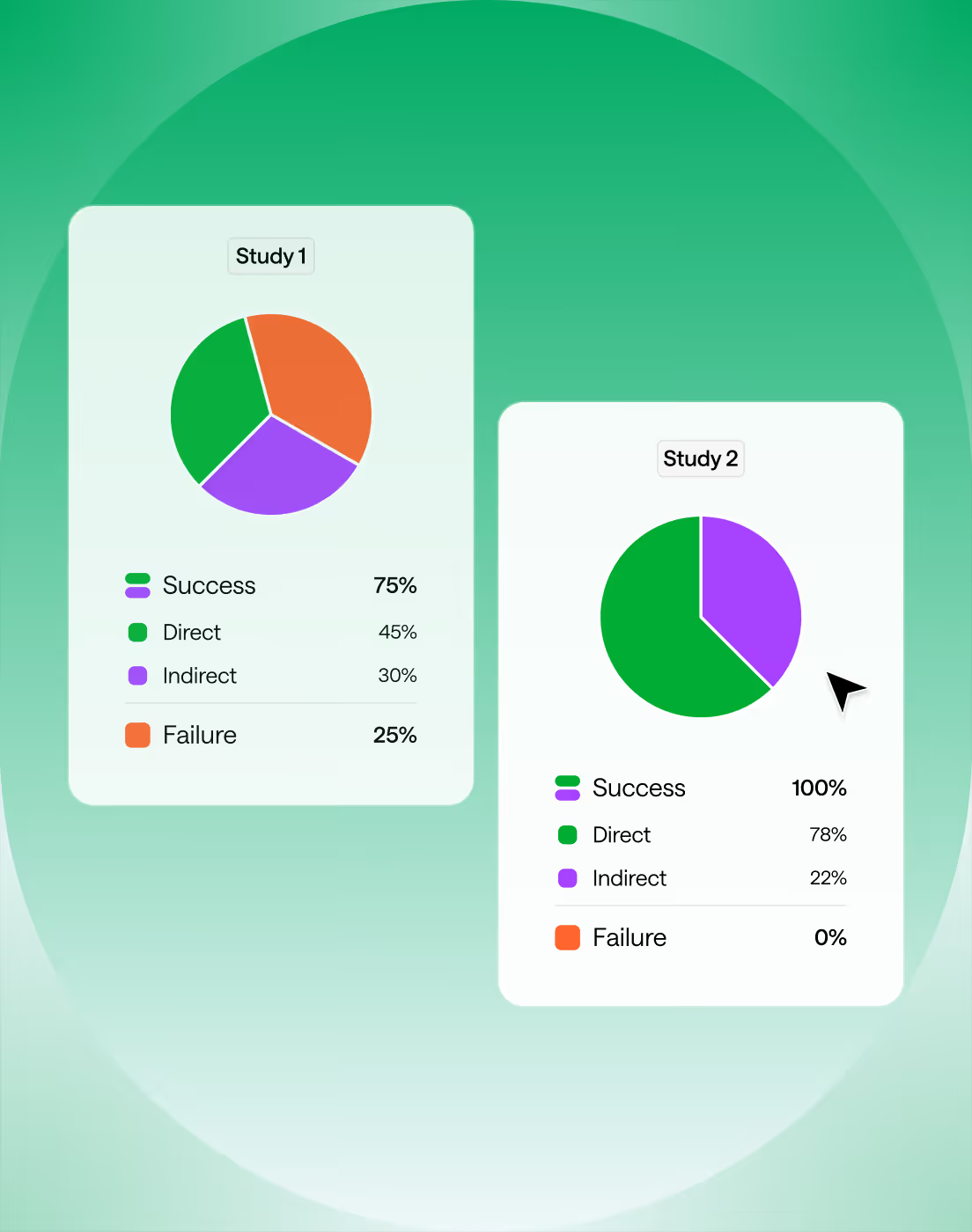
A healthy tree typically shows success rates of 80% or above, with most participants finding the correct answer directly, meaning they didn't backtrack. There's no universal benchmark for directness, what’s more helpful is looking at success and directness scores together.

For example, if you have a high success score but a low directness score, this may mean that your participants know what they’re looking for but are starting down the wrong path to find it. In this case, it’s a good idea to investigate further into the exact paths and where participants are backtracking.

What tree testing software should I use?

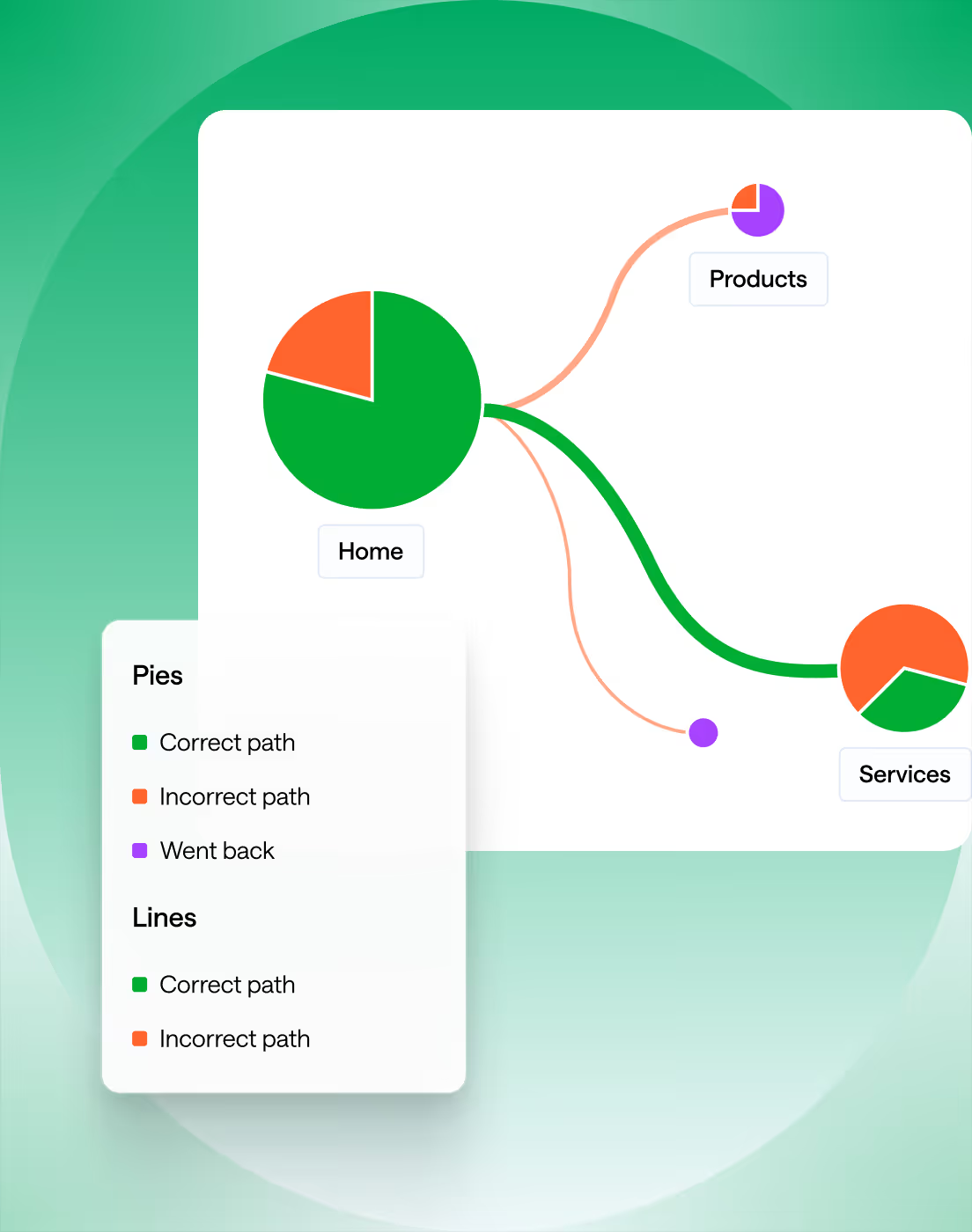
Optimal's tree testing tool pioneered tree testing and remains the most widely used tool in the field. It handles tree building, task setup, participant recruitment, and analysis including pietrees and path data in one place.

How do I know if my results show a labelling problem or a structural problem?

Look at where participants go wrong. If many users navigate to the right section of the tree but fail to find the correct item within it, the structure is sound but the labels inside that section are unclear. If users scatter across multiple unrelated top-level categories, the problem is structural and your categories don't match how people think about the content. A single wrong node attracting a high proportion of incorrect answers usually points to a misleading label specifically, rather than a broader architectural issue.

How do I present tree test findings to stakeholders?

Lead with tasks, not metrics. Rather than opening with overall success rates, walk stakeholders through two or three specific tasks; show where users went, where they got stuck, and what that means for someone trying to complete a real goal on the site. Pietrees are useful for showing path distribution visually. Frame problems in terms of user impact ("one in three people couldn't find the pricing page") rather than research jargon, and pair every problem with a clear, actionable recommendation.

Seeing is believing

Explore our tools and see how Optimal makes gathering insights simple, powerful, and impactful.