Building the future of user insights through three core principles:
We believe in empowering anyone to conduct meaningful user research so they can confidently deliver the right experiences.
We believe user research should take days, not weeks. With intelligent automation doing the heavy lifting and AI-driven insights, we make sure time and cost never stand in the way.
We believe teams can influence better business decisions when they can effectively translate data and interviews into clear, actionable insights and narratives.
Every interaction shapes how customers perceive your brand, influences purchasing decisions, and drives long-term loyalty. When usability falls short, the impact is immediate and measurable.
Whether you're designing new products, optimizing existing experiences, or validating strategic decisions, Optimal helps teams gather real user insights to create exceptional user experiences that drive business growth.
Optimal is a comprehensive user research and insights platform that transforms how businesses understand and engage with their customers. Connect with your target users so you can understand their needs, validate your assumptions, and optimize the right solutions with data-driven insights.
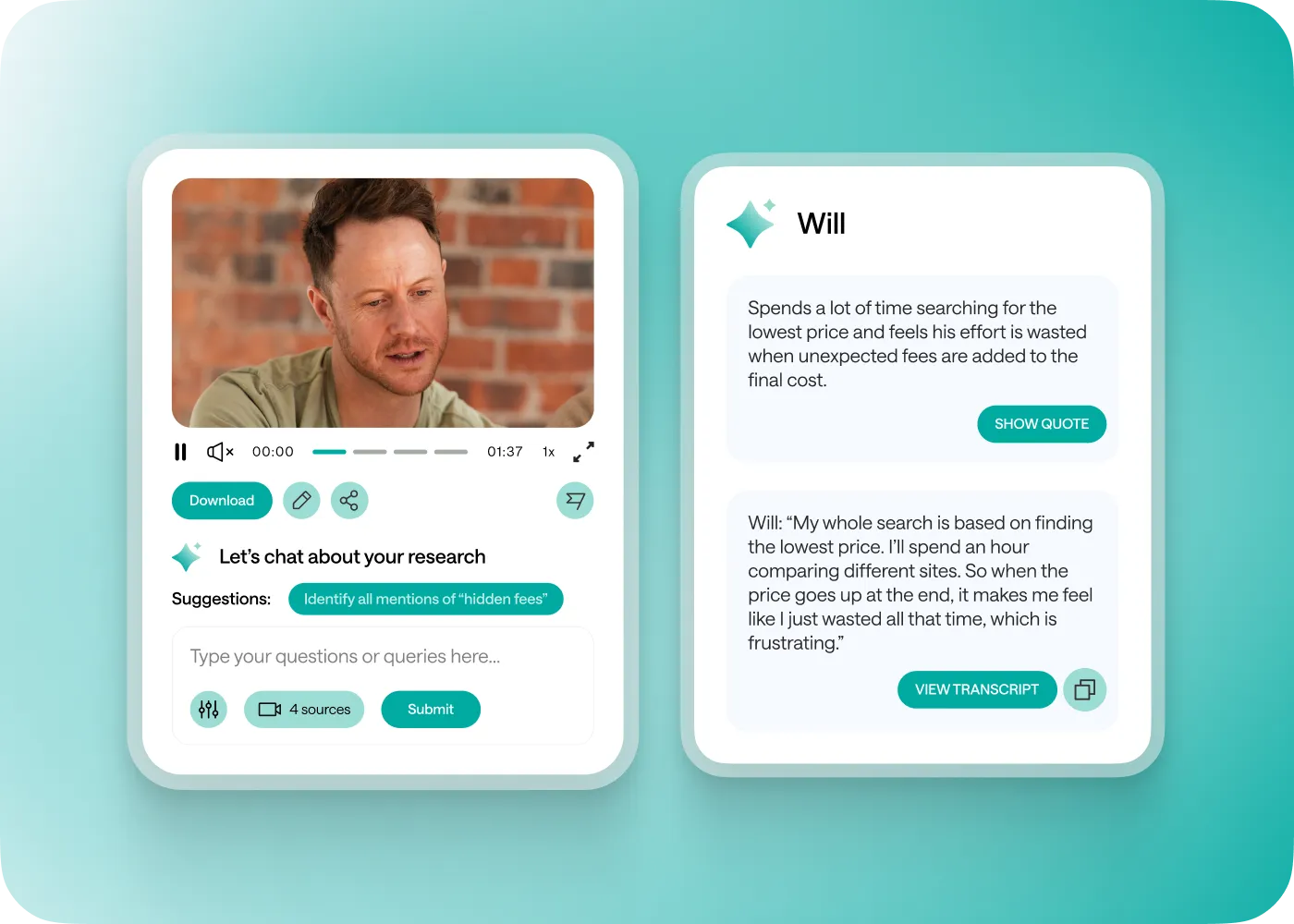
With Optimal's Interviews, you can streamline and automate your workflow from recruitment through to analysis end-to-end and turn hours of videos into minutes of clarity and actionable insights. Recruit, schedule, record, and analyze all in one place. Make scheduling seamless with video conferencing integrations like Zoom and Google Meet, and calendar integrations that keep your availability up to date. You can also set sessions to record automatically and upload directly to Optimal Interviews. You can also begin by uploading your videos. Optimal's AI will automatically analyze your recordings and surface key themes, insights, and highlight reels. Use AI Chat to summarize, rephrase, generate new evidence, highlight reels, or insights and help you see patterns across data you might otherwise miss.
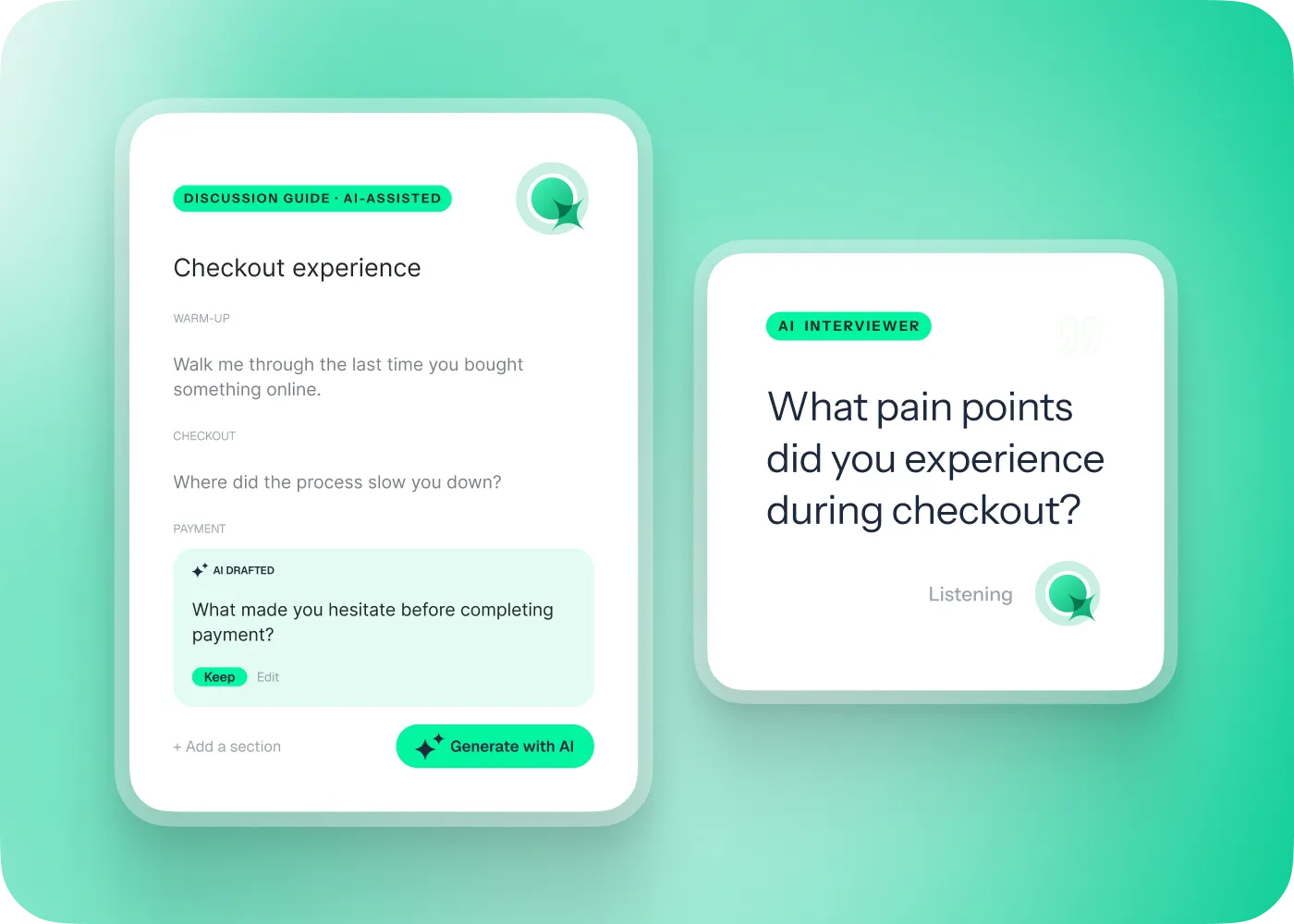
Run interviews at scale without losing depth. Give the AI Interviewer the information it needs to conduct meaningful conversations and deliver insights that stay aligned with your research objectives. Guided by your study context, discussion guide, and research goals, the AI Interviewer can intelligently adapt in real-time and probe further when needed. Explore automated summaries, key themes, insights, and highlight reels. Now in Early Access.
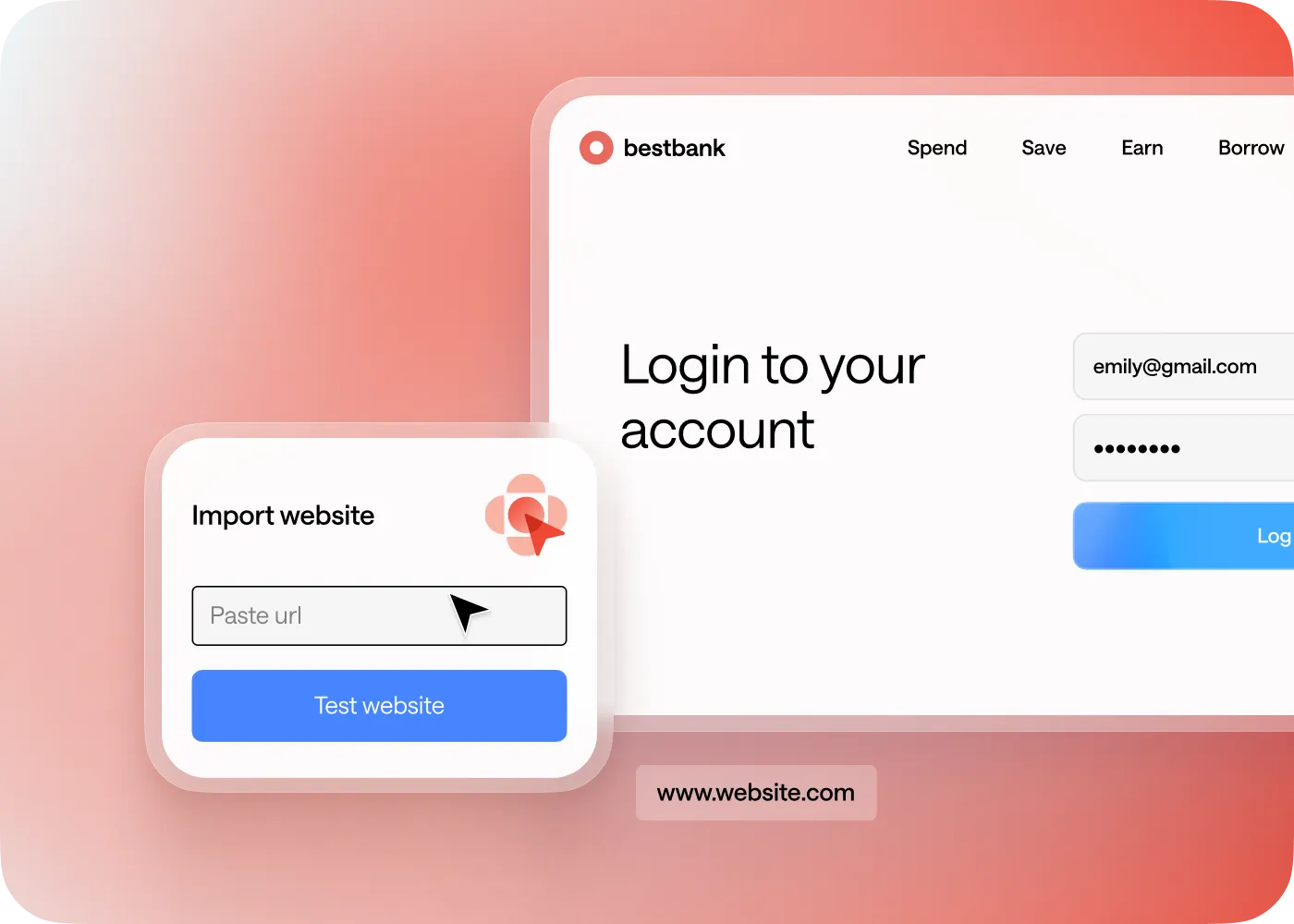
Test any live website or web app - production, staging, a competitor’s website, or AI prototype. No code needed. See where users hesitate, struggle, or drop off with video recordings. Collect insights across desktop, mobile, and tablet experiences.
Test designs with users throughout the design process. Import prototypes from Figma or build your own from scratch in minutes. Get a clear snapshot of participant performance with task results and clickmaps. Then, uncover the why behind user actions with video recordings. Validate your design direction early on for desktop and mobile experiences.
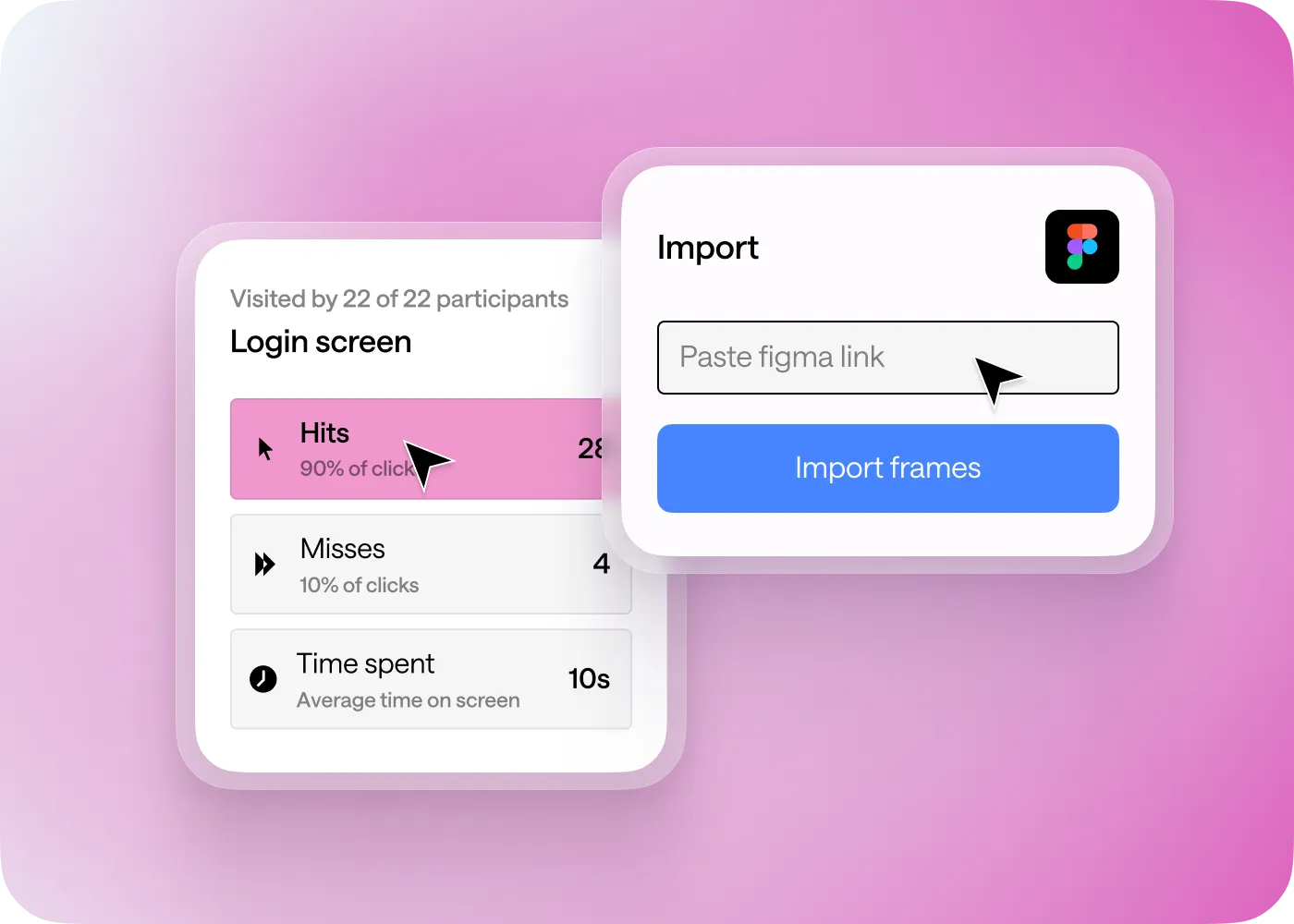
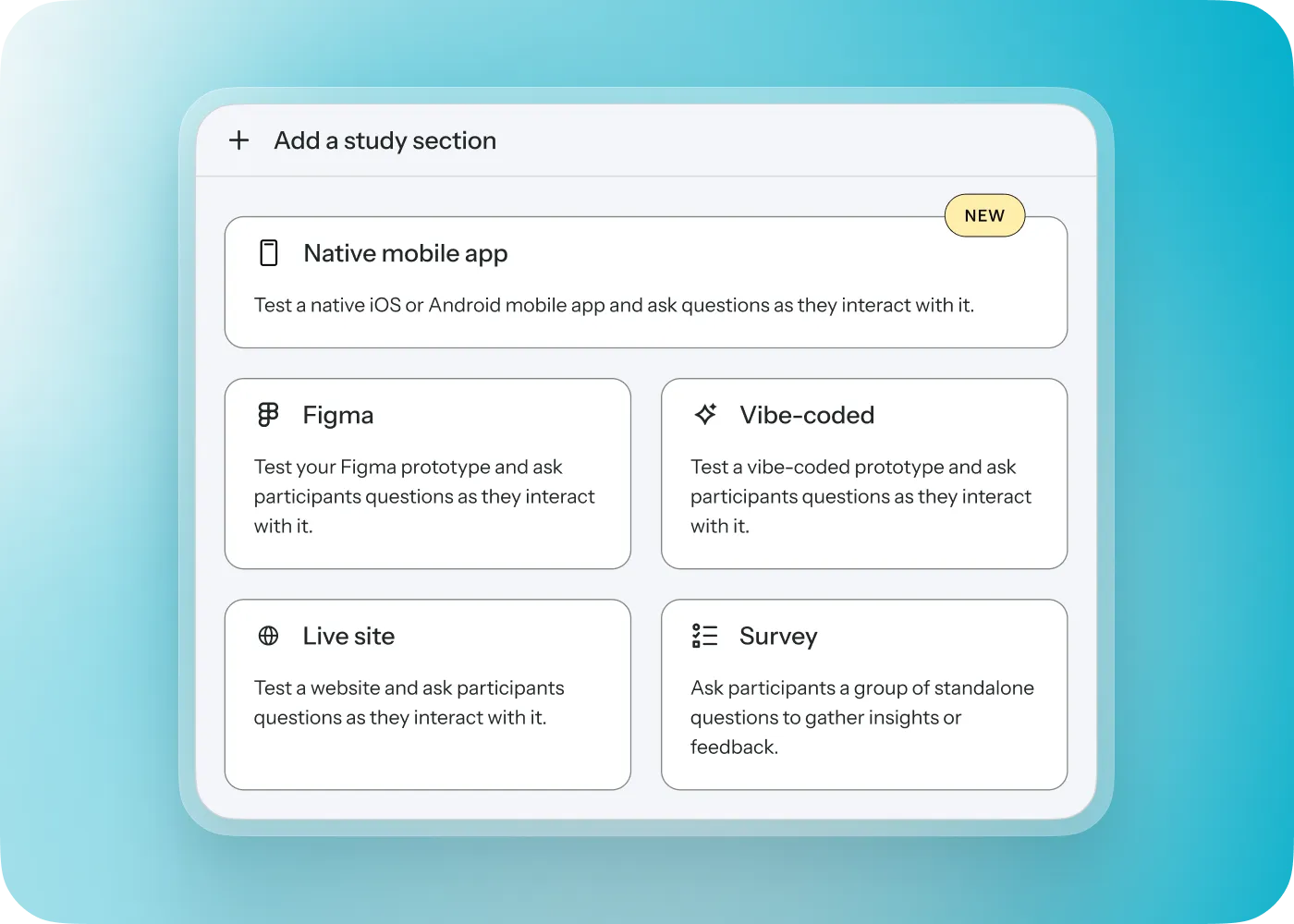
Run prototype tests, live site tests, and surveys together with one usability mixed methods study in Optimal. Compare concepts, benchmark live experiences, and get richer insights, clearer comparisons, and faster decisions from a single workflow.
Optimal Intelligence and AI-powered analysis help surface themes, sentiment, and key moments so you and your team can move faster from feedback to actionable UX insights.
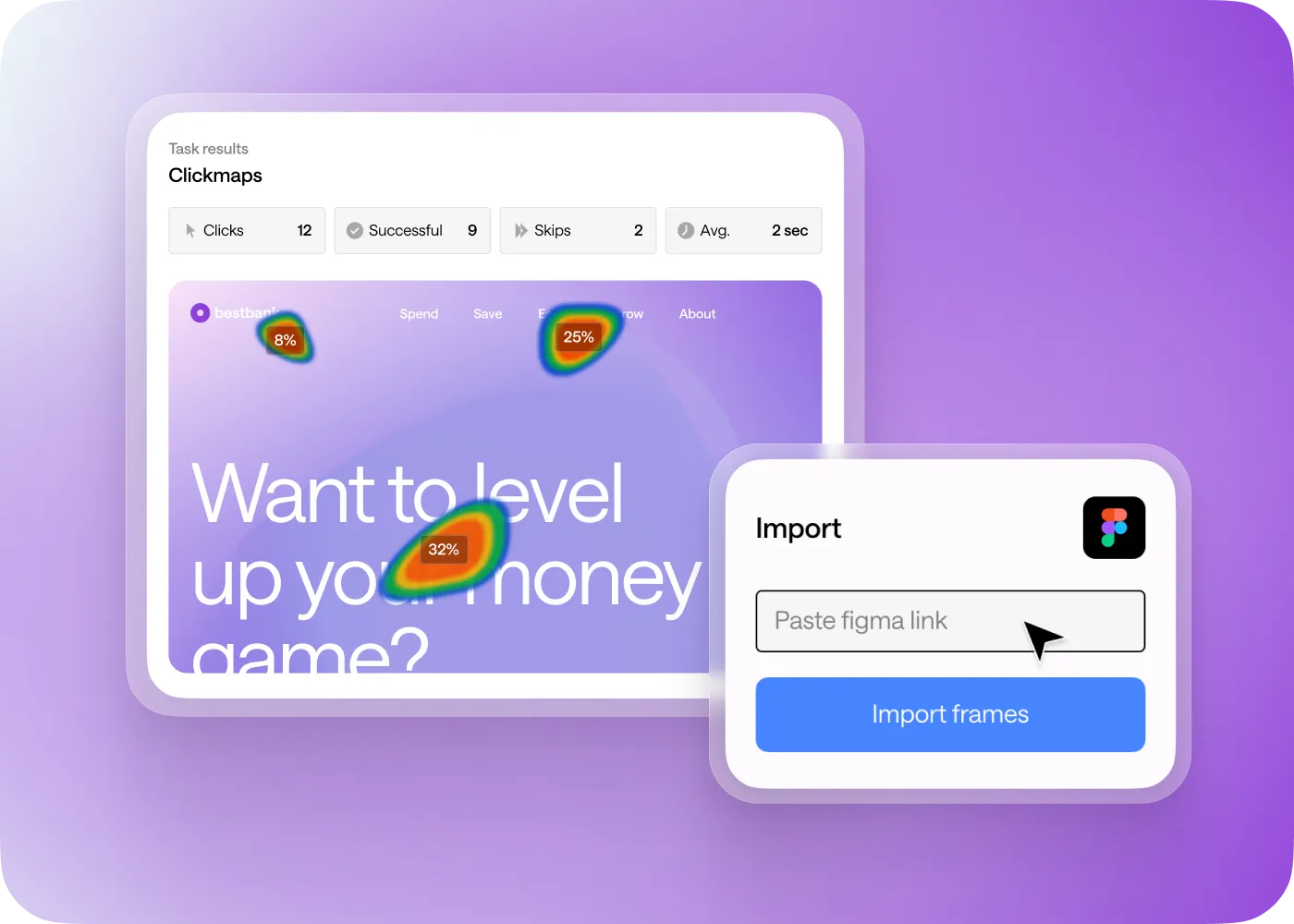
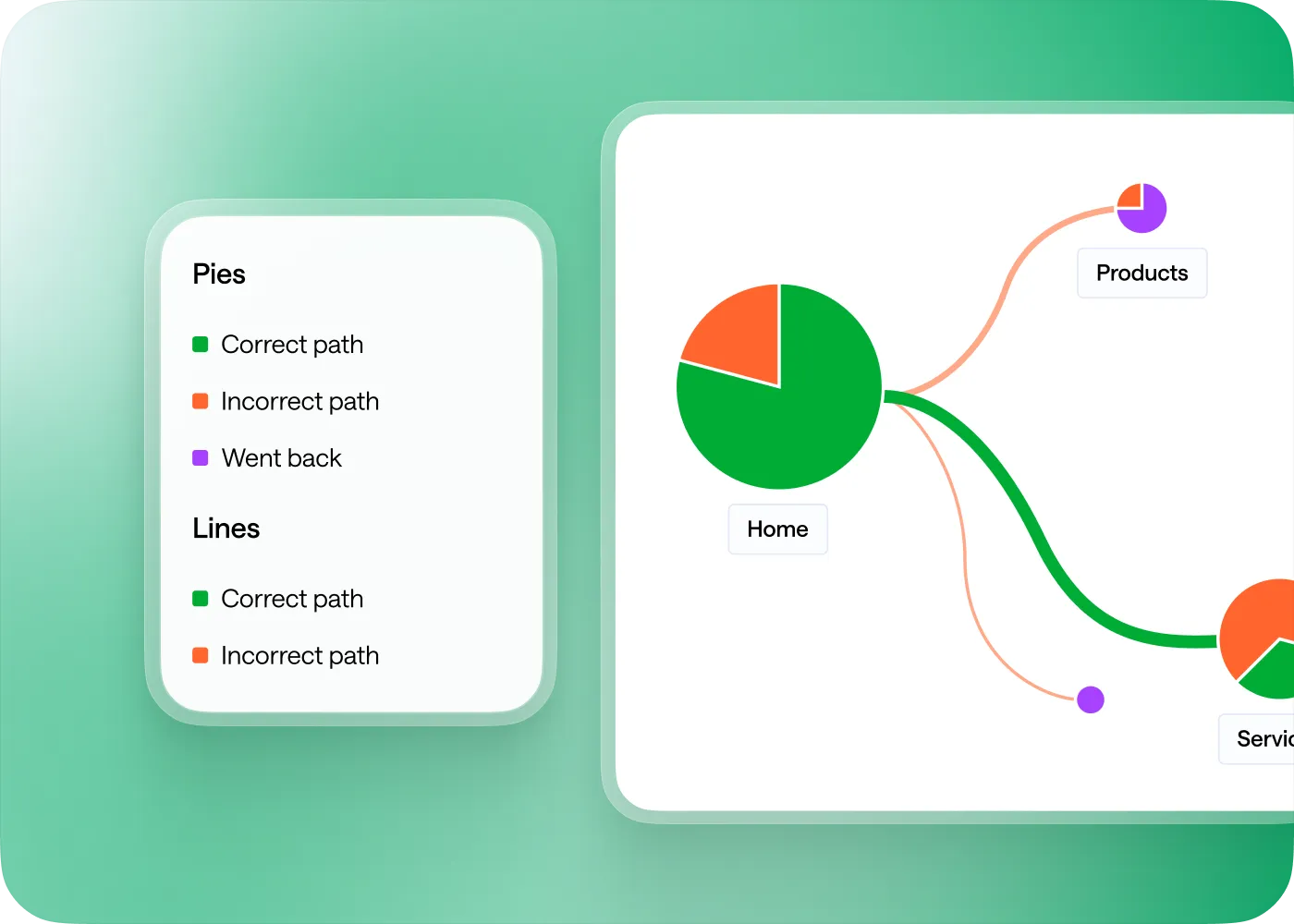
First-click testing results can tell you if your customers are able to find what they’re looking for quickly and easily, and if not, where they click instead. Quickly pinpoint navigation problems, enhance findability, and design websites that people can use with ease.
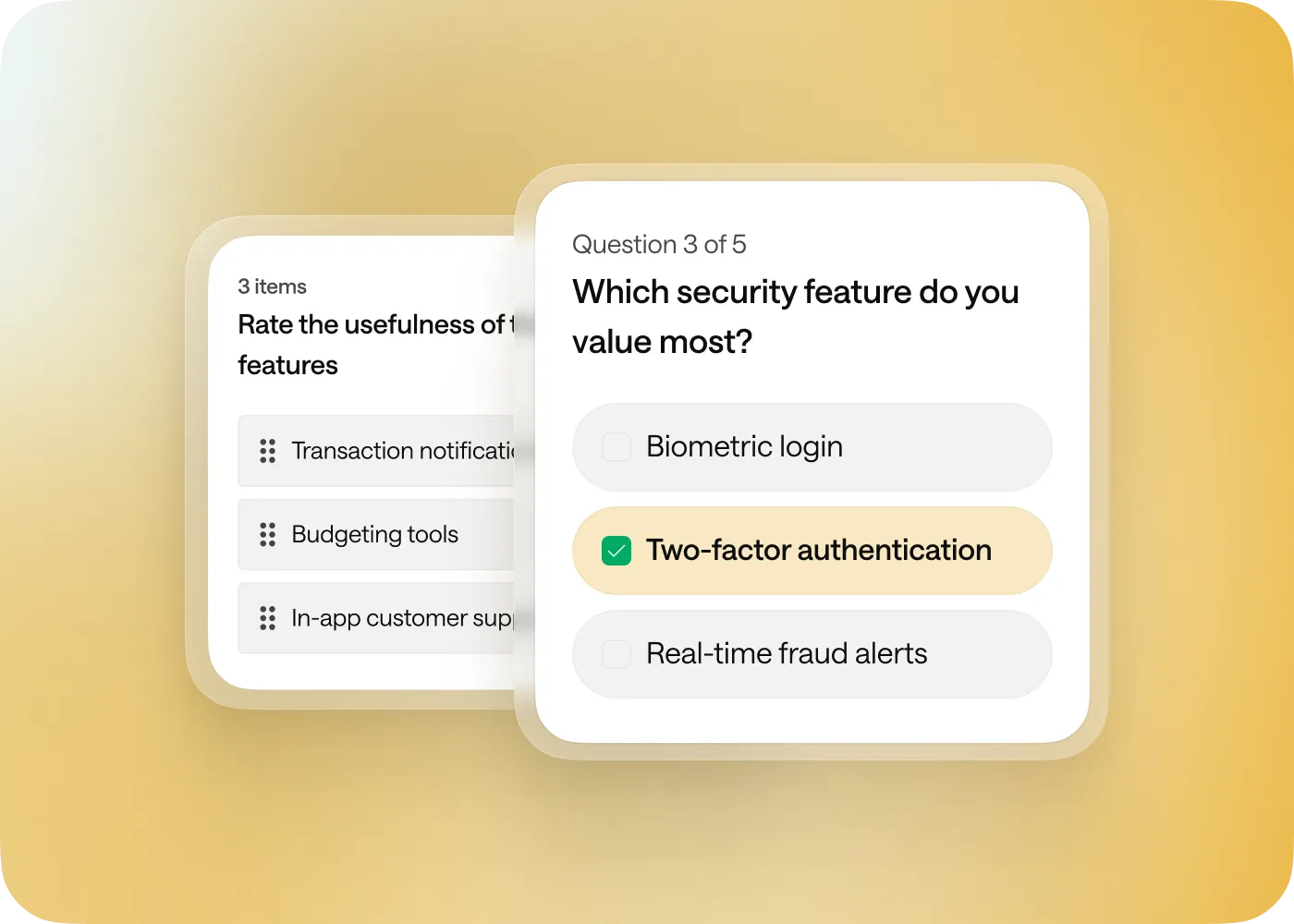
Build surveys quickly and easily in 80+ languages, with advanced logic and a variety of question types.
Discover how people conceptualize, group and label ideas. Organize your content with confidence and create experiences that are natural and intuitive for your target audience.
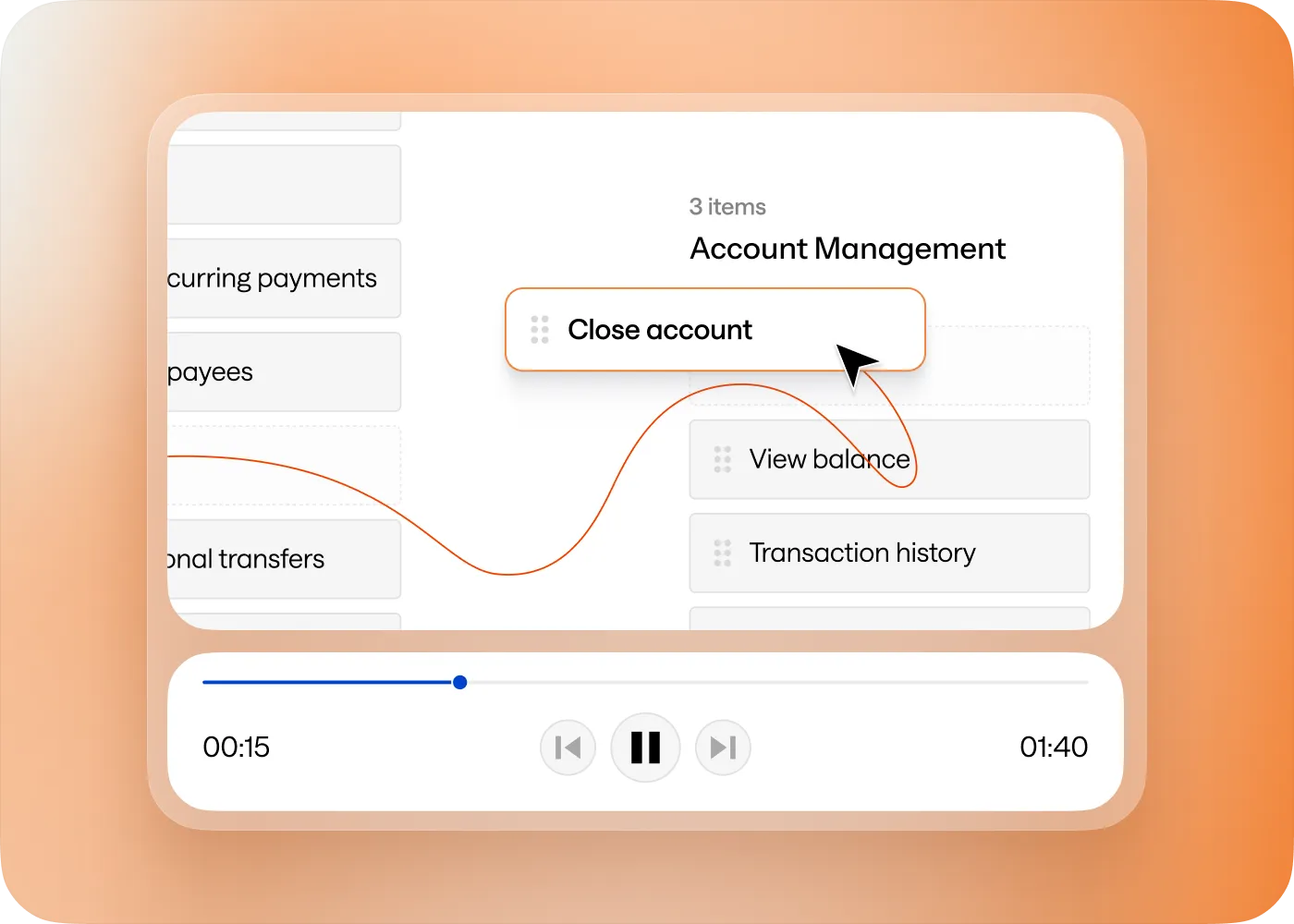
Evaluate the findability of your content. Test, iterate and validate your design decisions with a text-only version of your app/website structure to build an intuitive digital experience or site structure that’s simple for your users to navigate.
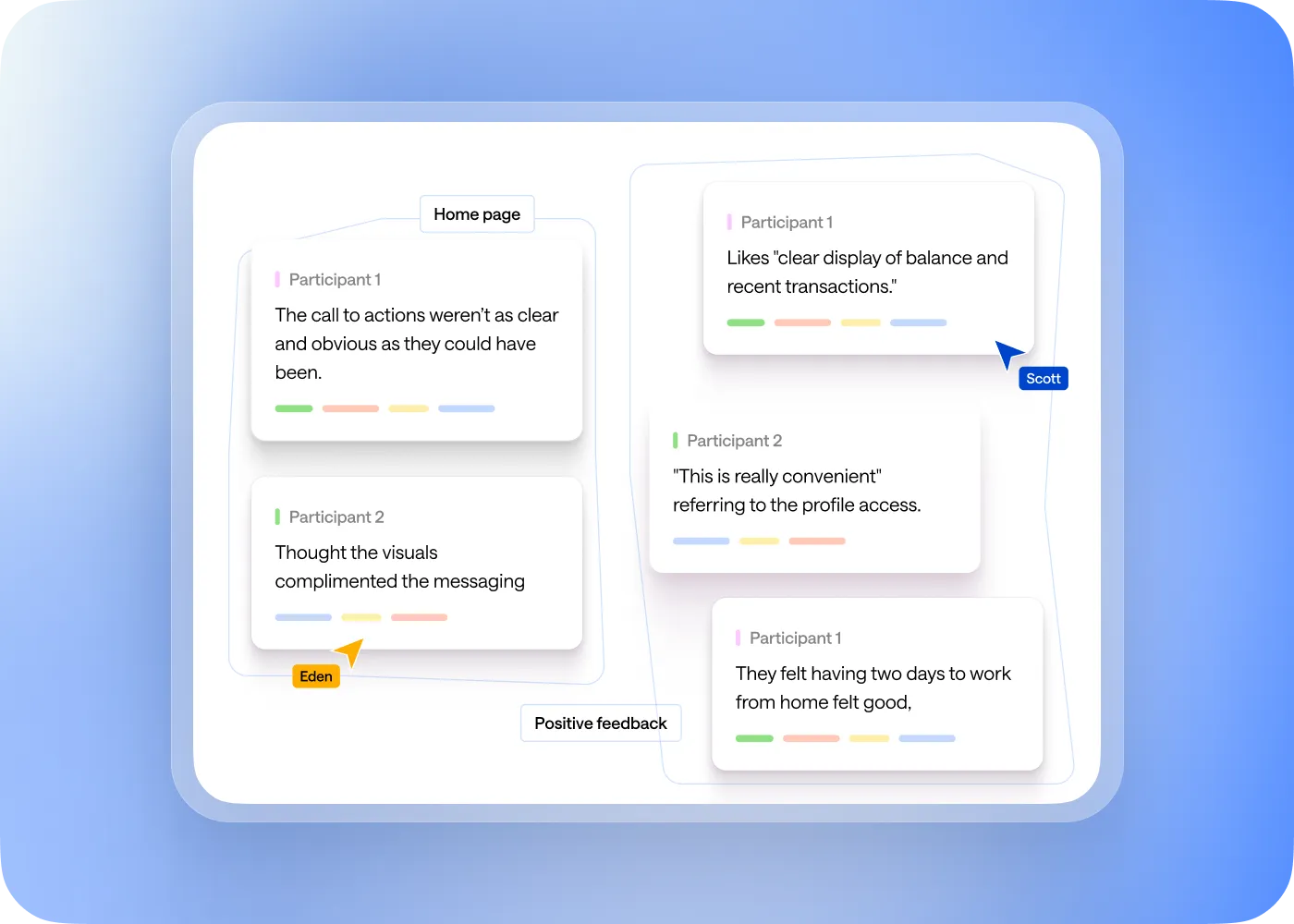
Leverage one tool to power your qualitative research workflow. Capture and organize interview data, import transcripts, tag and visualize your data.
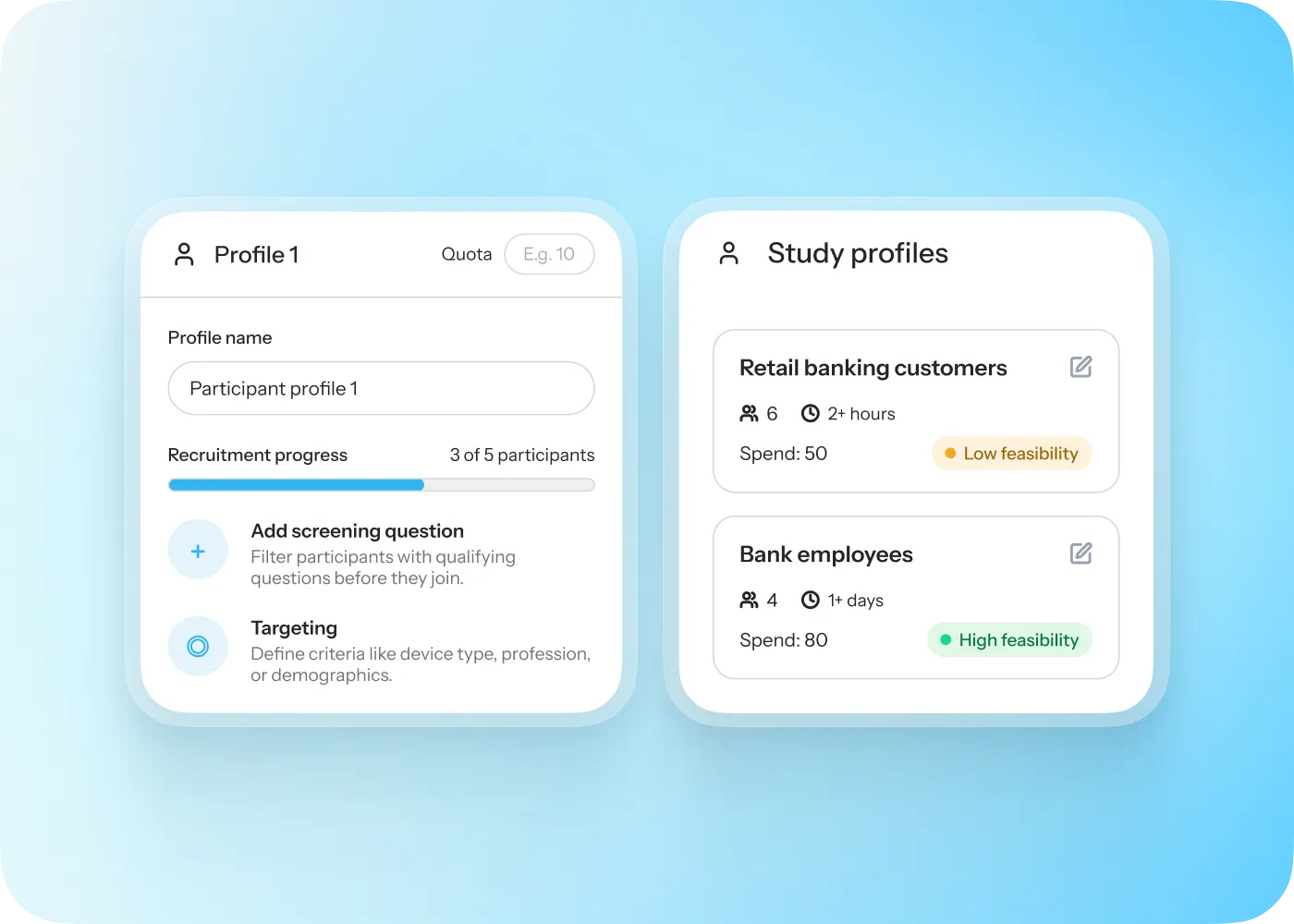
Reach millions of B2B and B2C user testers in 150+ countries ready to take part in your studies using Optimal Recruitment to order participants instantly in Optimal or specialized services for dedicated, in-house support.
Optimal is built to support your entire product development lifecycle, from discovery, iteration, validation through to the optimization of the experiences that you deliver.

Whether you bring your own participants, use Optimal’s recruitment panels and services, or leverage external panel providers, Optimal gives you the flexibility to recruit the right user testers consistently and efficiently so you can launch studies faster, run them more frequently, and quickly scale research across multiple projects.
Here’s a breakdown of your recruitment options with Optimal:
You can purchase recruitment credits in Optimal to apply to Optimal Recruitment or specialized recruitment services.
Optimal lets you invite your own participants with a study link, QR code, or intercept snippet at no extra cost, giving you full control over who takes part in your studies.
You can order user testers instantly inside the Optimal platform. Target B2C or B2B participants for unmoderated and moderated studies as well as recruit for video/audio/screen recordings.
For teams that want expert support, Optimal’s specialized services tap into multiple panels to access over 20 million participants across 150 countries. Multiple panels allows Optimal to fulfill quotas more quickly and easily.
Whether you're looking for a broad audience or something highly specific, we can help you find the right people to take part in your study.
Optimal handles:
Optimal works seamlessly with any panel provider, such as User Interviews, Respondent, PureSpectrum, Prolific, Dynata, Askable, and Cint.
Certain panel providers, like User Interviews, offer additional benefits through direct integration with Optimal. You can automate participant tracking and see participant status in real time in your panel provider platform as user testers complete your studies.
To get started with recruitment, visit the Recruit tab in your Optimal studies or submit a request to the Optimal team.
The following includes key initiatives that the Optimal team is working on in H2 2026. To keep up-to-date with the latest updates, please visit our release notes.
Easily recruit and screen qualified B2B and B2C participants for your interview sessions. Review applicants, select the best fit, manage multiple recruitment profiles and quotas in a single study, track progress in real time, and message participants securely. When interviews are complete, recordings flow straight into Optimal for automated insights, highlight reels, AI Chat, and storage in Optimal Interviews.
Build a profile for exactly who you need for your study with demographics, location, job title, seniority, company size, industry, B2B, language and proficiency targeting. Recruit for multiple audience profiles for a single study, set quotas, automatically exclude previous participants, and save reusable profiles to accelerate future recruitment and analysis. Now live in Optimal.
Guided by your study context, discussion guide, and research goals, the AI Interviewer adapts intelligently in real-time. Customize a discussion guide, response patterns, and follow-up propensity to match your research preferences. Free up your time so you can focus on insights and accelerate decision-making. Review automated key themes, insights, citations, transcripts, and highlight reels. Dig deeper into recordings with AI Chat.
By making research data accessible beyond Optimal, enterprise organizations can combine customer insights with other business data and scale the impact of research across teams. Teams can use the API to integrate Optimal research and study data directly into data warehouses, BI platforms, internal dashboards, analytics tools, and custom applications.
Test iOS and Android native apps with real users. Watch how people navigate, interact and complete key tasks to uncover friction you might otherwise miss. Get insights to make confident decisions around your mobile designs and experiences. Now available as part of Optimal's Usability Testing tool.
Accelerate recruitment with your own participant lists. Import your own panel or database to Optimal and create reusable lists. Recruit from people who know your product, brand, or service, such as customer lists or participants you have already tested with and trust. Add notes and custom tags to organize your panel, then filter to pick who to invite next. Easily invite, message participants, and manage incentives directly from Optimal.
Bring qualitative and quantitative insights together for live site and native mobile app tasks in Optimal's Usability Testing tool with computer vision. Define what task success looks like, and AI will analyze participant videos to identify successful and unsuccessful behaviors, automatically turning observed interactions into measurable results. Optimal will continue expanding the signals computer vision can detect and analyze, such as facial expressions, click behavior, and other interaction patterns, to provide an even richer understanding of the user experience.
Combine AI-powered analysis with human expertise, giving people who do research greater control to shape, build and edit insights, and add context through transcript annotations.
With an Observer Room in Optimal Interviews, you can invite teammates to watch live interview sessions without joining the call or interrupting the conversation. Give stakeholders a closer look at how participants think, behave and respond, so everyone can build a shared understanding of the research as it happens.
Admins can invite and assign members to the Edit-only member and Viewer role. With the Edit-only member role, team members can create, edit and manage studies without launching them or ordering participants. The viewer role gives team members access to view study tabs, content and results without the ability to create or edit studies.




Better understand users’ interactions and expectations on mobile and web apps to identify gaps and improvements for the Gemini experience.
Used Optimal to test key Gemini features, including upgrading to a paid plan, sharing and saving chats, and verifying the accuracy of AI-generated responses. Ran a prototype test with more than 12,800 participants to evaluate whether users could find help when using Gemini with Google Sheets.
Identified significant findability issues across the Gemini experience. 91% of participants failed to locate the option for a verbal conversation with Gemini on mobile, while only 19% successfully found help with Gemini in Google Sheets. These findings highlighted clear opportunities for next steps to improve feature discoverability and navigation.

Understand how users interact with and compare different mobile designs. Identify which visual elements, layouts and interaction patterns best support usability, accessibility and appeal, and how preferences vary depending on the context of use.
Recorded usability sessions with 10 participants wearing eye-tracking glasses as they completed tasks across multiple mobile apps, including Google Fitbit and Gmail, comparing two design variations side by side. Analysed seven hours of video with Optimal’s Interviews tool using automated transcription and AI-generated insights to identify key themes, pain points, positive sentiment, design preferences and opportunities for improvement. Participants also rated each design on visual appeal, modernity, cleanliness and usability.
Identified overall preferences for certain presented designs. Research also revealed that design preferences were context-dependent, with users favouring simpler interfaces for utilitarian tasks and more vibrant designs for social activities. Insights highlighted opportunities to improve accessibility and usability through stronger visual hierarchies, personalisation options, bottom-screen navigation and clearer labelling.

Understanding how employees perceive, use and trust AI-generated career development insights, including initial impressions, accuracy, relevance and transparency of the information and comfort around sharing AI-generated information with their direct manager.
Ran a mixed-methods study, combining task-based live site testing and surveys with five-point rating scales, open-ended feedback, and speak aloud questions. Gathered ratings for ease of use, accuracy of AI, comprehensiveness, and understandability of AI.
Participants recognised the potential value of the Experiences page, while providing feedback around concerns and control. Participants provided a rich set of improvement suggestions spanning data sourcing transparency, editing controls, content prioritisation, sharing and export capabilities, and AI-driven role matching, pointing to a clear appetite for a more curated, actionable, and contextually rich version of the page.

Ahead of the Gemini 3 launch, Google needed to define its new product’s identity clearly, differentiating it from Google Search, Google AI Mode, and competitors like ChatGPT. The core problem was user ambiguity: Google needed quantitative data on which specific user roles e.g. Advisor, Thought Partner, Creator, Tutor users naturally associated with each tool to avoid confused messaging and ensure a successful 3.0 market entry.
Google ran four separate product evaluations. Participants sorted 21 role concepts into “Associate,” “Do not Associate,” and “Unsure” categories for each tool.
Generated a four-way comparative perception map, providing the quantitative evidence needed to precisely define the unique identity and role associations for the Gemini 3.0 launch strategy.
Improve conversion and reduce support overhead for YouTube Premium by making key features and account actions easier to find and navigate. Understand how users naturally group, label and prioritize actions within Settings, particularly those related to plan management, billing and self-service support.
Understand the efficacy of self serve and feature categorisation using card sorts.
Generated insights into how users expect to navigate Settings and discover key features, including managing subscriptions and billing, finding and sharing videos, accessing child protection features and resolving issues through self-service support. Findings helped prioritize improvements to the menu and user journeys, with the goal of increasing efficiency, reducing support overhead and improving user trust, satisfaction and conversion.
Optimal provides global coverage 24 hours a day from Sunday to Thursday, and from 9 AM - 5 PM GMT on Fridays.
To access live chat, log in to your account and access the messenger button in the bottom right. Then, click on Messages and Send us a message to get started.
You can also reach out to the team via support@optimalworkshop.com.
Access the help center at https://support.optimalworkshop.com/.
Follow us on: